
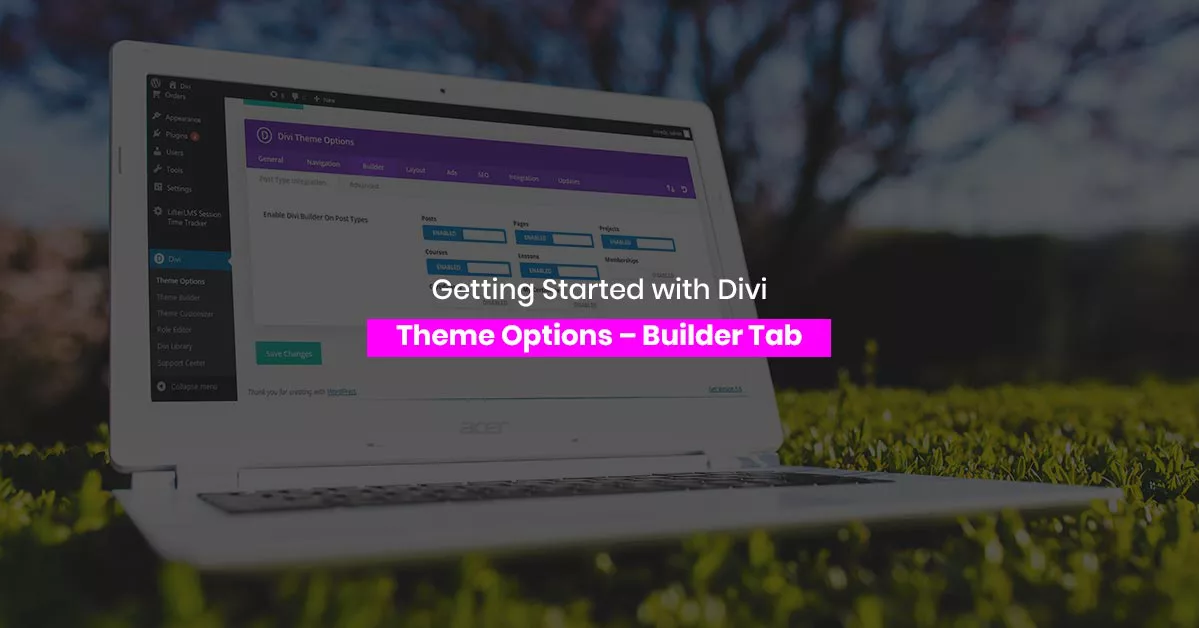
Getting Started with Divi Theme Options – Builder Tab
The Divi theme options Builder tab controls static CSS, the classic editor, post type support and advanced settings. Here is what each toggle really does.
Divi 5 tutorials, layouts and fixes from the team that builds Divi sites every week.
The Divi theme options Builder tab controls static CSS, the classic editor, post type support and advanced settings. Here is what each toggle really does.
The Divi theme options navigation tab controls which pages and categories appear in menus, dropdown depth, and sorting, which saves editing menus by hand.
Advanced settings hide the real control. Walk through Divi advanced settings for static CSS, minification, caching and custom code, and what each toggle does.
How to use Divi layouts from the library: import a premade design, save your own sections, and reuse them across pages without rebuilding from scratch.
Divi sticky options let any section, row, or module stick while scrolling, with separate sticky styles, offsets, and limits you set per device in the builder.
Design a custom Divi 404 page in the theme builder with a search box, popular links and a friendly line of copy, so lost visitors carry on browsing.
Divi presets store module styles once and apply them everywhere, so a single edit updates every button or heading on the site instead of dozens of modules.

Sell with the theme you already own. Building a Divi online store means WooCommerce, product templates, checkout styling and payment setup, step by step.

Freelancing with Divi pays once you productize: fixed-scope builds, child theme sales, care plans and layout packs. Pricing and positioning included.