Keep every page on your design tokens
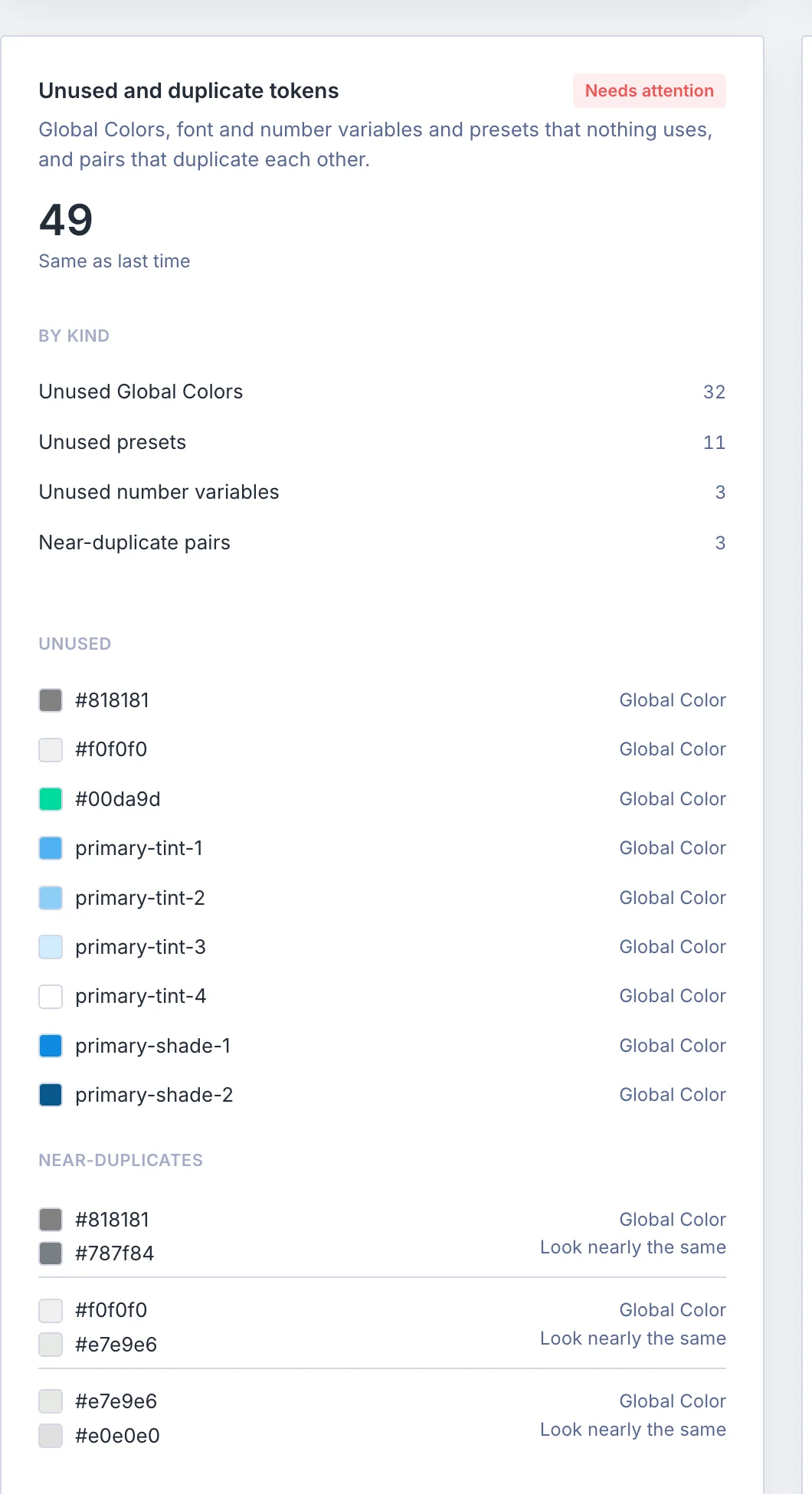
Approve the colours, fonts and sizes a site should use, then scan every Divi page for the values that do not come from them.
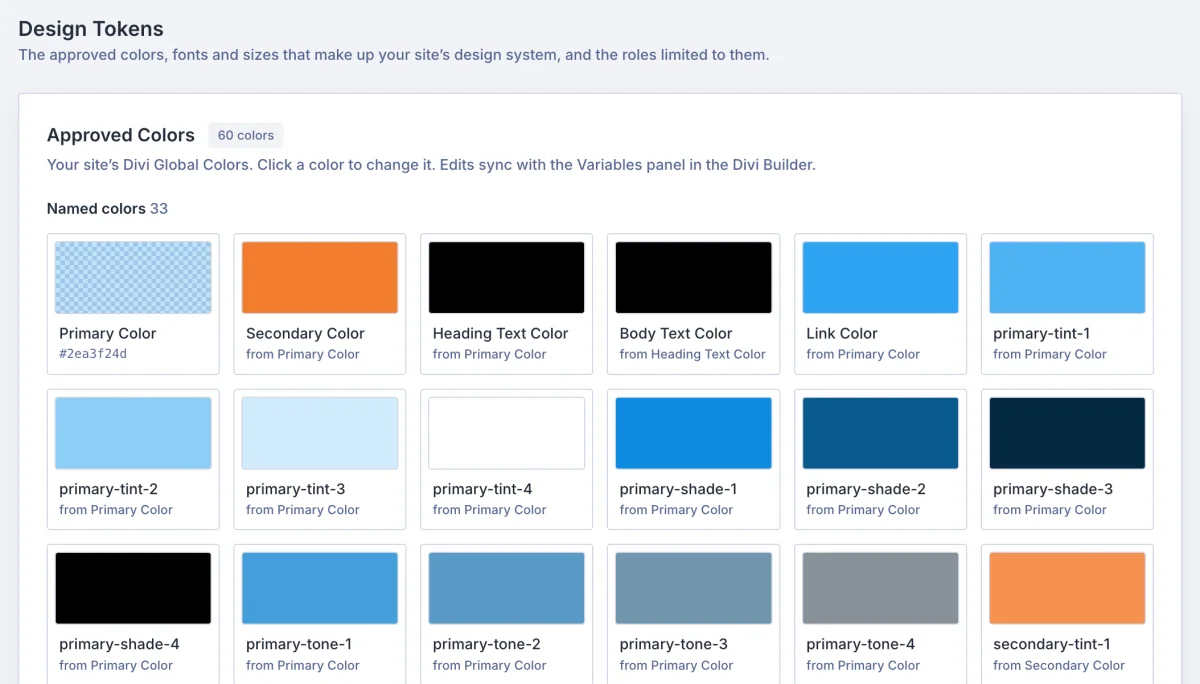
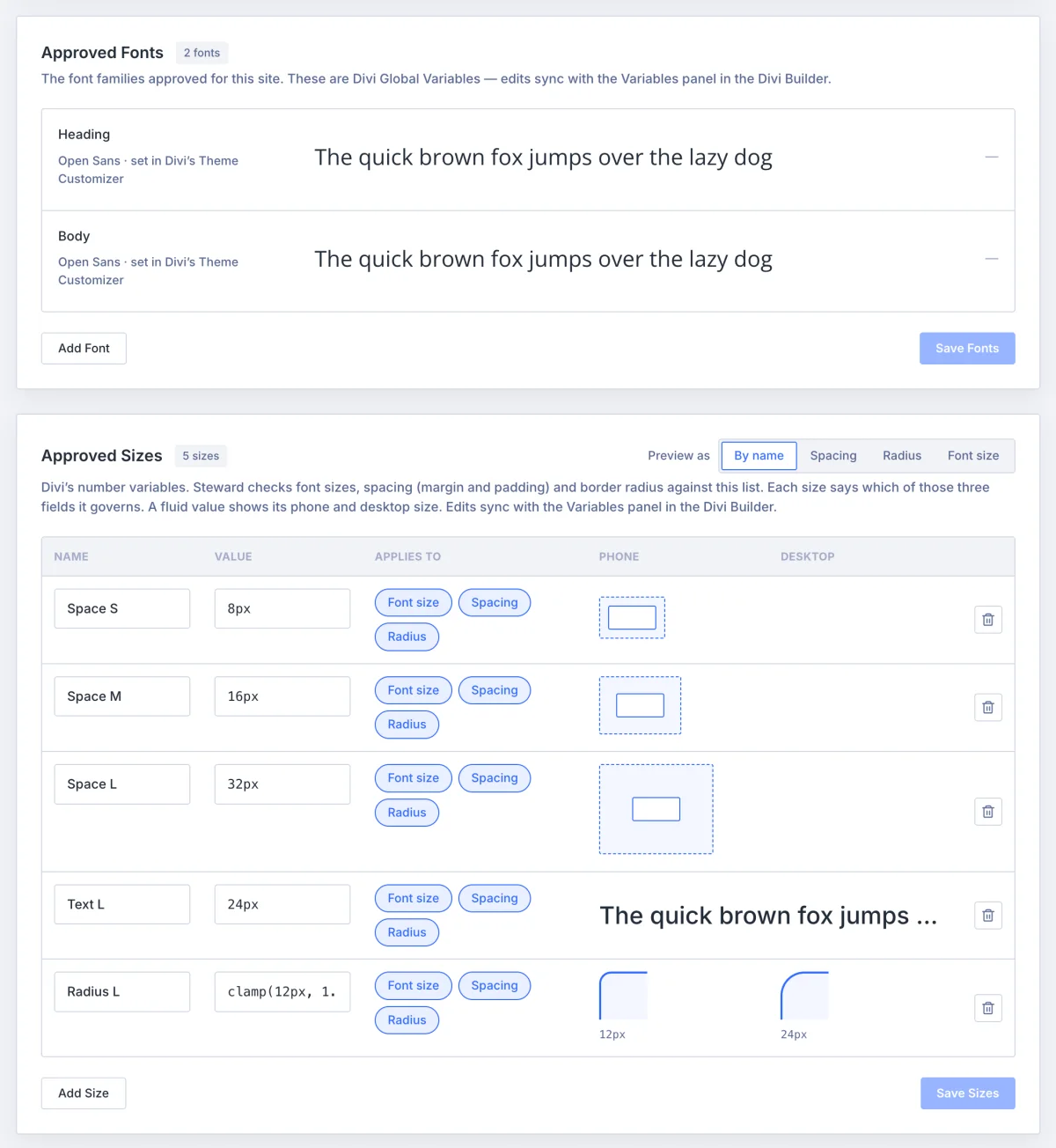
- The approved sets are Divi's own Global Colors and variables, edited on the Design Tokens tab with a preview of each colour, font and size
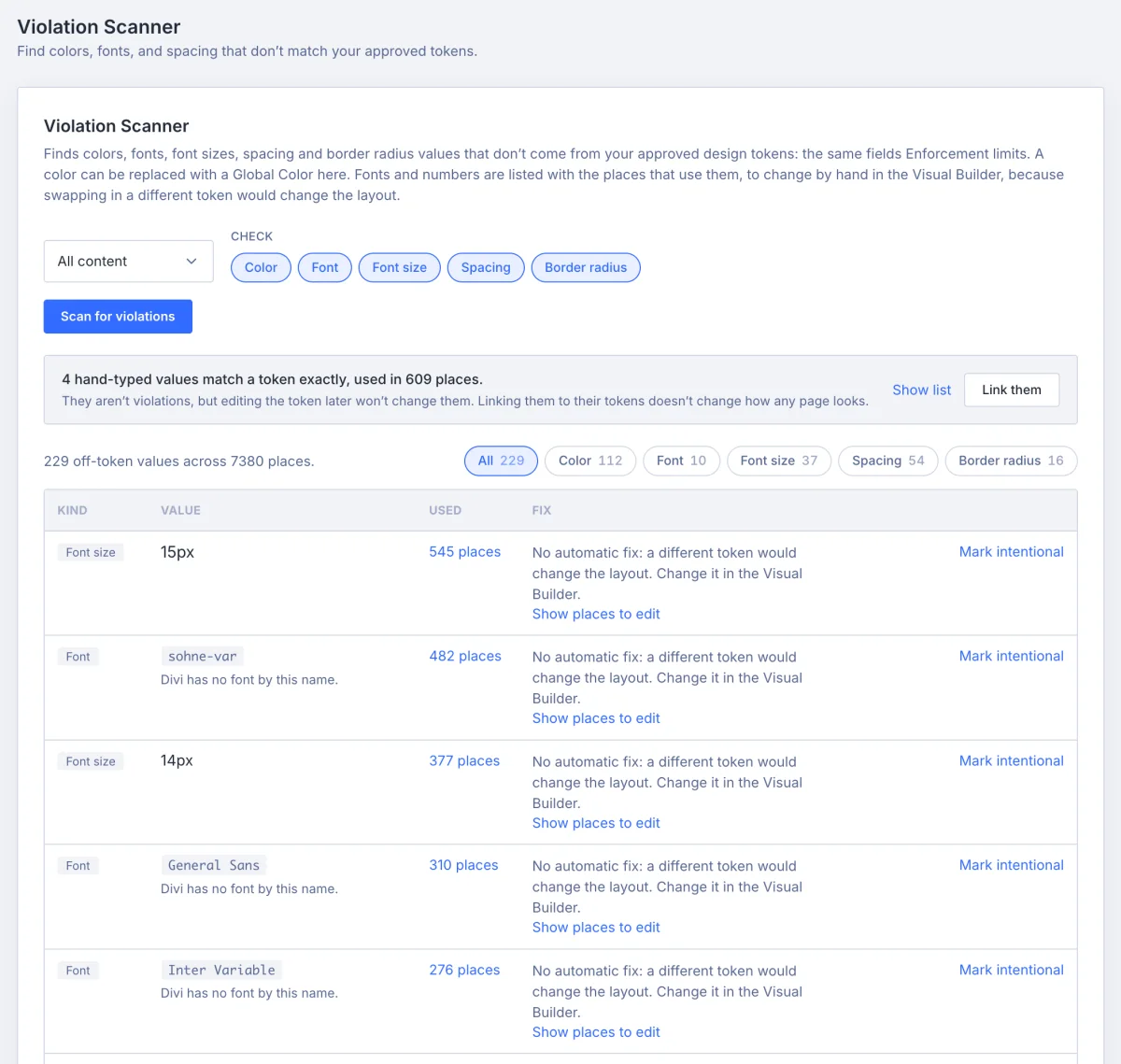
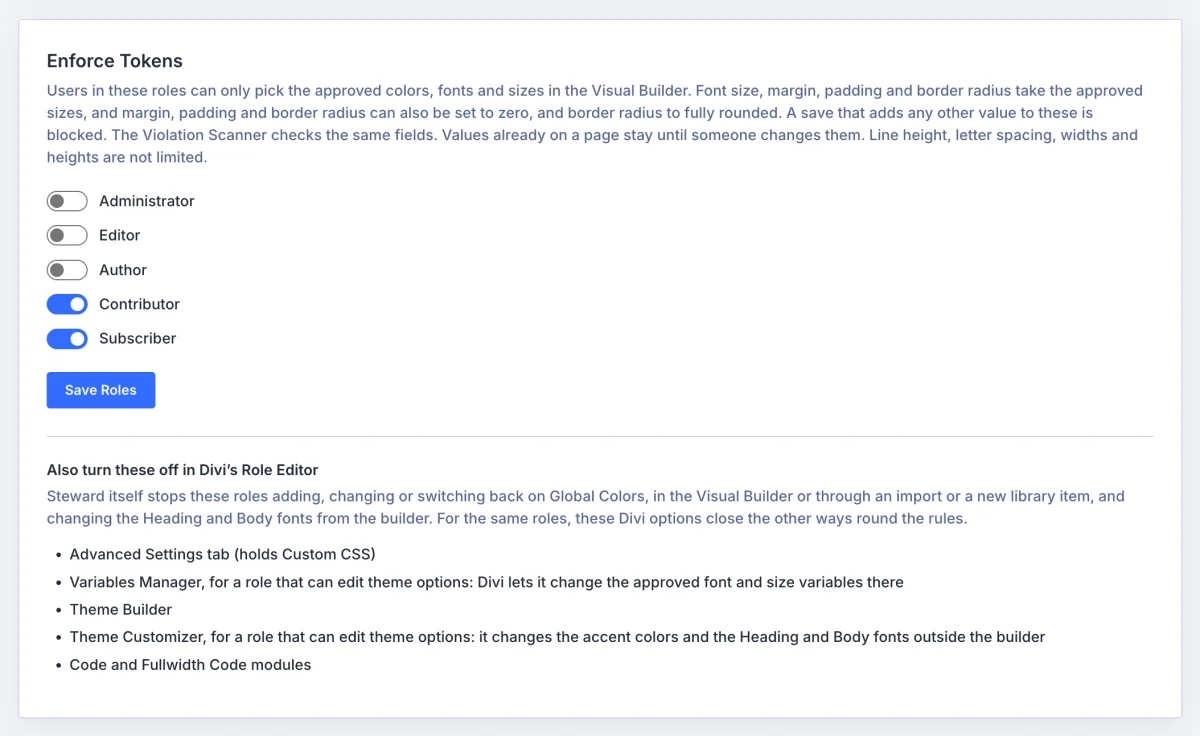
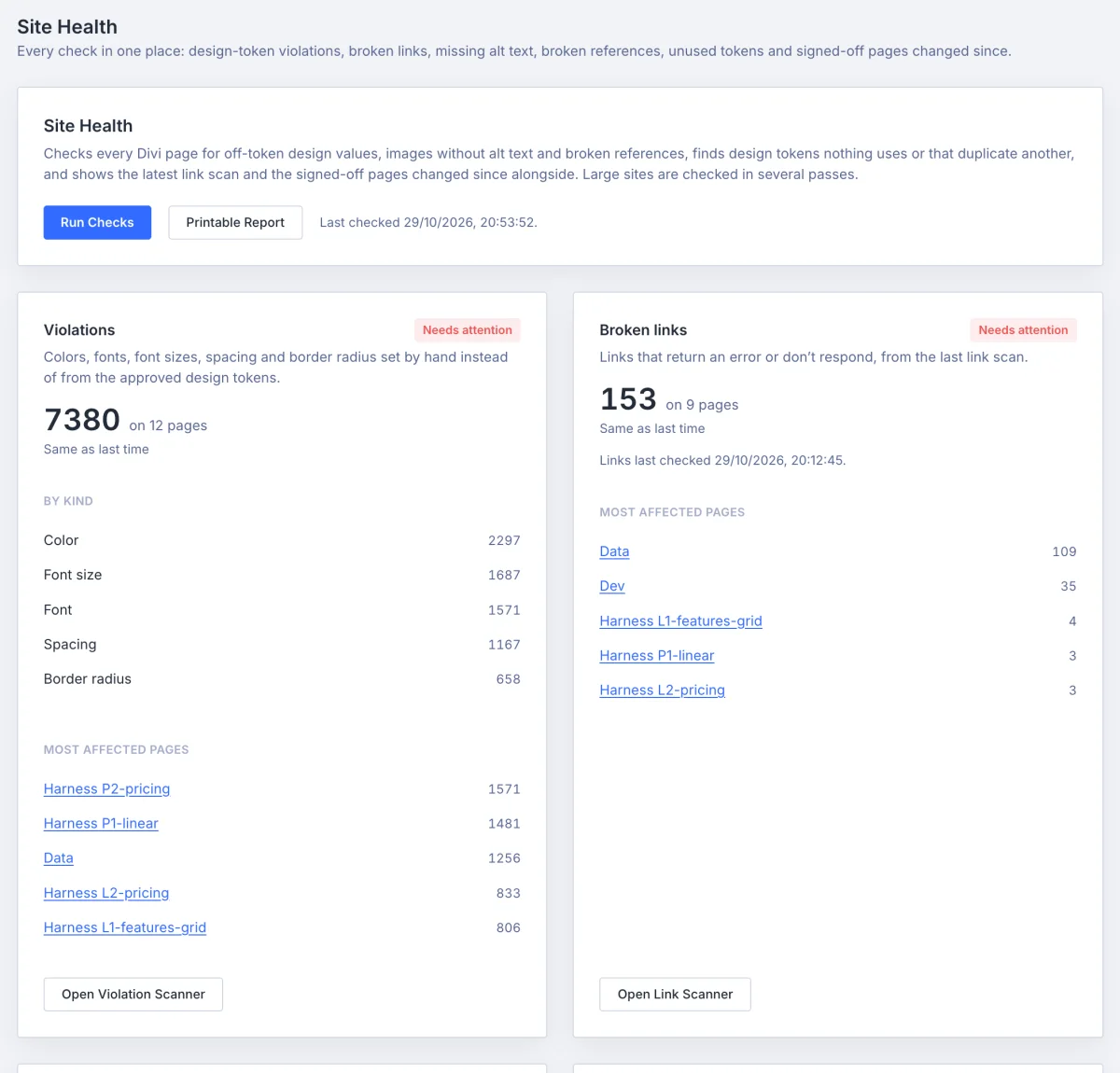
- The violation scanner checks colours, fonts, font sizes, margin and padding, and border radius in every Divi module
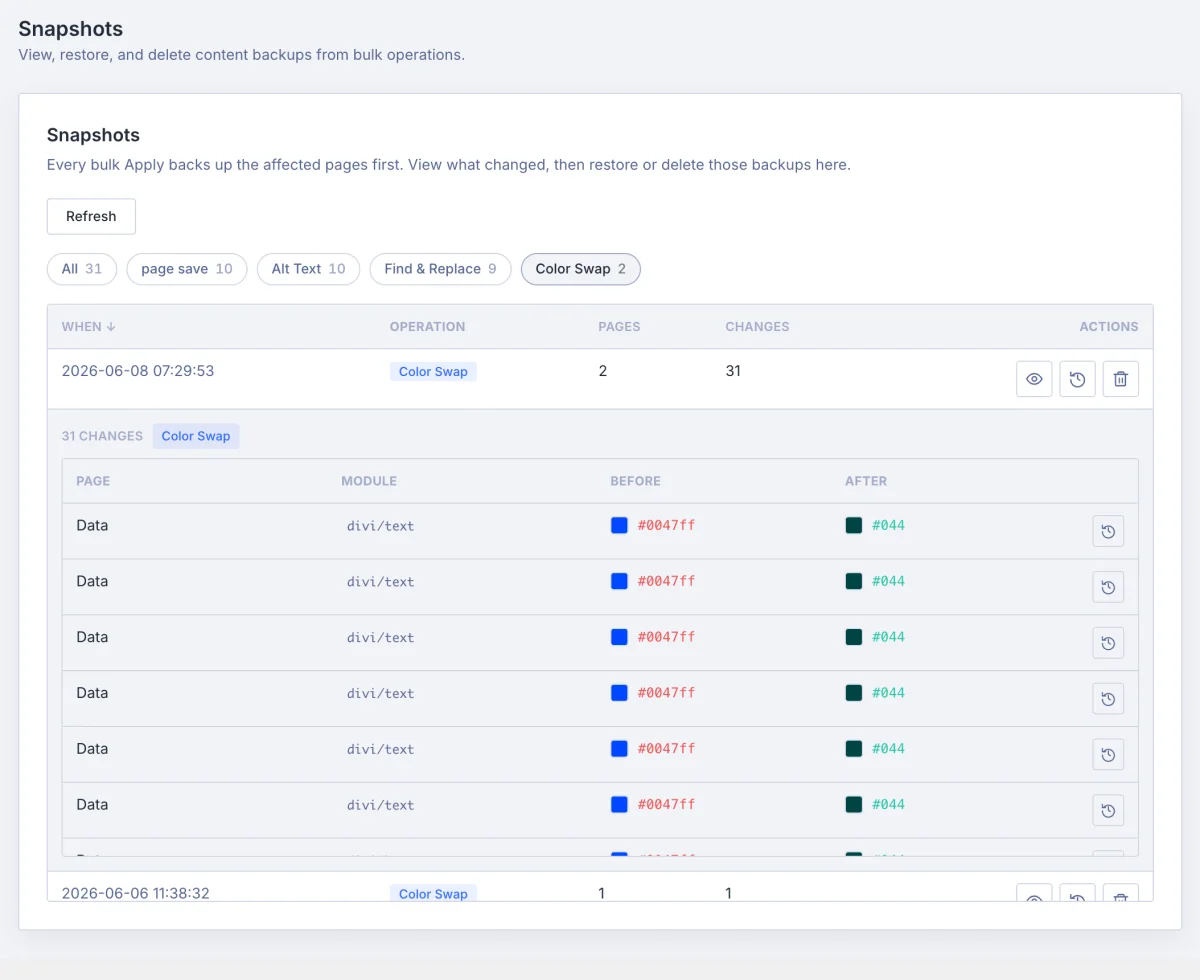
- Fix an off-brand colour by picking the approved Global Color to use instead; Steward suggests the closest one
- Fonts, font sizes, spacing and border radius are listed with a link to each place in the Visual Builder, so you change them where you can see the result
- Link hand-typed values that already equal a token in one pass, so the next token change reaches them and nothing on the page moves
- Mark a value as intentional for a month, six months or for good, with a note, and it drops out of the results
- A setup guide on first run walks you through your tokens, client-proofing and a first scan