
Adding a Scroll Down Hover Effect in Divi Website - Step-by-Step Guide
This Divi hover effect animates a scroll-down arrow that nudges visitors past the fold, built with the hover tab and a single anchor link setting.
Divi 5 tutorials, layouts and fixes from the team that builds Divi sites every week.
This Divi hover effect animates a scroll-down arrow that nudges visitors past the fold, built with the hover tab and a single anchor link setting.
Long hero sections need a nudge downward. Build a Divi scroll down button with a button module, an anchor link and a bounce animation that stays subtle.
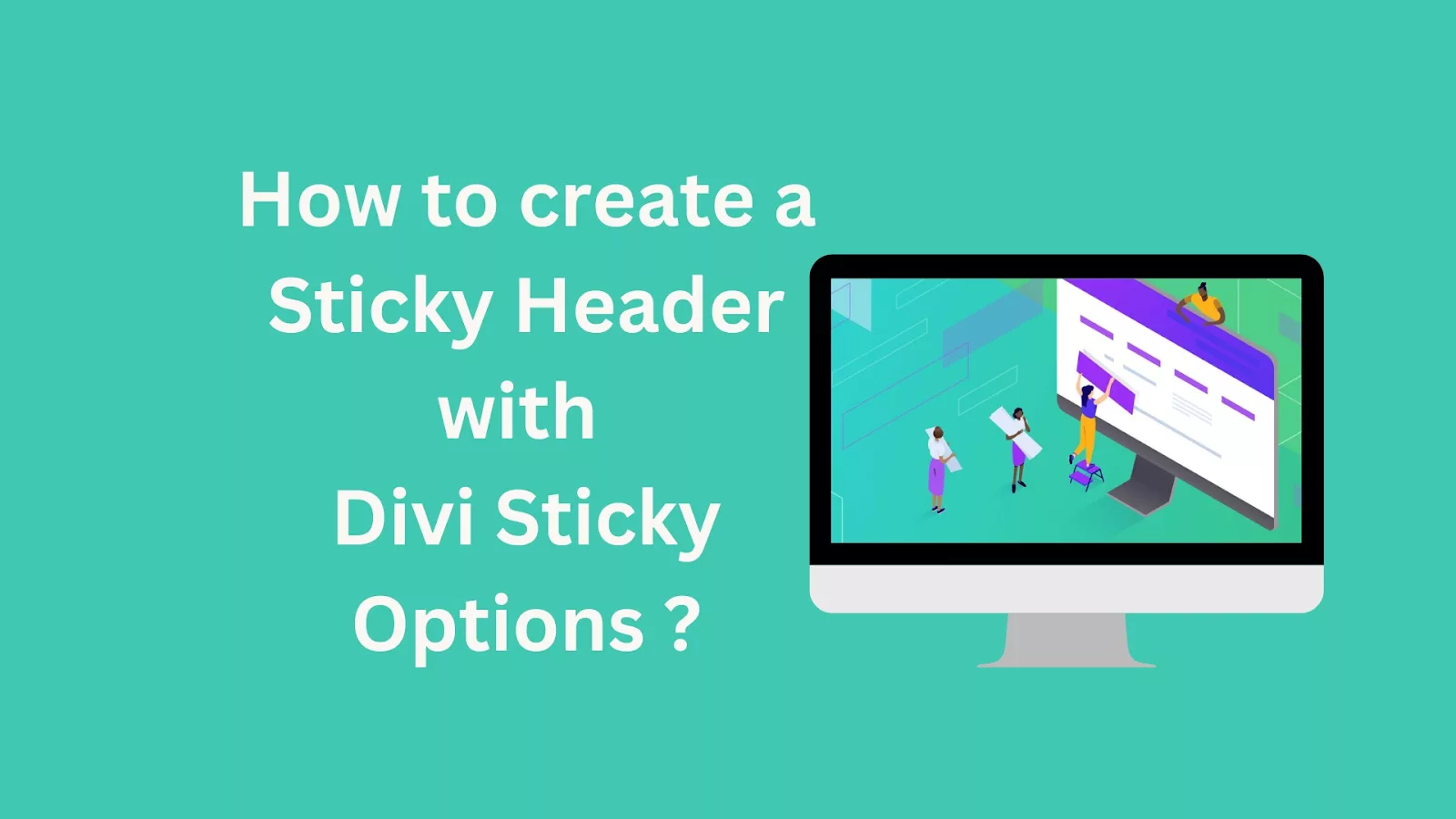
Make any Divi sticky header work using the built-in sticky options, then change background, padding and logo size for the scrolled state so it feels sharp.
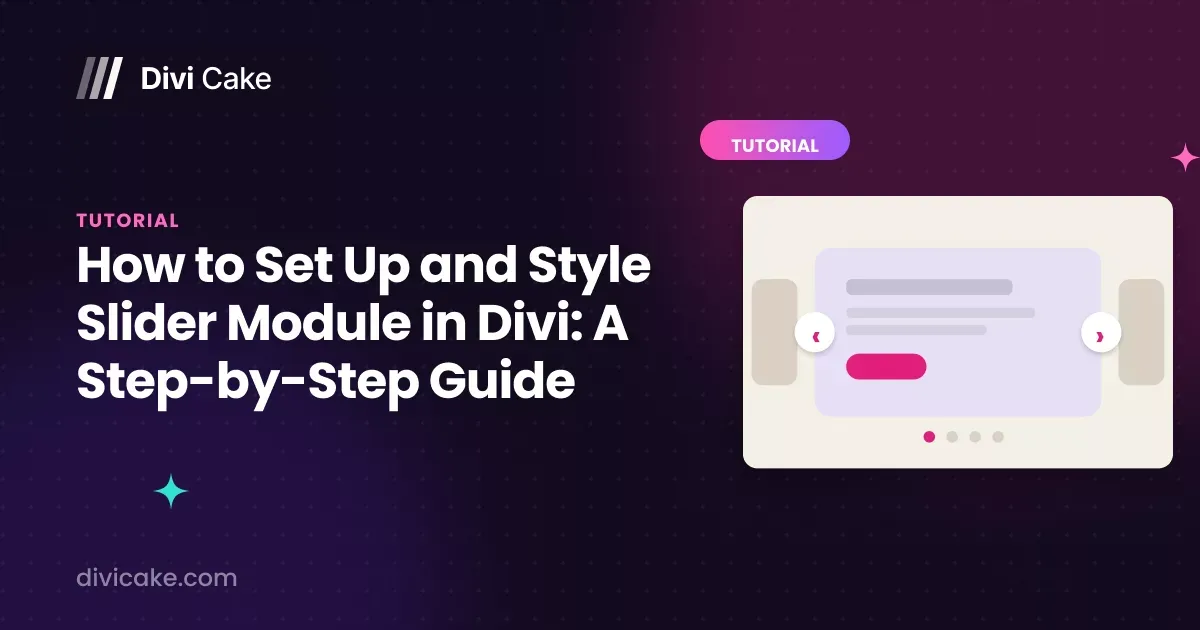
Sliders go wrong when the text is unreadable. Set up the Divi slider module, then style arrows, dots, overlays and heights so slides work on every screen.
Clear Divi cache from theme options, flush the static CSS files, then clear host and browser layers too, so visitors stop seeing yesterday's styling.
Fix Divi bugs methodically: clear the static CSS cache, test with plugins off, check PHP limits, and use safe mode before you touch a single line of code.
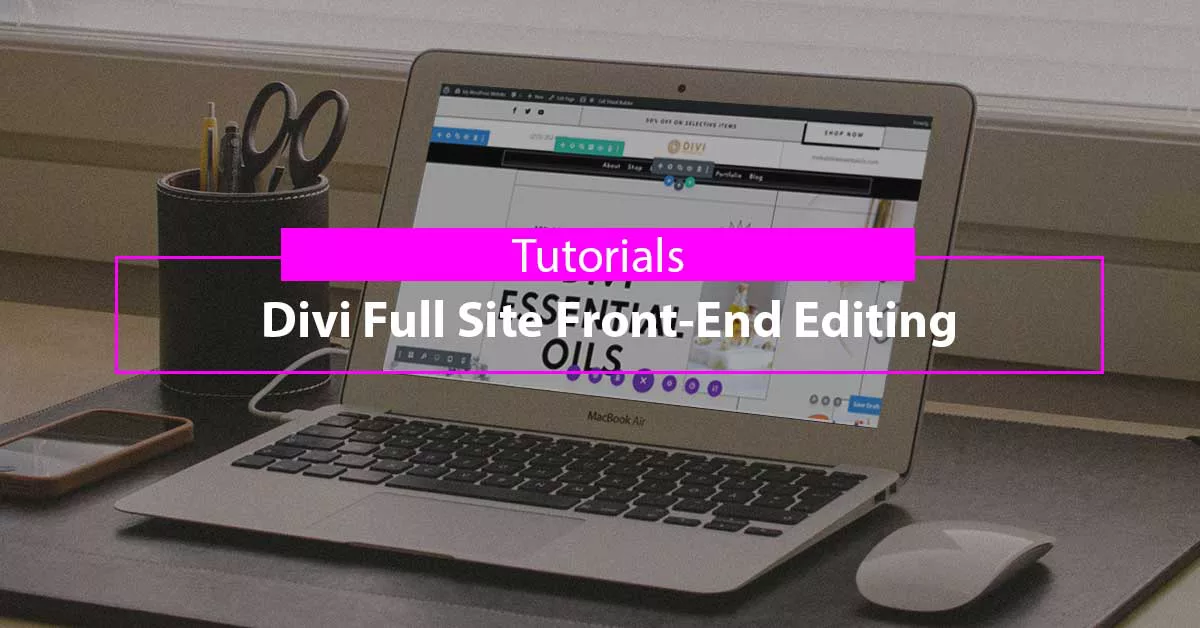
Divi front end editing lets you change headers, footers, and templates straight from the live page, which cuts the back and forth with the Theme Builder.
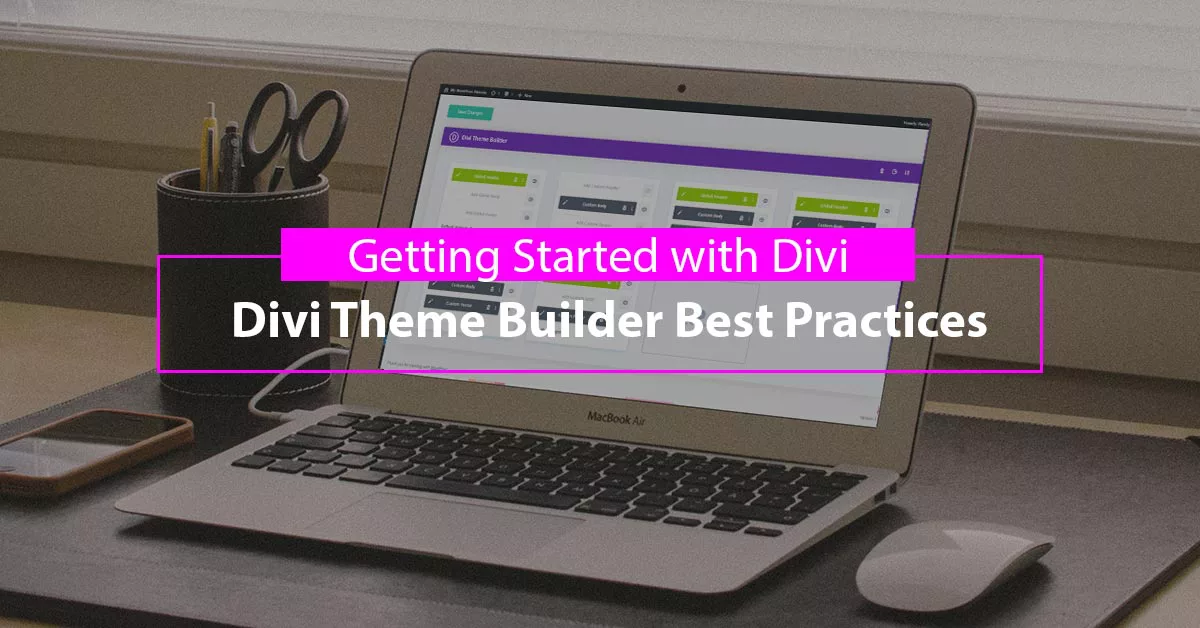
Divi Theme Builder best practices for template assignment, default versus specific layouts, dynamic content, and keeping a site maintainable as it grows.

The integration tab is where tracking and ad code belong. Use Divi Theme Options to add scripts to the head, body and posts without touching a theme file.