
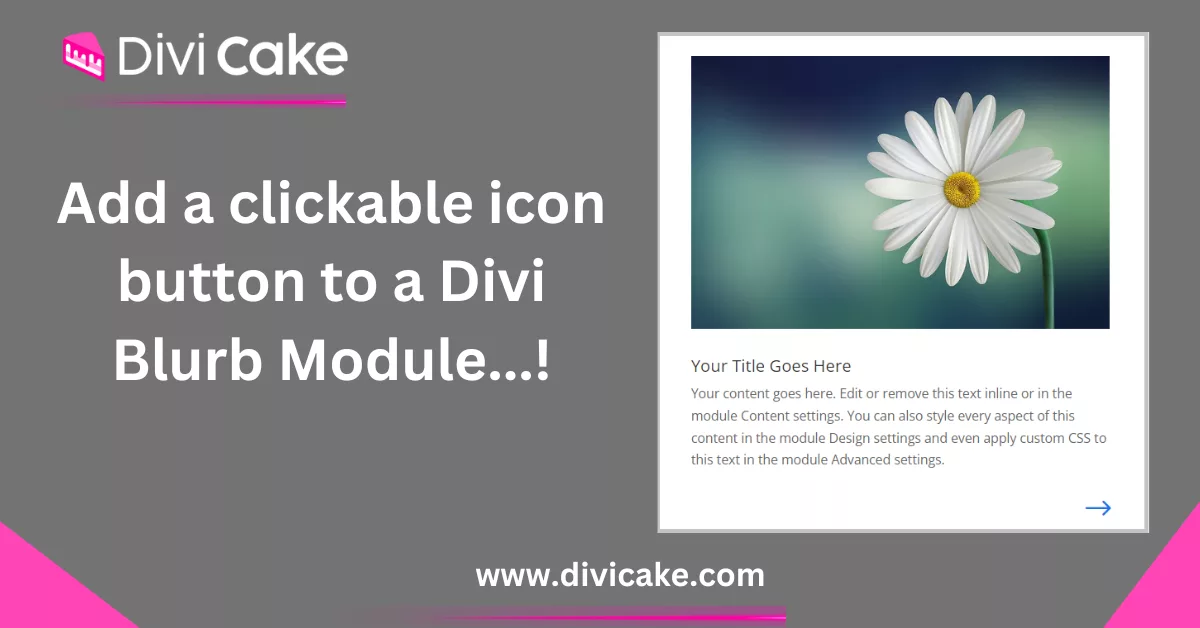
How to add a clickable icon button to a Divi blurb module?
Make a clickable Divi blurb icon behave like a real button: wrap it in a link, add a hover state, and keep the whole card tappable on phones and tablets.
Divi 5 tutorials, layouts and fixes from the team that builds Divi sites every week.
Make a clickable Divi blurb icon behave like a real button: wrap it in a link, add a hover state, and keep the whole card tappable on phones and tablets.
The blurb module ships without a button field. Add a Divi blurb button by stacking a Button module underneath, or link the entire blurb with one CSS snippet.
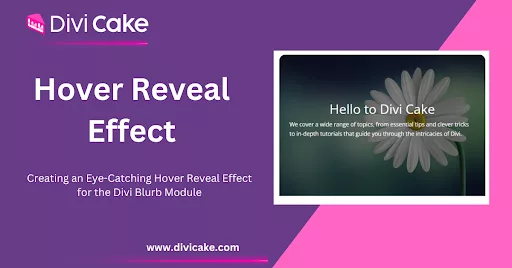
Hover effects reward curiosity. Build a Divi blurb hover effect that reveals text on mouseover using built-in hover settings, plus a touch-friendly fallback.
Learn how to build a complete homepage using Divi AI layout selection, section editing, images, and final launch tips for a polished WordPress site.
Learn practical web design tips for Divi: layout, typography, UX, performance, and Divi Builder enhancements to create faster, cleaner websites.
In this guide, we'll walk you through a simple yet effective method to increase the Divi Blurb content width. Since this issue is a common challenge for Divi designers, we're here to help you optimize the Divi Blurb module to its full potential.
The built-in icon set runs out fast. Use a Font Awesome icon in Divi blurb modules with a code module and a short snippet, no bloated icon plugin required.
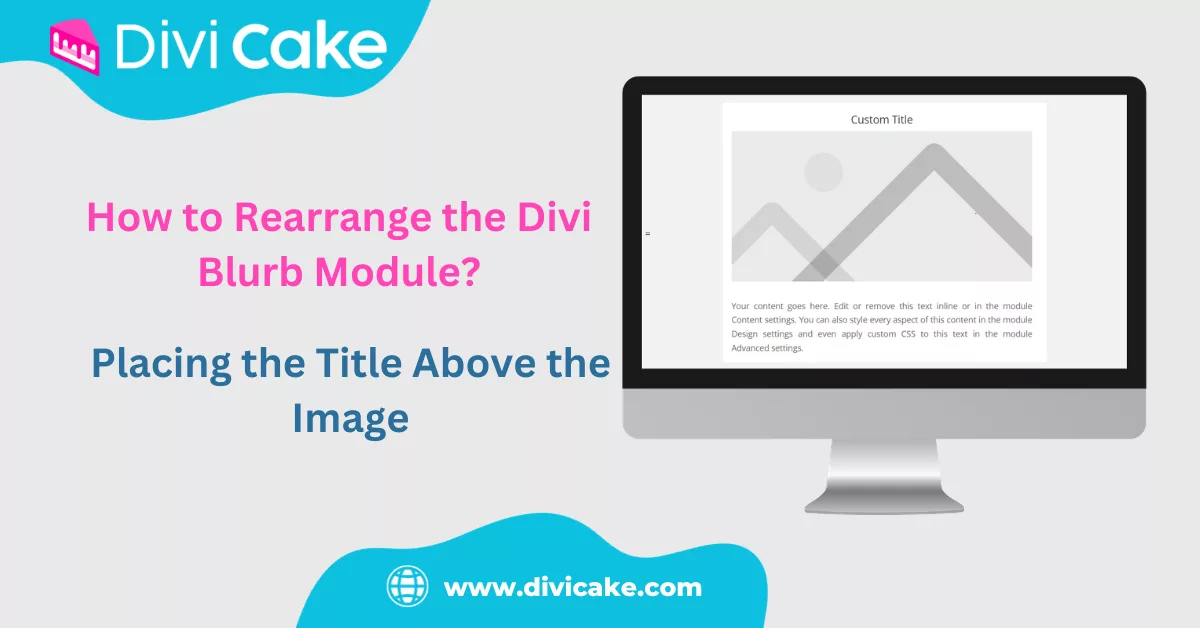
Rearrange the Divi blurb module so the title sits above the image, using flex order in a few lines of CSS that keep the stacking sensible on small screens.
Build a Divi one page website with anchor links, a sticky nav that scrolls to each section, and a layout order that walks visitors from hero to contact form.