
Divi Logo Guide: Resize, Reset, and Style Like a Pro
Fix Divi logo size problems for good: upload at the right dimensions, reset header padding, add a retina version, and shrink the mark once users scroll.
Divi 5 tutorials, layouts and fixes from the team that builds Divi sites every week.
Fix Divi logo size problems for good: upload at the right dimensions, reset header padding, add a retina version, and shrink the mark once users scroll.
Divi menu customization beyond the default header: full width nav bars, slide in menus, and footer menu integration, each one built in the Theme Builder.
A plain menu wastes prime space. Add Divi menu icons and images with the theme builder and a little CSS, then keep hover states clean on smaller screens.
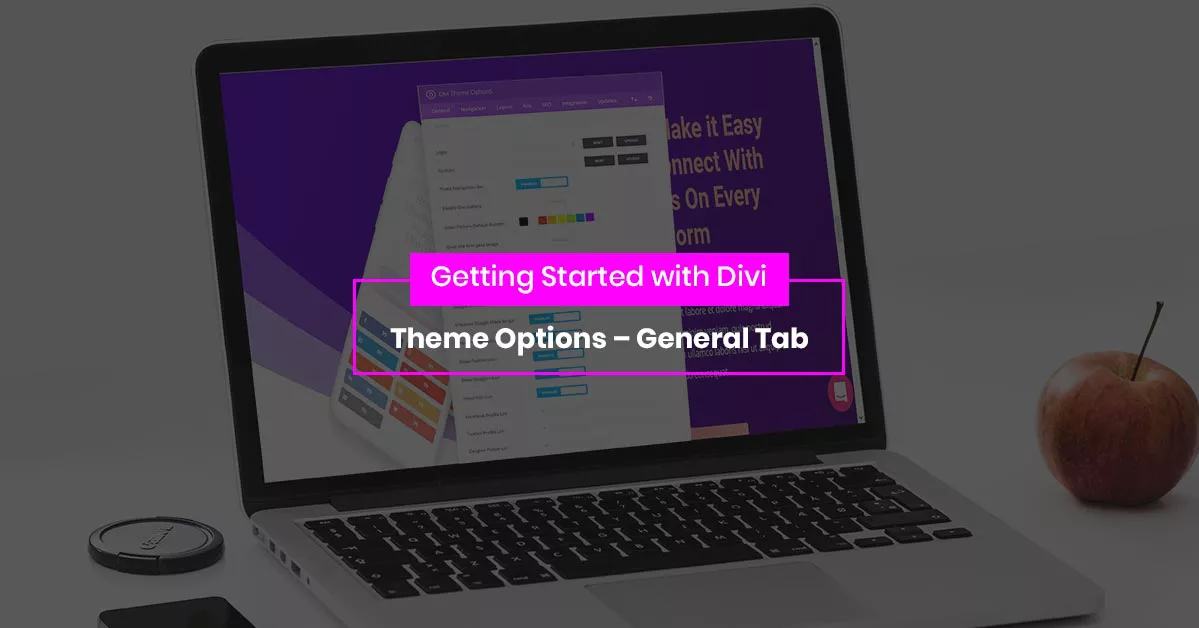
A field-by-field tour of the General tab in Divi theme options: logo, favicon, layout width, sidebar behavior, social icons, and the settings people miss.
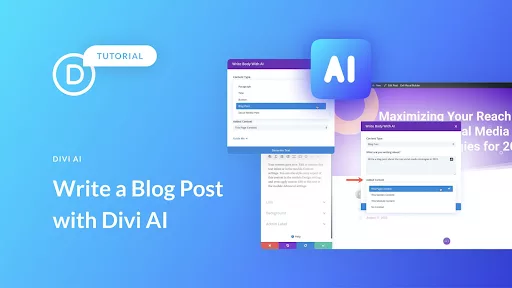
Write a blog post with Divi AI from start to finish: brief the tool, generate an outline, expand each section, then edit the draft so it sounds like you.
Divi AI copywriting works inside the builder: rewrite headlines, shorten paragraphs, and hold a brand tone without ever leaving the module you are editing.
Rebuilding a similar page from scratch wastes an afternoon. Duplicate a WordPress page or post with a plugin or a functions snippet, then edit it in Divi.
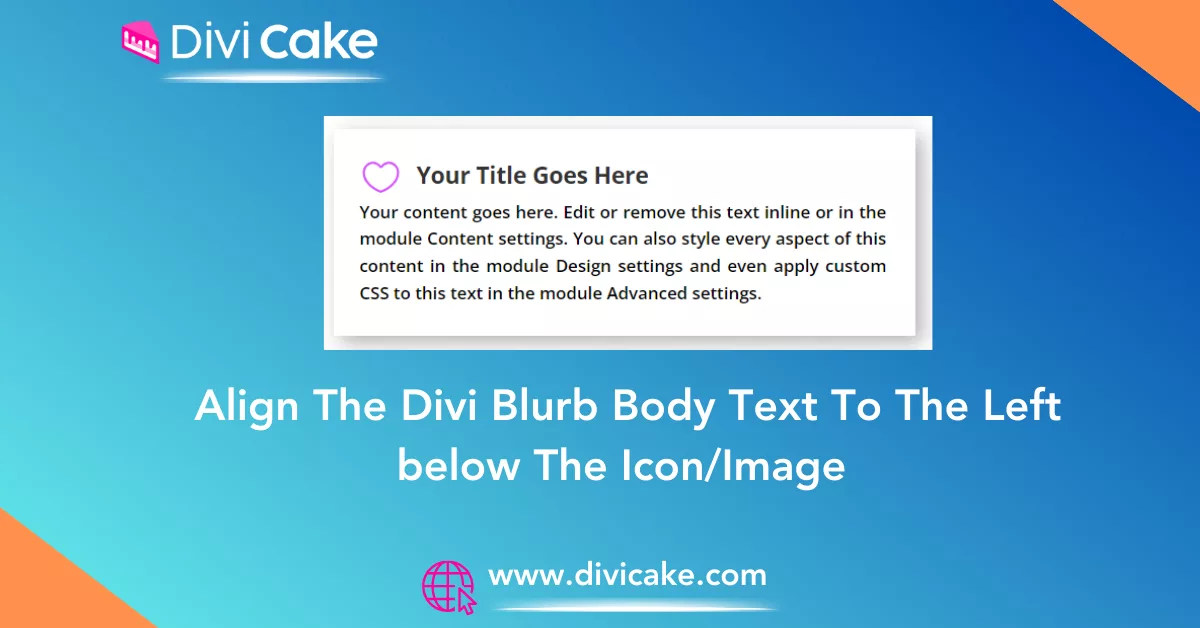
Divi blurb text alignment fights you when the icon sits on top. This snippet left-aligns body copy under a centered icon without breaking the mobile stack.
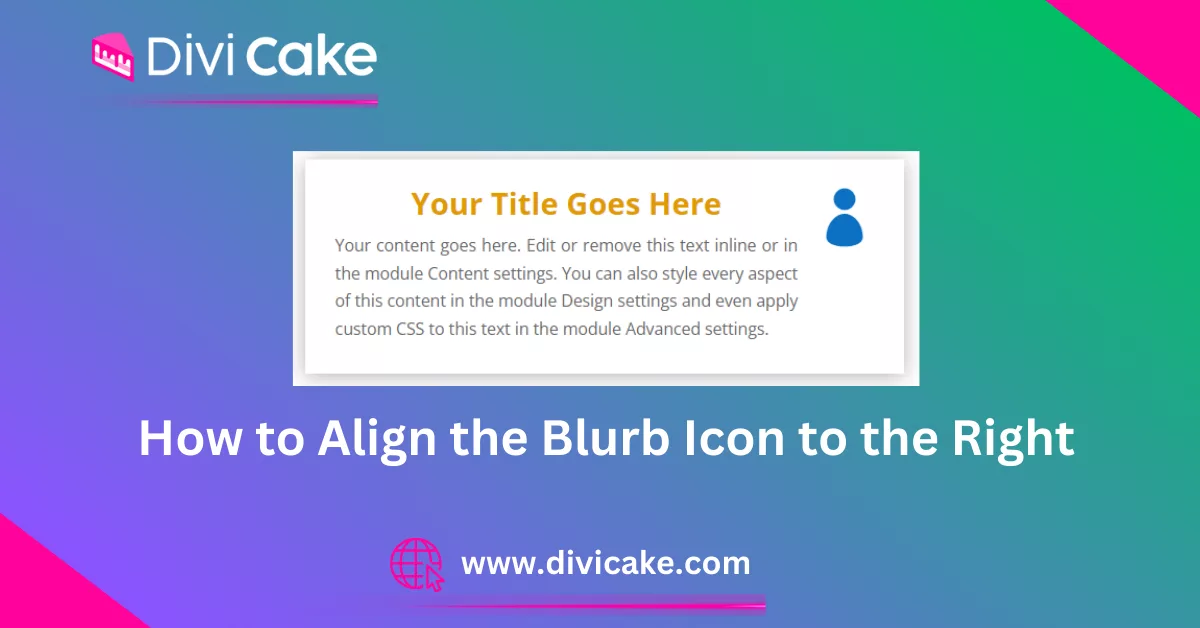
Left-aligned icons do not suit every layout. Align the Divi blurb icon to the right with a short CSS rule, and keep the stacking sensible on mobile screens.