
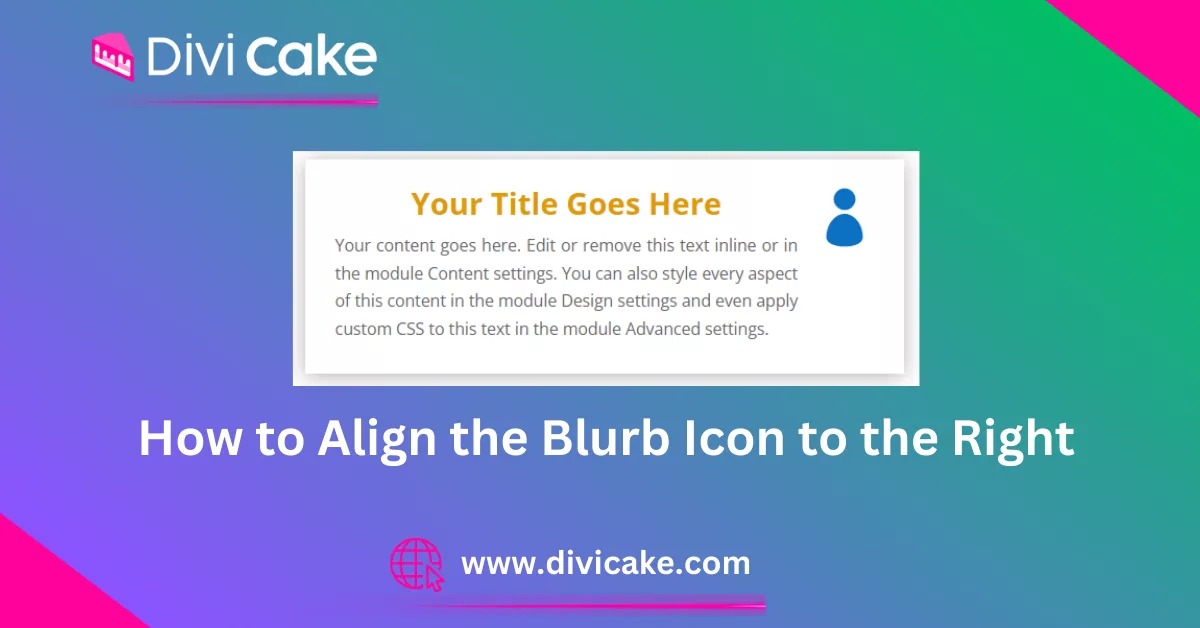
How to Align the Blurb Icon to the Right in Divi
Left-aligned icons do not suit every layout. Align the Divi blurb icon to the right with a short CSS rule, and keep the stacking sensible on mobile screens.
Divi 5 tutorials, layouts and fixes from the team that builds Divi sites every week.
Left-aligned icons do not suit every layout. Align the Divi blurb icon to the right with a short CSS rule, and keep the stacking sensible on mobile screens.
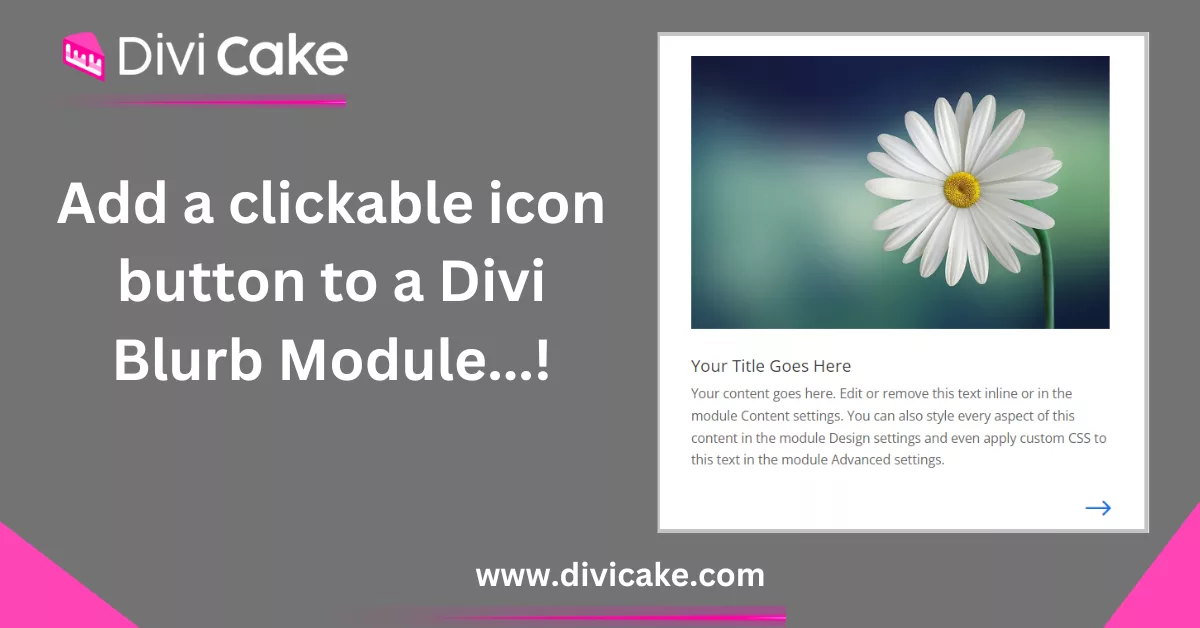
Make a clickable Divi blurb icon behave like a real button: wrap it in a link, add a hover state, and keep the whole card tappable on phones and tablets.
The blurb module ships without a button field. Add a Divi blurb button by stacking a Button module underneath, or link the entire blurb with one CSS snippet.
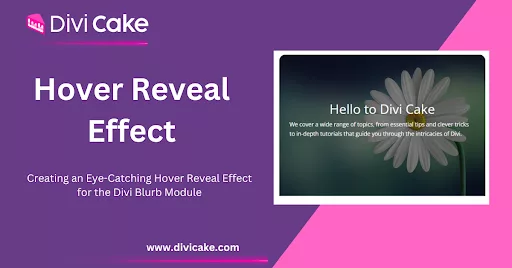
Hover effects reward curiosity. Build a Divi blurb hover effect that reveals text on mouseover using built-in hover settings, plus a touch-friendly fallback.
The built-in icon set runs out fast. Use a Font Awesome icon in Divi blurb modules with a code module and a short snippet, no bloated icon plugin required.
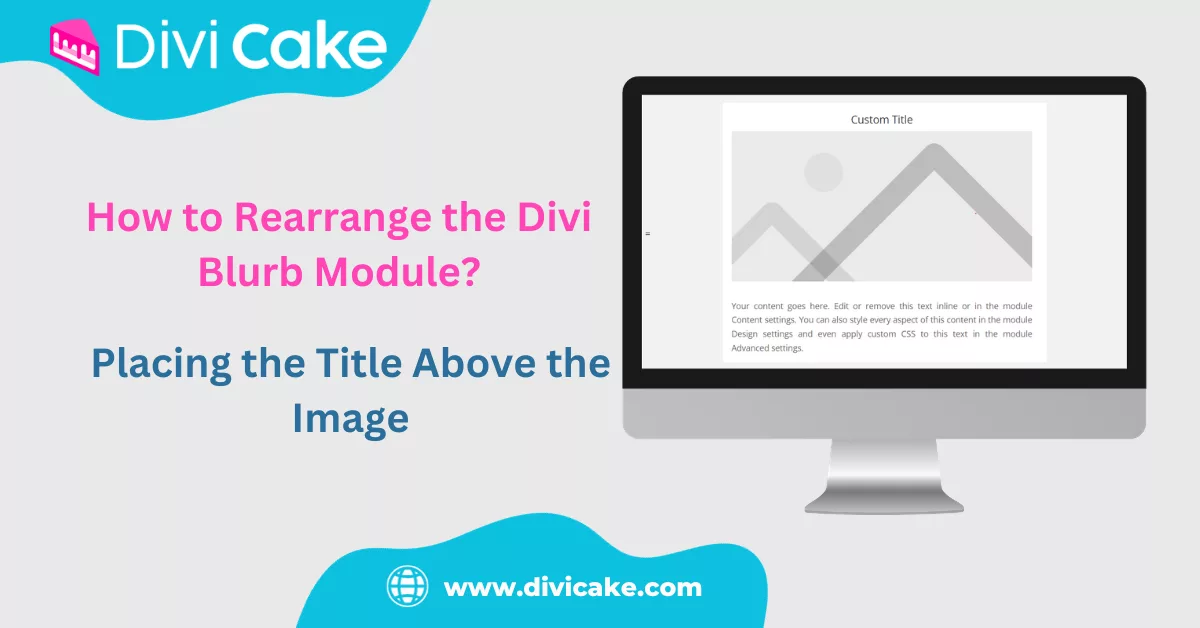
Rearrange the Divi blurb module so the title sits above the image, using flex order in a few lines of CSS that keep the stacking sensible on small screens.
Set up a Divi blog website from category structure to post templates, with Blog module grids, author boxes, and a homepage that surfaces new stories first.

Running a site is not the same as running a business. Fifteen practical tips for an online business with Divi, covering pricing, speed, trust and support.
Fix Divi bugs methodically: clear the static CSS cache, test with plugins off, check PHP limits, and use safe mode before you touch a single line of code.