
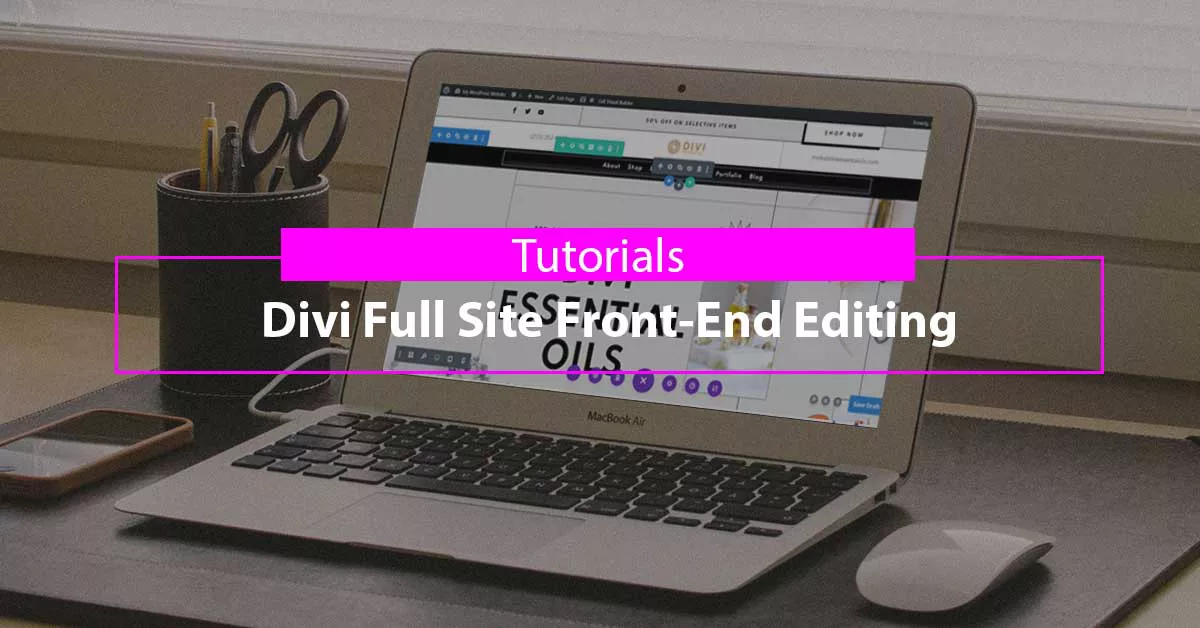
Divi Full Site Front-End Editing
Divi front end editing lets you change headers, footers, and templates straight from the live page, which cuts the back and forth with the Theme Builder.
Divi 5 tutorials, layouts and fixes from the team that builds Divi sites every week.
Divi front end editing lets you change headers, footers, and templates straight from the live page, which cuts the back and forth with the Theme Builder.
Launching soon? Build a Divi coming soon page from a ready layout or a plugin, from simple maintenance screens to countdown pages that collect emails.

Sixteen Divi shop layouts for WooCommerce stores, from single product pages to full catalogs, with notes on what each includes and how easily it edits.
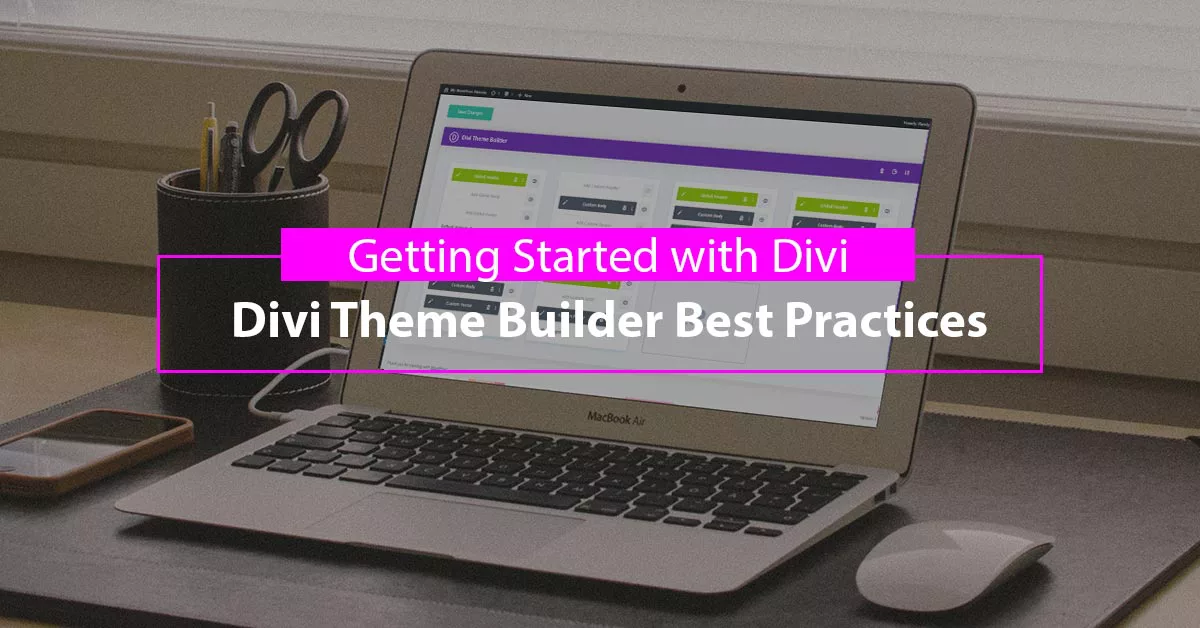
Divi Theme Builder best practices for template assignment, default versus specific layouts, dynamic content, and keeping a site maintainable as it grows.
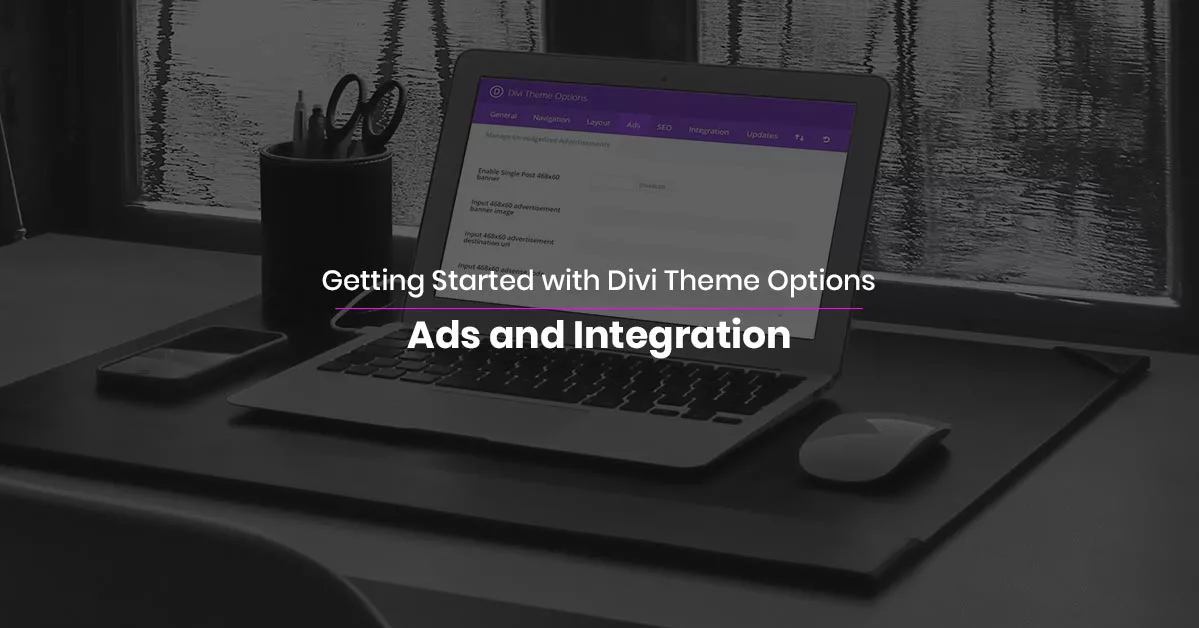
The integration tab is where tracking and ad code belong. Use Divi Theme Options to add scripts to the head, body and posts without touching a theme file.
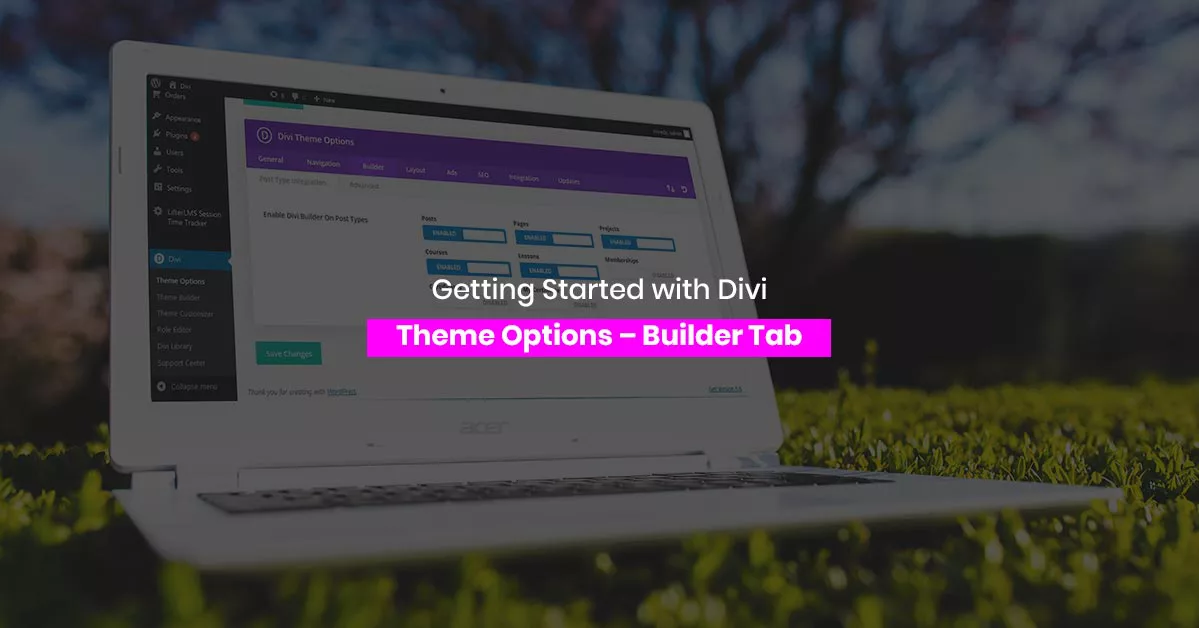
The Divi theme options Builder tab controls static CSS, the classic editor, post type support and advanced settings. Here is what each toggle really does.
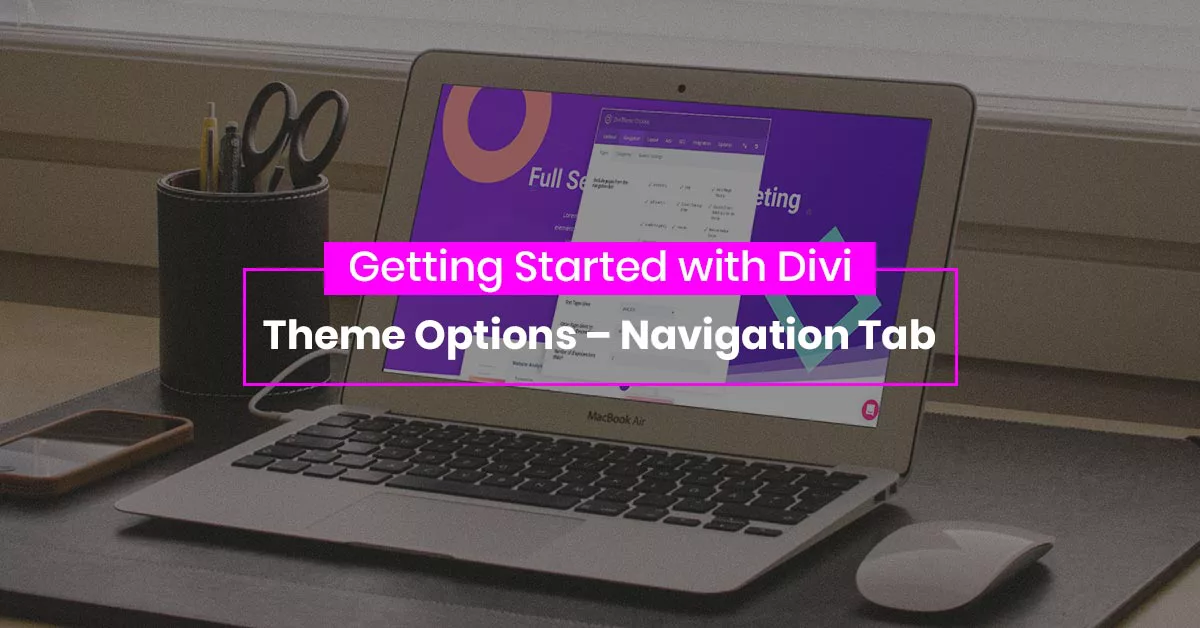
The Divi theme options navigation tab controls which pages and categories appear in menus, dropdown depth, and sorting, which saves editing menus by hand.
Advanced settings hide the real control. Walk through Divi advanced settings for static CSS, minification, caching and custom code, and what each toggle does.
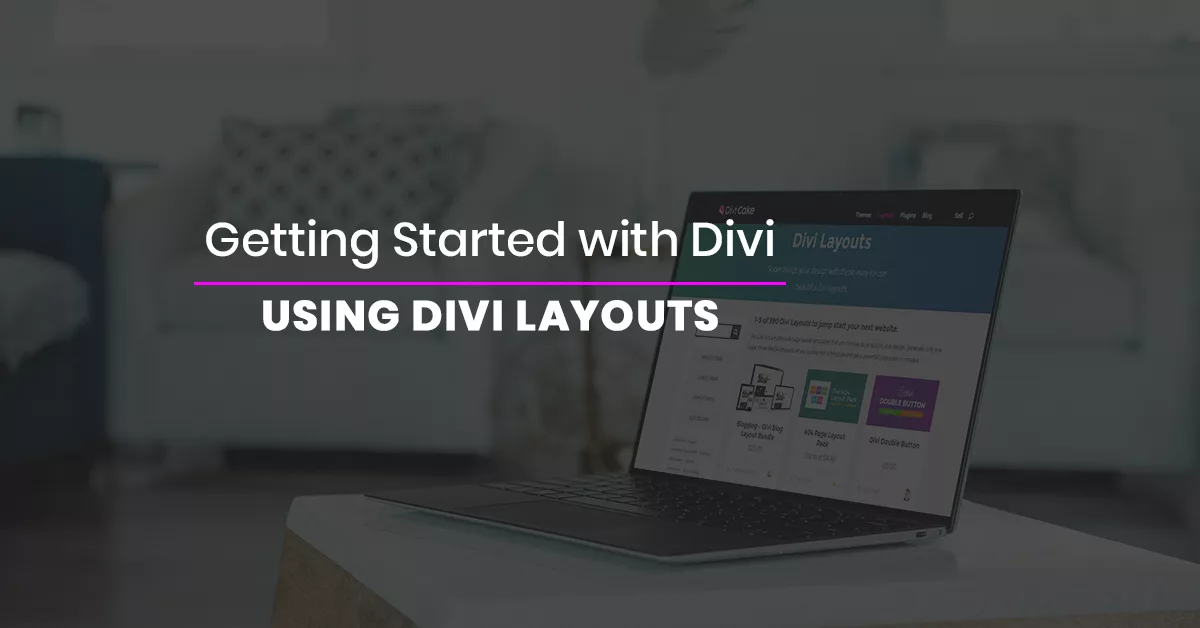
How to use Divi layouts from the library: import a premade design, save your own sections, and reuse them across pages without rebuilding from scratch.