
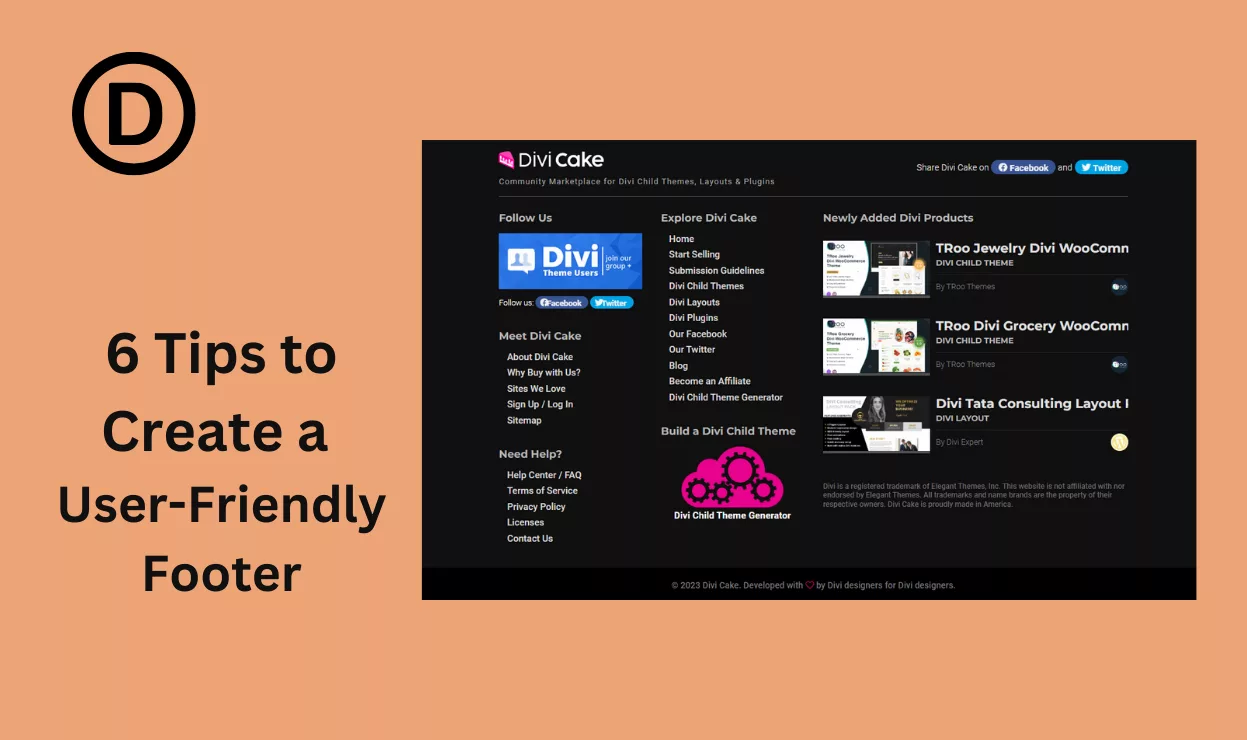
Divi Footer Design: 6 Best-Practicing Tips for a User-Friendly Design
Six Divi footer design tips covering column balance, contact details, legal links, and the mobile stacking order that keeps a footer usable instead of noisy.
Divi 5 tutorials, layouts and fixes from the team that builds Divi sites every week.
Six Divi footer design tips covering column balance, contact details, legal links, and the mobile stacking order that keeps a footer usable instead of noisy.

Divi Code AI writes CSS, JavaScript and PHP from plain instructions inside the builder. See what it handles well, where it slips, and how to prompt it better.
This Divi hover effect animates a scroll-down arrow that nudges visitors past the fold, built with the hover tab and a single anchor link setting.
Set up a Divi blog website from category structure to post templates, with Blog module grids, author boxes, and a homepage that surfaces new stories first.
Long hero sections need a nudge downward. Build a Divi scroll down button with a button module, an anchor link and a bounce animation that stays subtle.
Make any Divi sticky header work using the built-in sticky options, then change background, padding and logo size for the scrolled state so it feels sharp.

The Divi Booster plugin bundles hundreds of one click tweaks for headers, mobile menus, and speed, replacing the CSS snippets you keep pasting into sites.
Sliders go wrong when the text is unreadable. Set up the Divi slider module, then style arrows, dots, overlays and heights so slides work on every screen.
Clear Divi cache from theme options, flush the static CSS files, then clear host and browser layers too, so visitors stop seeing yesterday's styling.