
Getting Started with Divi: Design Settings
What the Design tab does in Divi: dividers, sizing, spacing, borders, box shadows, filters, transform and animation on sections, rows and columns, plus the full design settings for the blog module.
Divi 5 tutorials, layouts and fixes from the team that builds Divi sites every week.
What the Design tab does in Divi: dividers, sizing, spacing, borders, box shadows, filters, transform and animation on sections, rows and columns, plus the full design settings for the blog module.
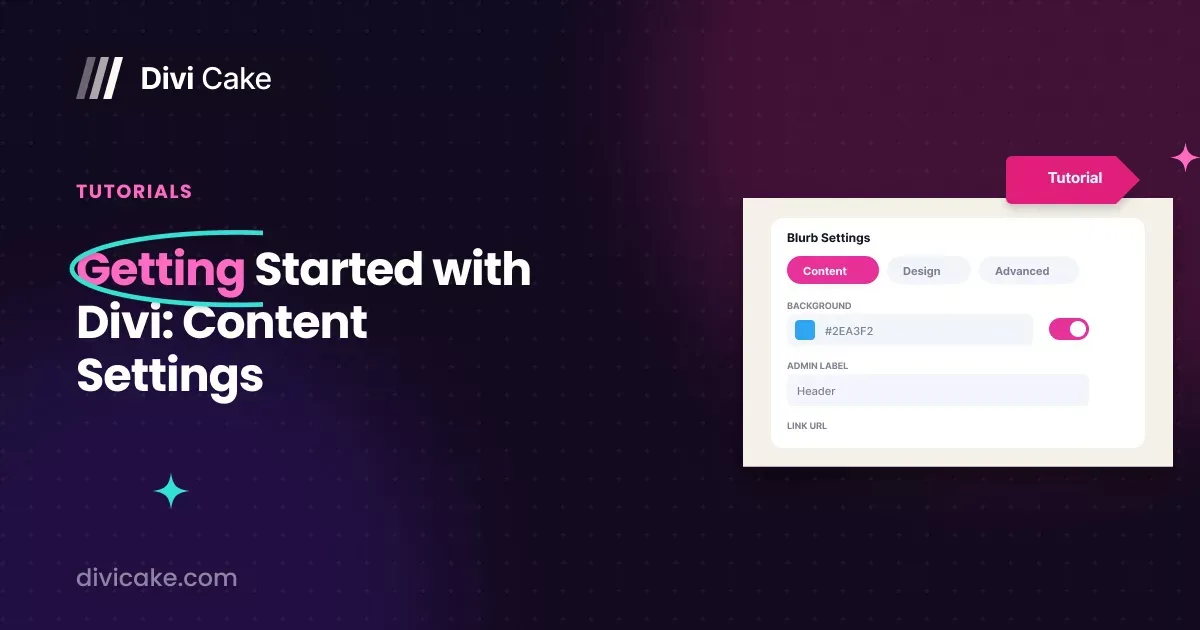
A tour of the Content tab in Divi: where the section, row and module settings live, and what link, background, admin label, column structure and the blurb, blog, contact form and email optin settings actually do.
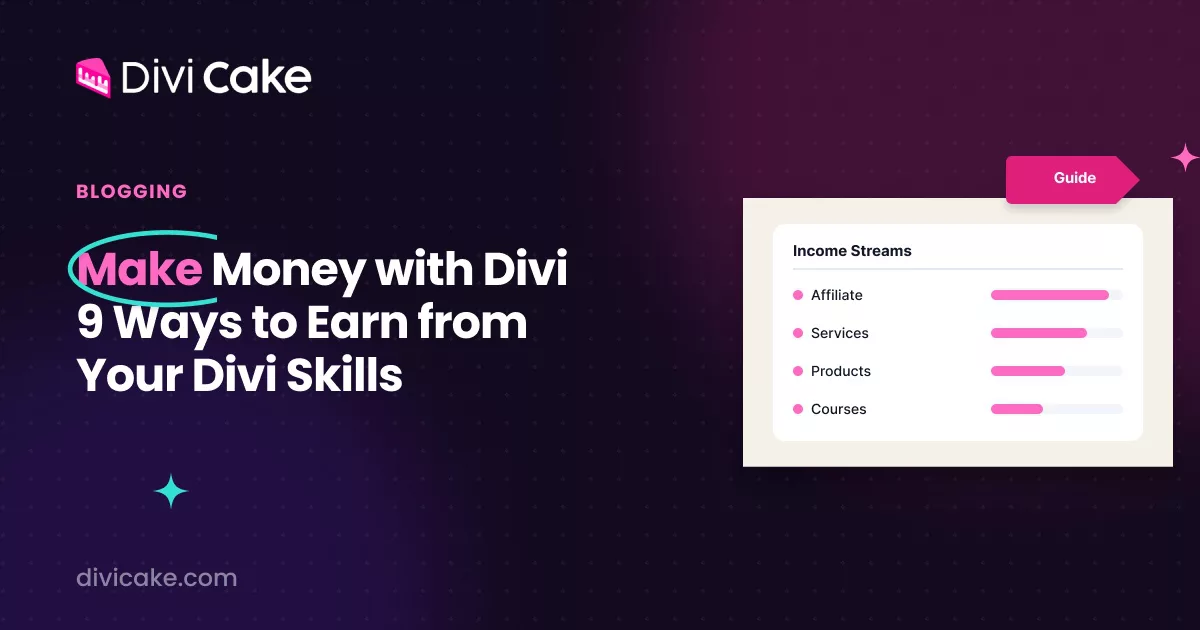
Nine ways to earn an income with Divi — affiliate marketing, services, digital products, courses, memberships, sponsored posts and ads — and what your site needs before any of them work.
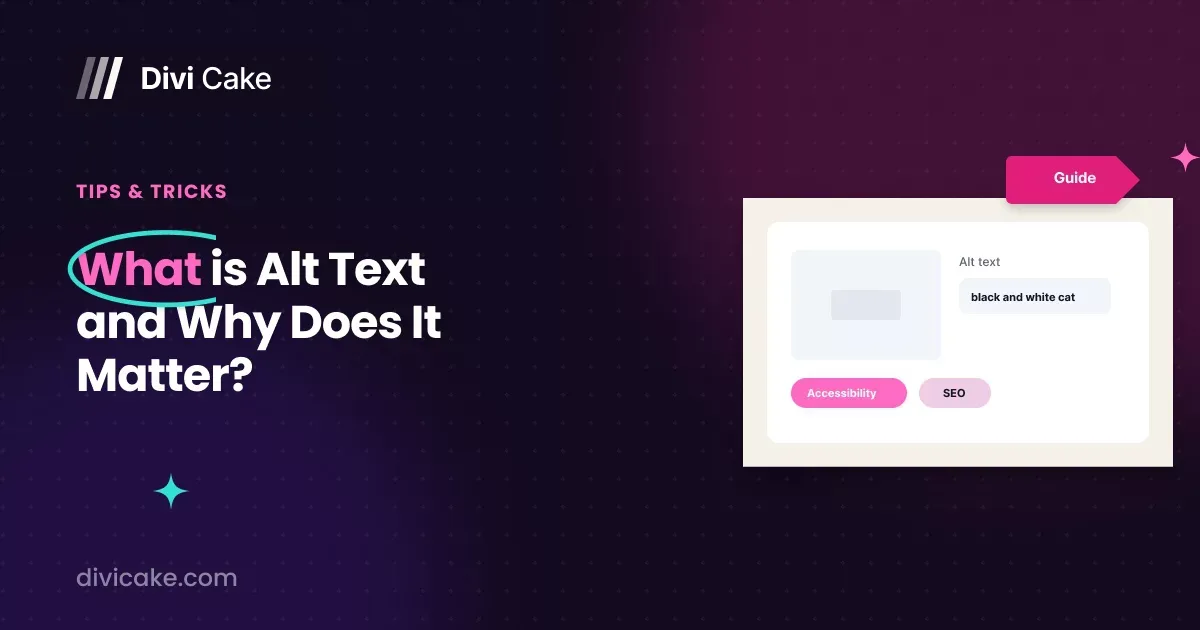
What alt text is, why it matters for SEO and for screen reader users, how long it should be, and how Divi fills it in.
Seven ways to take Divi past its stock settings on an advanced build: custom CSS and JavaScript, child themes, integrations, hooks and filters, and performance work.
Undo what Claude or ChatGPT changed on your Divi 5 site: colours, presets, Theme Builder templates and pages, in one prompt or from the Revisions screen.
Eight free tools for logos, stock photos, fonts, icons, illustrations, font pairing, gradients and patterns that any Divi designer can use.
Change a Divi 5 site's brand colour and every button preset with Claude or ChatGPT: start with a dry run, answer its questions, apply, then check.

Nine affiliate programs a Divi blog can actually earn from, what each one pays, and three WordPress plugins for managing the links.