
Fastest WordPress Hosting: Best Hosts for Speed, SEO & Core Web Vitals

We may earn a commission from affiliate links in this post. Disclosure policy
If your WordPress site feels slow, it’s usually not because WordPress is “heavy.” It’s almost always the stack behind it: your hosting environment, your caching layer, and how quickly your server can respond before the first byte of your page is delivered. Hosting is the foundation that everything else sits on. Even the best theme, a clean plugin setup, and perfectly compressed images can only go so far if your server is overloaded, underpowered, or not optimized for WordPress. The right host makes your site feel instantly snappier, keeps performance stable during traffic spikes, and reduces the time you spend troubleshooting speed issues that are actually hosting issues.
- Fast hosting improves three things at the same time:
- User experience: people bounce fast when a page drags.
- Conversions: speed is money, especially for WooCommerce and lead-gen sites.
- SEO: Google’s page experience signals focus on Core Web Vitals, including LCP, INP, and CLS.
This guide helps you choose the best hosting for WordPress and the best web hosting for WordPress based on real needs: budget, traffic, store vs blog, and how much you want to manage yourself.
What fast WordPress hosting really means
When people say “fastest WordPress hosting,” they usually mean one or more of these:
-
Fast server response time (TTFB)
-
Efficient caching (page caching plus object caching like Redis for bigger sites)
-
Modern infrastructure (SSD or NVMe, current PHP, isolated resources)
-
Strong network path (CDN, good routing, data centers near your audience)
-
Uptime and stability (a “fast” site that collapses during spikes is not fast in real life)
Hosting is the base. Your theme, plugins, images, and CDN tuning matter too, but hosting sets the ceiling for how fast your site can realistically get.
Quick comparison of the hosts we cover
Kinsta: premium managed WordPress hosting on Google Cloud, with Cloudflare CDN and security stack.
WP Engine: managed hosting for WordPress built around performance and workflow tooling.
Cloudways: cloud hosting where you choose the underlying provider and Cloudways manages the server layer.
SiteGround: strong shared hosting for WordPress, great for small business sites.
Hostinger: solid cheap WordPress hosting for new sites and budget builds.
Bluehost: beginner friendly WordPress host, easy setup, best for “get online fast.”
Why speed affects Google rankings and Core Web Vitals
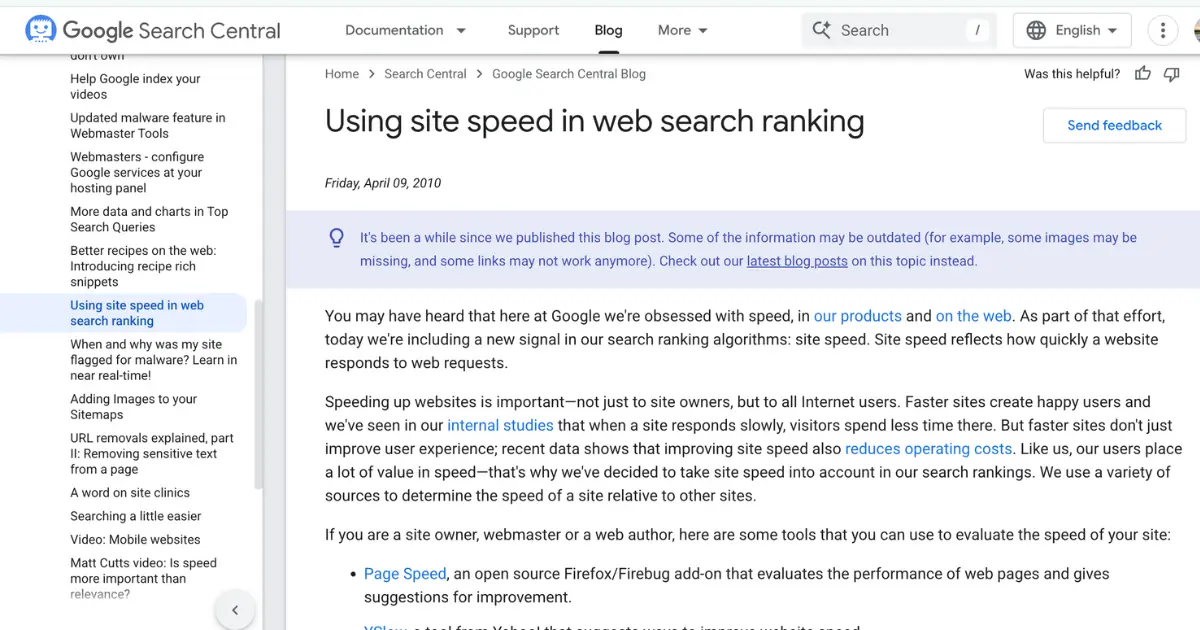
Google has long said that speed and page experience matter for search. In practice, you feel it through Core Web Vitals and overall performance stability.
A better WordPress hosting provider improves the server side fundamentals:
-
faster response times
-
stronger caching and cache consistency
-
better uptime
-
fewer performance drops during traffic spikes
That consistency is what helps you keep good Core Web Vitals month after month.
How we judge the fastest WordPress hosting
Instead of random “0.45 seconds” claims, we focus on what creates speed consistently:
-
Infrastructure (cloud platform, isolation, CPU and storage, network quality)
-
Caching and CDN (built in page cache, object cache options, CDN integration)
-
Performance defaults (fast out of the box vs needing extra plugins)
-
Reliability (uptime, backups, security, monitoring)
-
Tooling (staging, migrations, SSH, WP CLI, logs)
-
Pricing value (what you get for the money and who the plan fits)
Best overall fastest managed WordPress hosting: Kinsta

If you want the fastest managed WordPress hosting without dealing with server tweaks, Kinsta is a top-tier choice. It’s built for speed, stability, and Core Web Vitals, so your site stays quick even when traffic jumps, and you don’t need a stack of extra performance plugins just to get good results.
It’s best for business sites, agencies, and WooCommerce stores where every second affects leads and sales. You also get staging, backups, monitoring, and a clean dashboard that makes day-to-day WordPress management easier.
Why Kinsta is fast
Kinsta runs on Google Cloud and includes a Cloudflare powered CDN and security layer, which helps global delivery and caching without stitching tools together.
Key features that matter
Server level caching built for WordPress, integrated CDN, staging, automated backups, monitoring, and developer tools.
| Kinsta summary | Details |
|---|---|
| Benefits | Fast out of the box, smooth workflow, fewer plugins needed for performance basics |
| Strengths | Managed speed stack, staging + push to live, strong security defaults |
| Weaknesses | Premium price, email hosting not included |
| Pros | Performance, reliability, tooling, support |
| Cons | Costs more than shared hosting |
| Best for | Business sites, agencies, WooCommerce hosting, high performance WordPress |
| Not best for | Tiny hobby sites on a strict budget |
Pricing and who it’s best for
Kinsta’s plans start with single site tiers and scale for high traffic and agencies. Use their pricing page for the latest rates and plan limits.
Best managed WordPress hosting for dev workflows: WP Engine
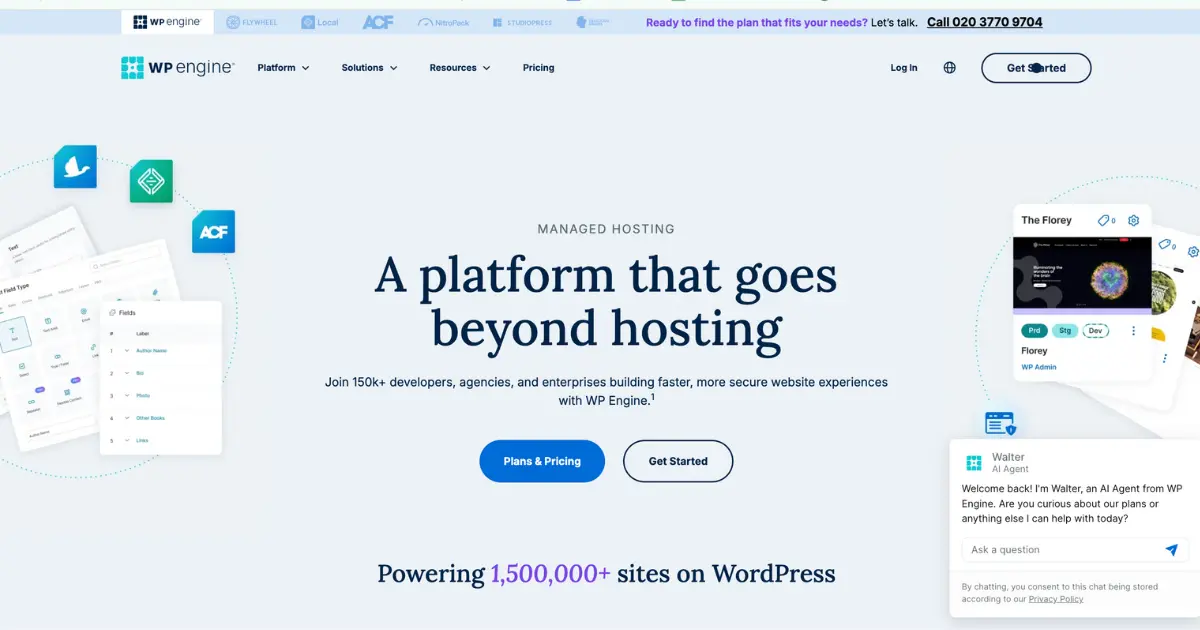
WP Engine is a premium managed WordPress host that’s especially popular with agencies and growing businesses. It focuses on performance and workflow features that make it easier to build, test, and deploy changes without risking the live site.
If you want a reliable managed platform with strong tooling and consistent speed, WP Engine is a solid pick, especially when your website is being updated often or managed by a team.
Why WP Engine is fast
WP Engine is structured around platform level caching and WordPress specific performance optimization.
| WP Engine summary | Details |
|---|---|
| Benefits | Strong WordPress workflow features and performance layer |
| Strengths | Great for dev teams and agencies, staging and tooling |
| Weaknesses | Pricing can rise as you add sites and traffic |
| Pros | Workflow, tooling, platform performance focus |
| Cons | Can be pricey for small sites |
| Best for | Agencies, developers, growing businesses |
| Not best for | Price sensitive beginners |
Pricing of the WP Engine
WP Engine publishes plan tiers and pricing on their plans page.
Best flexible cloud WordPress hosting: Cloudways
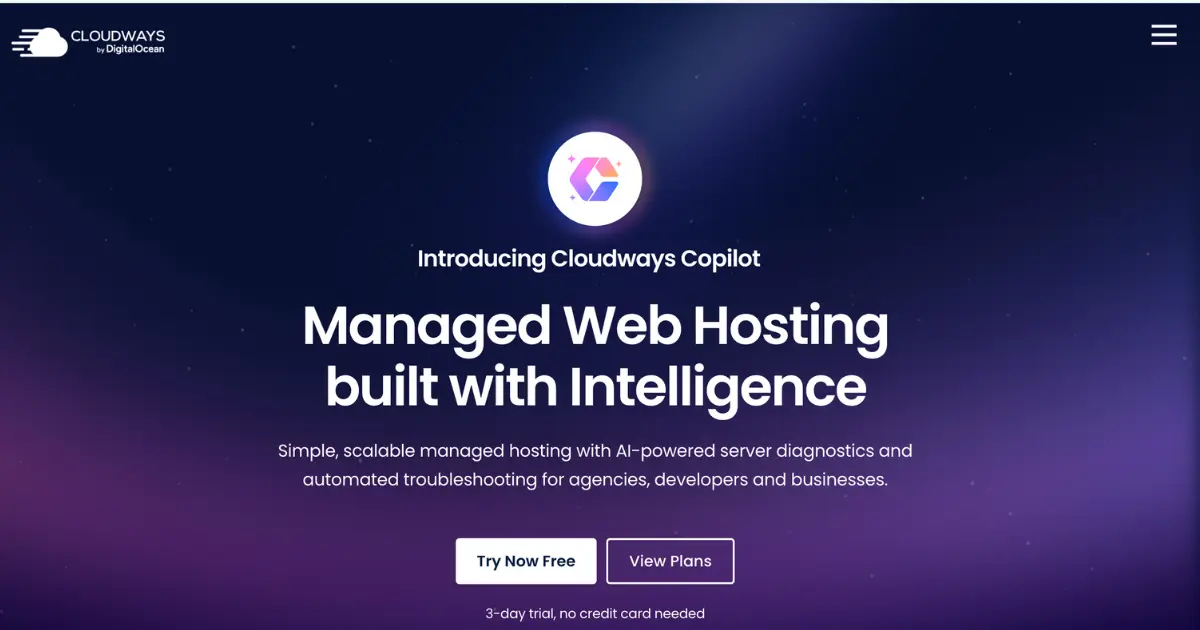
Cloudways is great if you want cloud hosting flexibility without managing servers fully on your own. You choose your cloud setup and resources, and Cloudways handles the management layer, which can give you strong speed at a good value when configured correctly.
It’s ideal for developers, agencies, and scaling sites that need more control than typical managed WordPress hosting, but still want an easier experience than DIY VPS hosting.
Why Cloudways can be fast
You can choose strong cloud infrastructure and scale resources as you grow. This can be excellent for developers who want flexibility.
| Cloudways summary | Details |
|---|---|
| Benefits | Flexible scaling, choose your provider, strong value at the right server size |
| Strengths | Control + managed layer, good for agencies and devs |
| Weaknesses | More decisions up front, performance depends on your server choice |
| Pros | Flexibility, scaling, customization |
| Cons | Not as “done for you” as premium managed WordPress platforms |
| Best for | Developers, agencies, scaling sites |
| Not best for | Beginners who want the simplest setup |
Pricing of the Cloudways
Cloudways lists pricing across their offerings on their pricing pages.
Best shared hosting for many small business sites: SiteGround

SiteGround is one of the better shared hosting options for WordPress if you want good support and a smooth user experience. It’s a practical choice for small business sites, portfolios, and early-stage blogs that need decent performance without paying premium managed-host pricing.
It’s not the best fit for heavy WooCommerce stores or high-traffic sites long term, but for many smaller websites it’s reliable and easy to run.
| SiteGround summary | Details |
|---|---|
| Benefits | Great support, good performance for small to mid sites |
| Strengths | WordPress tools, support, reliability |
| Weaknesses | Shared hosting can hit limits as you grow, renewals can be higher |
| Pros | Support, usability, solid all around |
| Cons | Not ideal for heavy WooCommerce at scale |
| Best for | Local business sites, brochures, portfolios, early stage blogs |
| Not best for | High traffic stores and membership sites |
Pricing of the SiteGround
SiteGround shows current WordPress plan pricing on their WordPress hosting page.
Best budget WordPress hosting: Hostinger

Hostinger is a strong budget option for new WordPress sites and simple projects. It’s beginner-friendly, affordable, and can perform well for blogs and small business sites as long as you keep things lightweight.
If you’re starting from scratch and want cheap WordPress hosting that still feels modern and easy, Hostinger is one of the better “value” picks.
| Hostinger summary | Details |
|---|---|
| Benefits | Affordable, simple setup, good for new sites |
| Strengths | Low entry cost, easy onboarding |
| Weaknesses | Lowest tiers are not ideal for demanding WooCommerce or big membership sites |
| Pros | Price, usability |
| Cons | You may outgrow it if traffic or complexity jumps |
| Best for | Beginners, personal blogs, MVP sites, small business starters |
| Not best for | Heavy ecommerce on the smallest plan |
Pricing of the Hostinger
Hostinger lists WordPress hosting plans and pricing on their WordPress hosting page.
Beginner friendly WordPress hosting: Bluehost
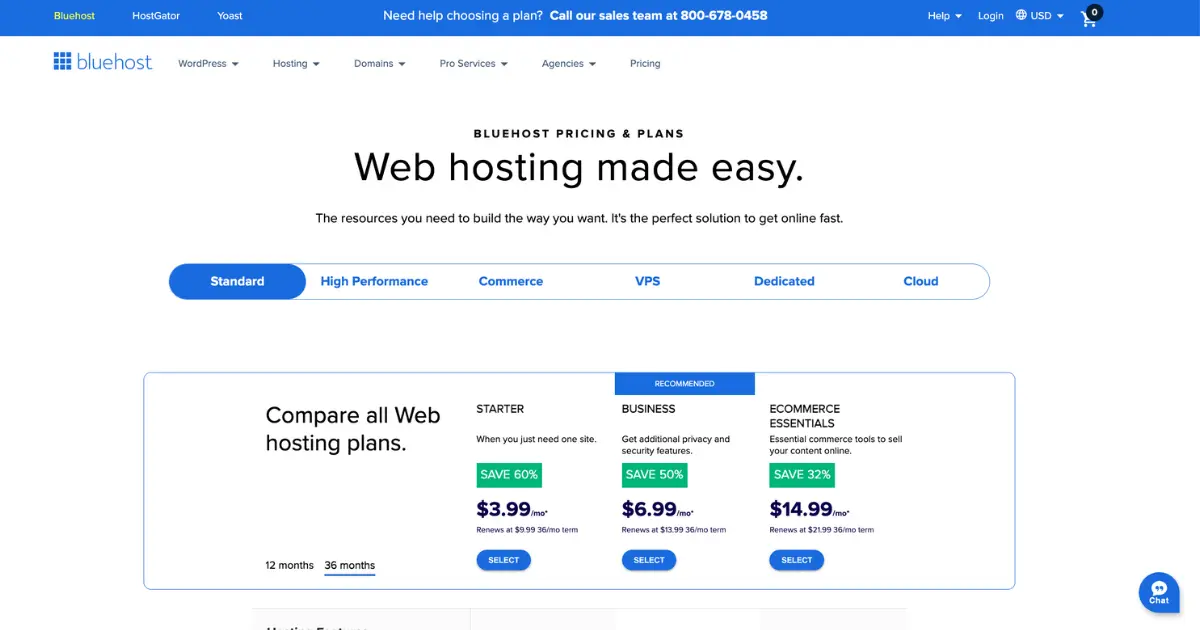
Bluehost is often chosen by beginners who want a simple, guided setup for WordPress. It’s a decent starter host for basic blogs and small websites where the main goal is to launch quickly and learn as you go.
For performance-focused sites, many people eventually upgrade to faster managed WordPress hosting, but Bluehost can work fine as a first step.
| Bluehost summary | Details |
|---|---|
| Benefits | Beginner friendly, easy setup |
| Strengths | Simple onboarding, widely supported in tutorials |
| Weaknesses | Performance usually not on the same level as premium managed WordPress hosting |
| Pros | Ease of use |
| Cons | Many sites eventually migrate for speed |
| Best for | First time WordPress users, small blogs, basic sites |
| Not best for | Performance focused ecommerce and high traffic sites |
Pricing of the Bluehost
Bluehost lists WordPress hosting plans and pricing on their WordPress hosting page.
Which host is best for which type of WordPress site
New blog or personal site
If the budget is tight, Hostinger is often the best starting point. If you want premium speed and minimal hassle, Kinsta is a big upgrade.
Small business website
SiteGround is a safe pick when support matters. Kinsta is best if speed and stability directly impact leads and revenue.
WooCommerce store
This is where hosting matters most. A slow store kills conversions. Kinsta is our top recommendation for serious WooCommerce hosting. WP Engine is also strong. Cloudways can be great if you size and tune your server correctly.
Learn More: The Fastest WordPress Host for Your Online Store
Agency managing client sites
Kinsta and WP Engine are made for this. Cloudways also works well if your team wants server level control.
High traffic publisher or membership site
Choose stability first. Kinsta and WP Engine are the safest managed options. Cloudways can be excellent if you choose the right server size and caching strategy.
Shared hosting vs managed WordPress hosting vs cloud hosting
- Shared hosting: cheapest, but performance can vary since you share resources.
- Managed WordPress hosting: optimized for WordPress, includes caching, backups, security, and support.
- Cloud hosting: can mean managed cloud platforms like Kinsta and WP Engine, or flexible cloud like Cloudways.
A fast hosting checklist you can use before you buy
Performance basics: modern PHP, SSD or NVMe, isolated resources, server level caching.
- Network: CDN, data center options, modern protocol support.
- Reliability: SSL, backups, security, monitoring.
- WordPress tooling: staging, migrations, SSH, WP CLI, logs.
If a host misses several of these, it may still be cheap, but it will not be the fastest WordPress hosting for SEO and Core Web Vitals.
Pick the right plan based on traffic and site type
- Low traffic sites: shared hosting or entry cloud plans can work.
- Growing sites: this is where managed WordPress hosting starts paying off.
- High traffic sites: choose premium managed hosting or properly sized cloud resources.
Core Web Vitals, speed, and hosting
Chrome’s resources explain how Core Web Vitals like LCP, CLS, and INP are measured and why they matter.
Hosting will not fix a heavy theme, but it will improve response time, cache consistency, and stability.
How to make any WordPress host faster
To speed up your site and improve website speed, start with images, caching, and a CDN, then trim heavy plugins.
Use a lightweight theme, compress images (WebP helps), remove unused plugins, keep WordPress and PHP updated, enable CDN, and use object caching for larger WooCommerce or membership sites when available.
Security features you should not compromise on
Free SSL, frequent backups, malware protection, firewall, DDoS protection, and monitoring. Managed WordPress hosting usually bundles more of this by default.
How to move to a faster WordPress host without losing SEO
Clone to staging, test everything, lower DNS TTL in advance, migrate during low traffic, verify Search Console, and keep the old host active for a few days as a safety net.
Is managed WordPress hosting worth it?
If your site makes money, usually yes. It reduces downtime risk and performance troubleshooting.
Do I still need a caching plugin?
Often no. If your host provides server level caching, adding another caching plugin can create conflicts.
Best WordPress hosting for beginners?
Bluehost and Hostinger are common starters. Kinsta is beginner friendly too, but in a premium “less chores” way.
Fastest WordPress hosting for WooCommerce?
Typically Kinsta or WP Engine for managed reliability, or Cloudways with the right resources and tuning.
Conclusion
Choosing the fastest WordPress hosting is really about choosing consistency. You don’t just want a site that can hit a good speed test once. You want reliable performance every day, stable uptime, strong caching, and a platform that stays fast even when your traffic grows. That’s why hosting is the one upgrade that impacts everything at once: SEO, Core Web Vitals, user experience, and revenue.
If you want the best “set it and forget it” performance, Kinsta is our top recommendation because it combines premium managed WordPress hosting with a speed-focused stack that’s built to stay fast under real-world conditions. For teams that care about developer workflows, WP Engine is a strong managed alternative. If you want flexible cloud performance with scaling control, Cloudways can be excellent when you pick the right server size and configure caching properly.If you’re starting small, budget options like Hostinger or beginner-friendly hosts like Bluehost can get you online quickly, but most growing sites eventually upgrade when speed becomes a bigger priority. Pick the host that fits your current stage, but choose one with a clear upgrade path because as your site grows, hosting becomes less of a cost and more of a competitive advantage.



Submit a comment
Comments are read before they appear. Your email is not published.
Thanks. Your comment is waiting for review and will appear here once it is approved.