

Divi AI: How to Create a Landing Page with AI
Generate a Divi AI landing page from a prompt, then refine the sections, images, and copy by hand so the result reads like your brand, not a template.
Divi 5 tutorials, layouts and fixes from the team that builds Divi sites every week.
Generate a Divi AI landing page from a prompt, then refine the sections, images, and copy by hand so the result reads like your brand, not a template.
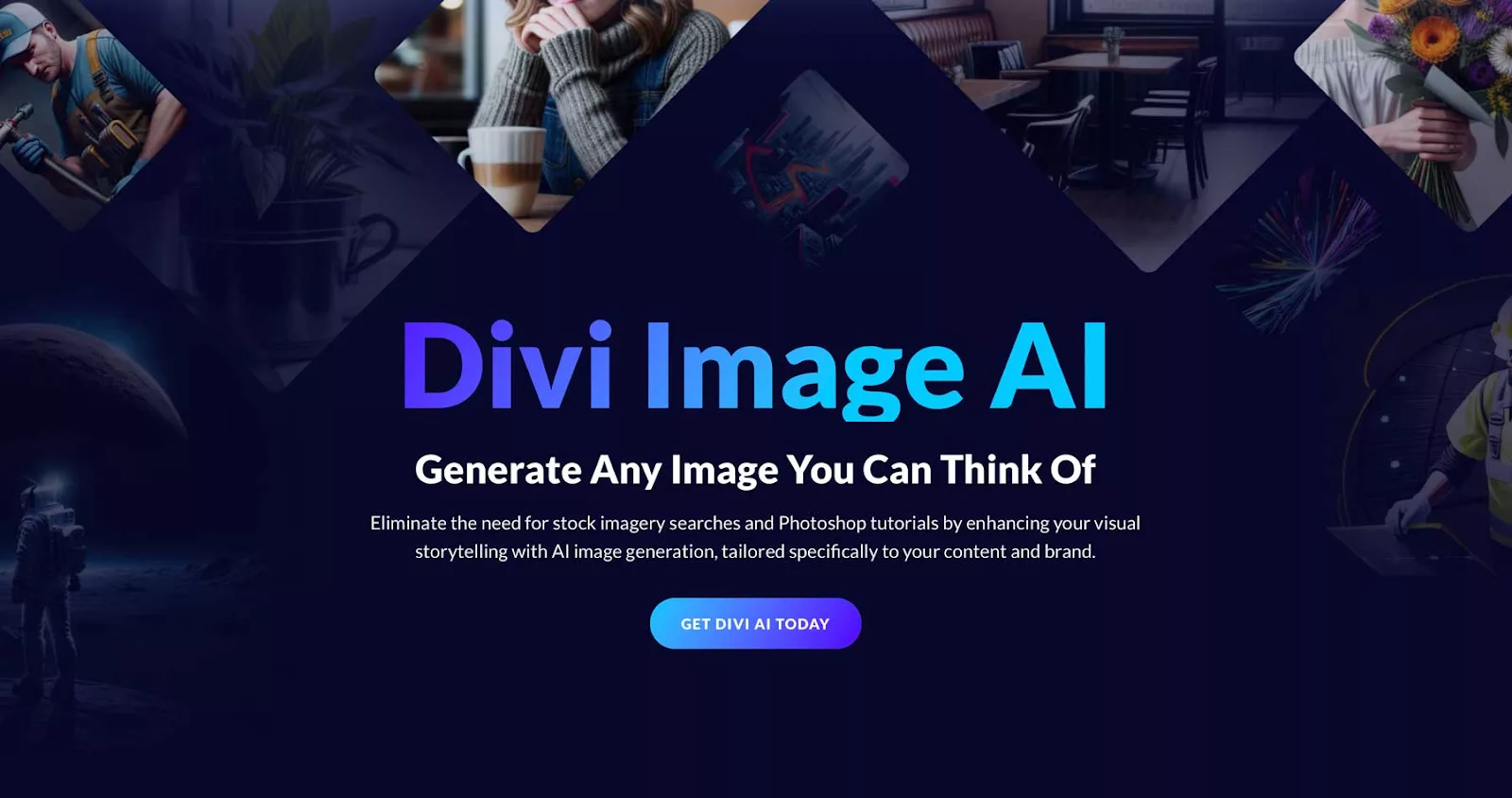
Stock photos never fit. Divi Image AI generates images from a prompt inside the builder, and this covers prompting, editing and where results fall short.
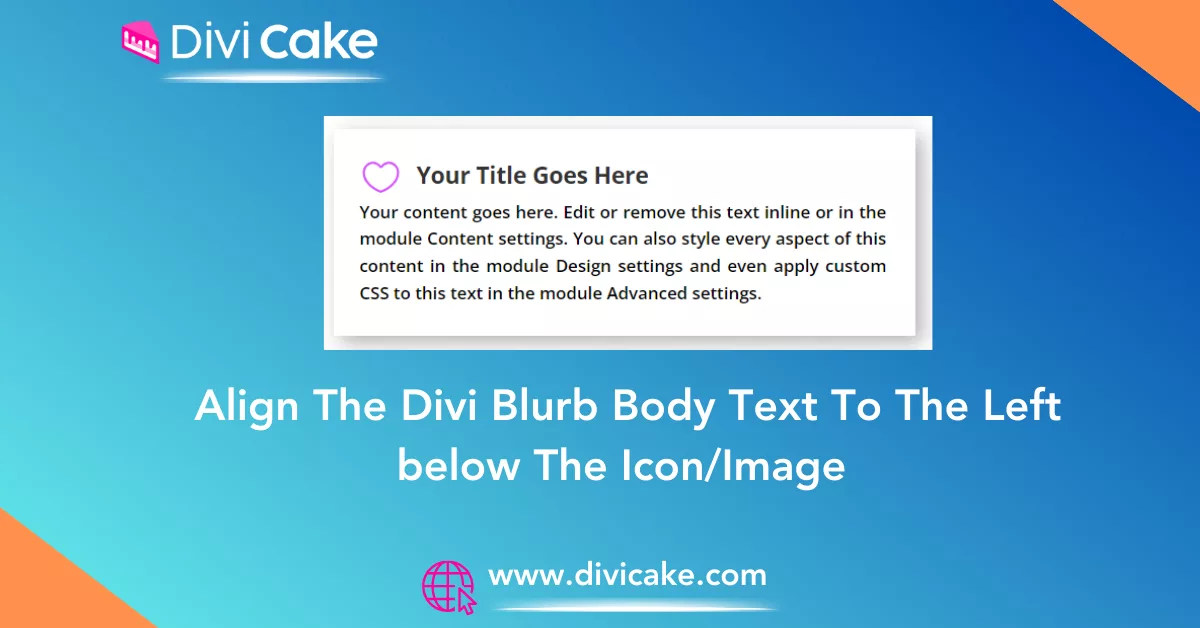
Divi blurb text alignment fights you when the icon sits on top. This snippet left-aligns body copy under a centered icon without breaking the mobile stack.
Nine Divi contact form plugins compared on entry storage, conditional logic, spam blocking, and how cleanly each one styles inside the Divi Builder itself.
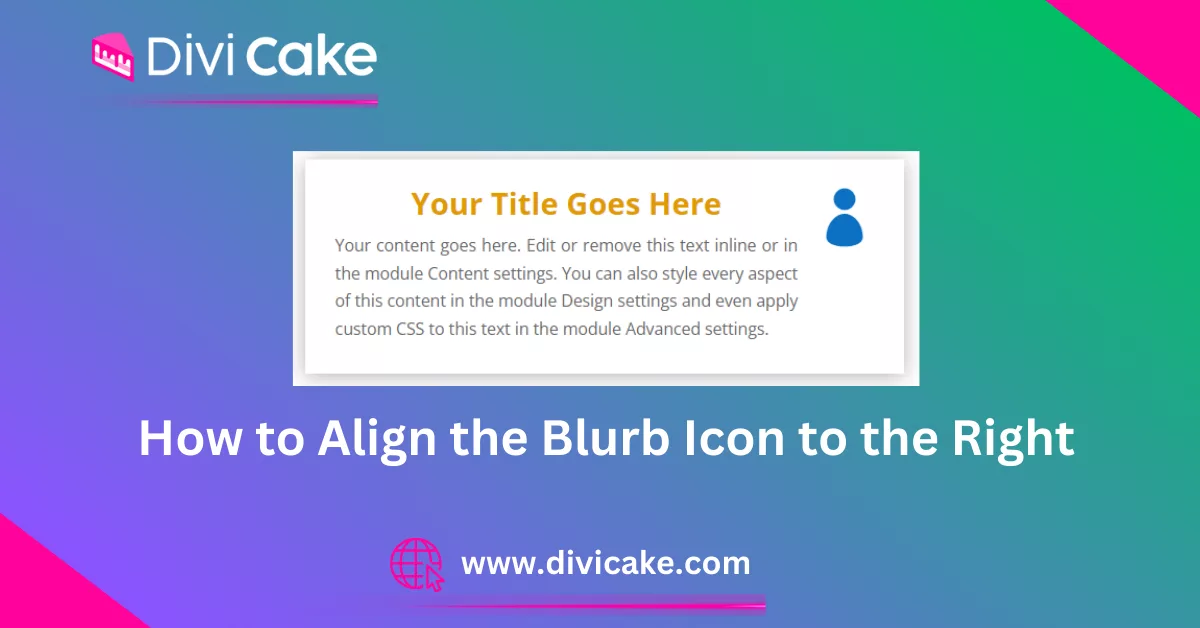
Left-aligned icons do not suit every layout. Align the Divi blurb icon to the right with a short CSS rule, and keep the stacking sensible on mobile screens.
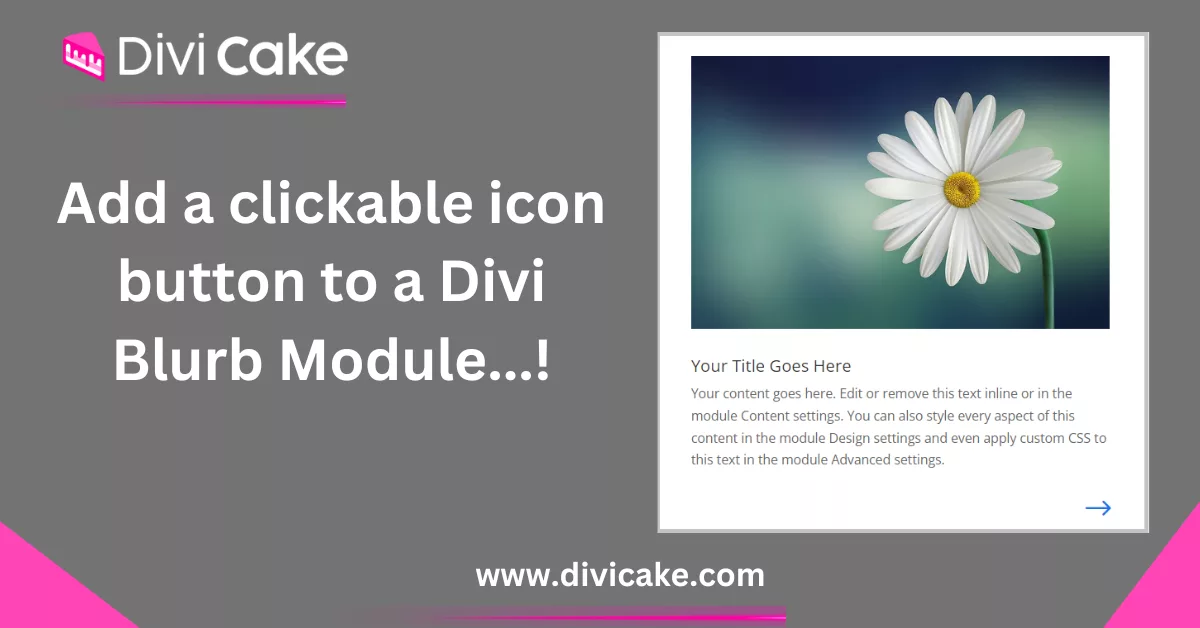
Make a clickable Divi blurb icon behave like a real button: wrap it in a link, add a hover state, and keep the whole card tappable on phones and tablets.
The blurb module ships without a button field. Add a Divi blurb button by stacking a Button module underneath, or link the entire blurb with one CSS snippet.
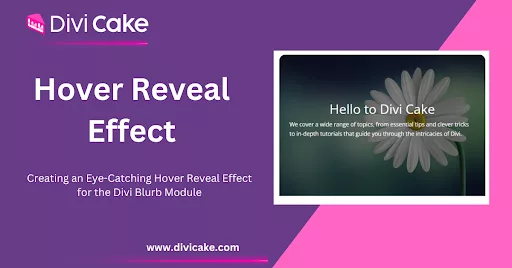
Hover effects reward curiosity. Build a Divi blurb hover effect that reveals text on mouseover using built-in hover settings, plus a touch-friendly fallback.
Learn how to build a complete homepage using Divi AI layout selection, section editing, images, and final launch tips for a polished WordPress site.