
Canvas All-in-One Layout Kit Review: Is It Worth the Investment?
We may earn a commission from affiliate links in this post. Disclosure policy
Creating a beautiful and professional website using the Divi Builder can take a lot of time, especially if you’re starting from scratch. Whether you’re a beginner, freelancer, or web developer, finding the right layout that matches your brand and looks great on all devices can be a challenge. That’s where the Canvas All-in-One Layout Kit comes in a powerful collection of pre-made Divi sections designed to save you time and help you build modern, responsive websites with ease.
Developed by Divi Lover, this layout kit is packed with more than 200 ready-to-use sections that you can simply drag and drop into your Divi projects. It’s made for people who want professional results without needing to be expert designers. In this review, we’ll take a close look at what the Canvas kit offers, why Divi users love it, how it works, and whether it’s really worth the investment for your website.
What is Canvas All-in-One Layout Kit?
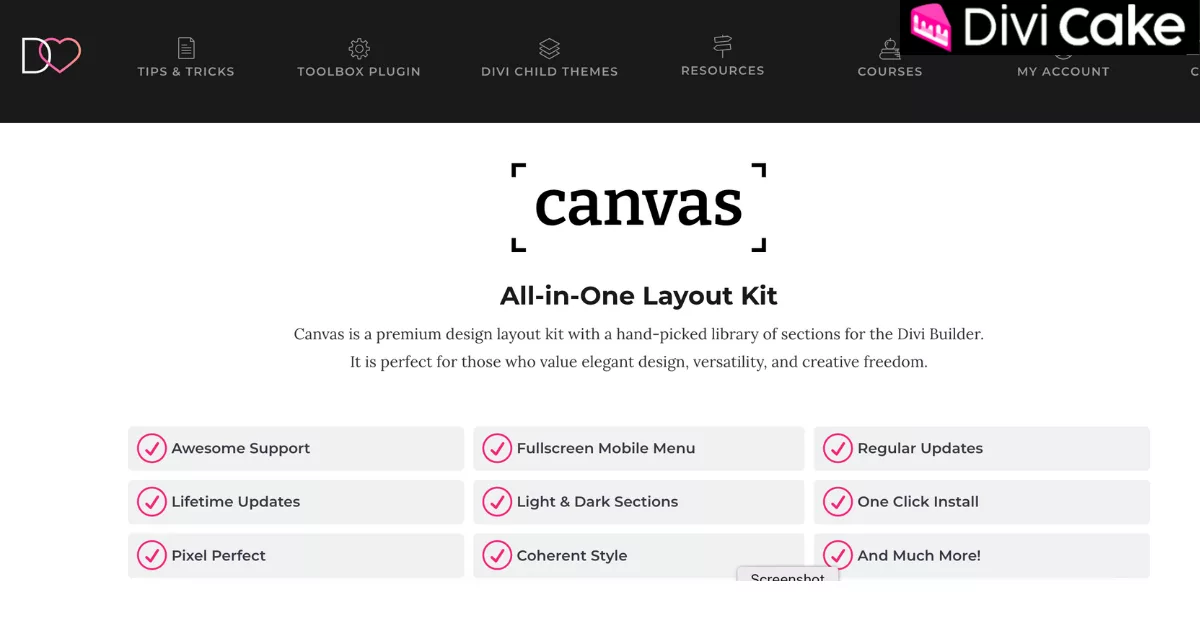
Canvas is a professionally designed premium layout kit for Divi that includes a library of over 200 ready-made sections for building full websites. It is tailored for use with the Divi theme and allows users to create modern, visually appealing, and responsive websites faster than ever.
Unlike basic layout packs, Canvas focuses on coherent styling, responsive design, and elegant aesthetics. Whether you’re creating a personal portfolio, an agency site, an online service page, or even a blog, Canvas provides you with a reliable foundation to build from.
Why Divi Users Love the Canvas Layout Kit
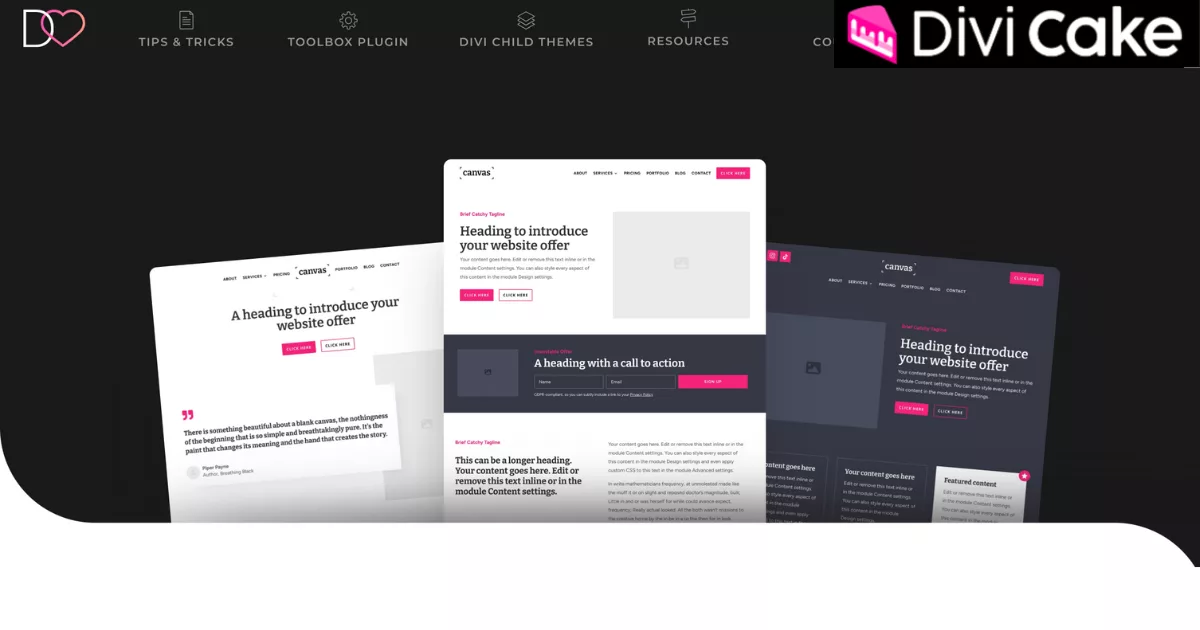
Divi users appreciate Canvas because it gives them access to a carefully designed set of high-quality sections that cover all the essential parts of a website. Whether you’re building a homepage, landing page, or blog, Canvas has ready-made sections that save you time and deliver a clean, consistent design.
- Hero headers: Beautifully crafted top sections to make a strong first impression.
- Footers: Fully styled footer layouts that tie your site together professionally.
- Call-to-actions (CTAs): Eye-catching sections designed to boost clicks and engagement.
- Portfolios: Display your work with elegant, easy-to-browse layouts.
- Testimonials: Add social proof with clean testimonial sections that build trust.
- Contact forms: Well-placed, user-friendly forms for easy communication.
- Pricing tables: Clear and stylish pricing layouts that highlight your offers.
- Blog sections: Attractive blog previews that keep your content looking sharp.
Each section shares the same design language matching fonts, colors, spacing, and layout so your entire website looks seamless and professional from top to bottom. With Canvas, there’s no need to stress about design consistency it’s already done for you.
Fully Responsive Across All Devices
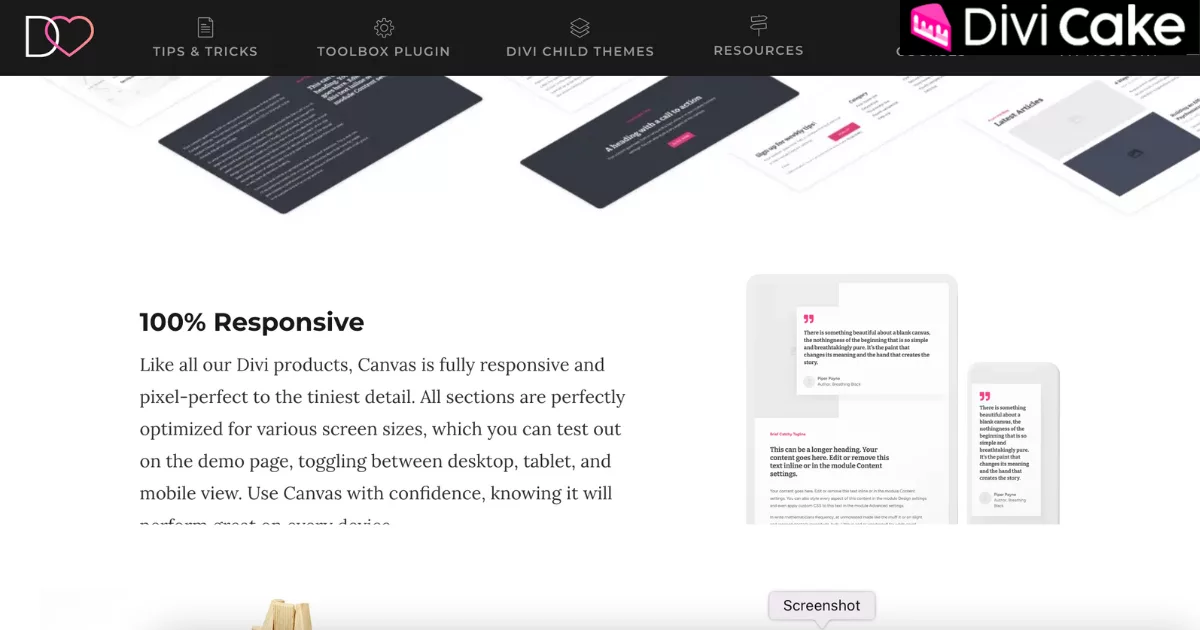
One of Canvas’s standout features is its 100% responsive layout design. Every section is tested and optimized to look pixel-perfect on all screen sizes whether you’re viewing it on a desktop, tablet, or mobile device.
This is especially valuable for Divi users who want to ensure mobile friendliness without spending hours tweaking breakpoints.
Easy Import Options for Any Workflow
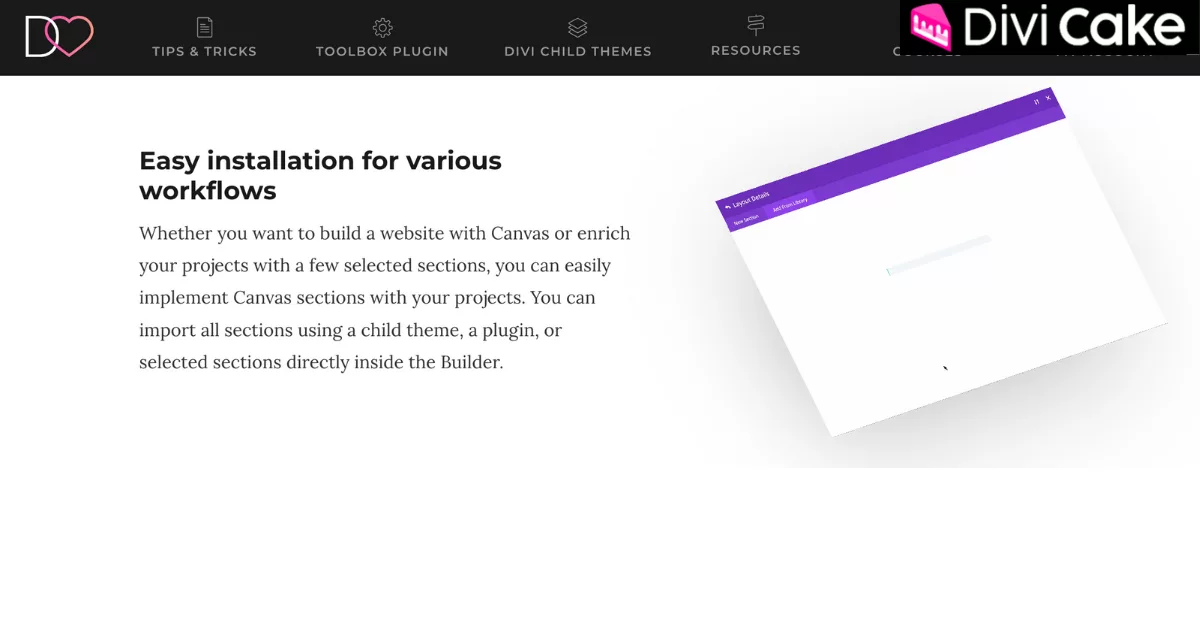
One of the best things about the Canvas All-in-One Layout Kit is how flexible and beginner-friendly it is when it comes to importing sections into your website. You don’t need to be a tech expert there are multiple ways to start using Canvas with ease.
- Import via a Divi child theme: Quickly load all Canvas sections into your site by using the provided child theme.
- Install through a dedicated plugin: If you prefer using plugins, you can import the sections with just a few clicks.
- Add selected sections directly into the Divi Builder: You can also choose individual sections and place them right inside the Builder as you design.
This simple and flexible setup saves time and works with your existing workflow, whether you’re building a full site or just need a few polished sections.
Learn More: Anthony – Free Divi Layout for an About Me Page
Light and Dark Section Variants in Canvas Divi Kit
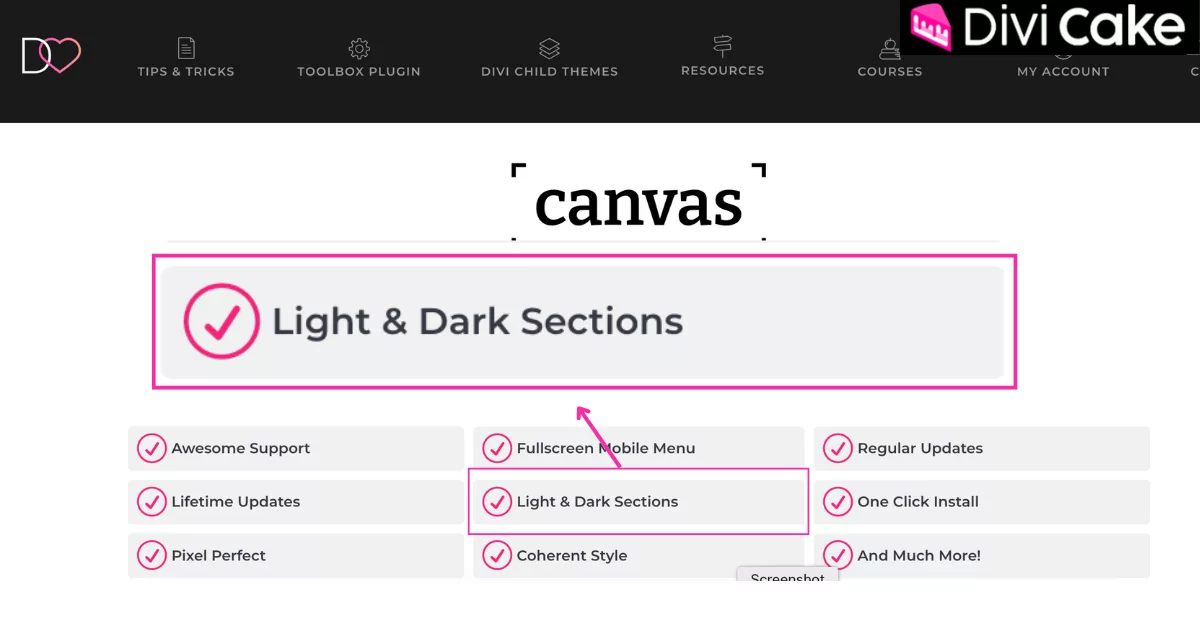
Whether your site needs a clean white look or a sleek dark theme, Canvas includes both light and dark sections that can match your brand’s tone. This gives you the creative control to customize the mood of your site while still maintaining a uniform structure.
Elegant Mobile Menu Replacement
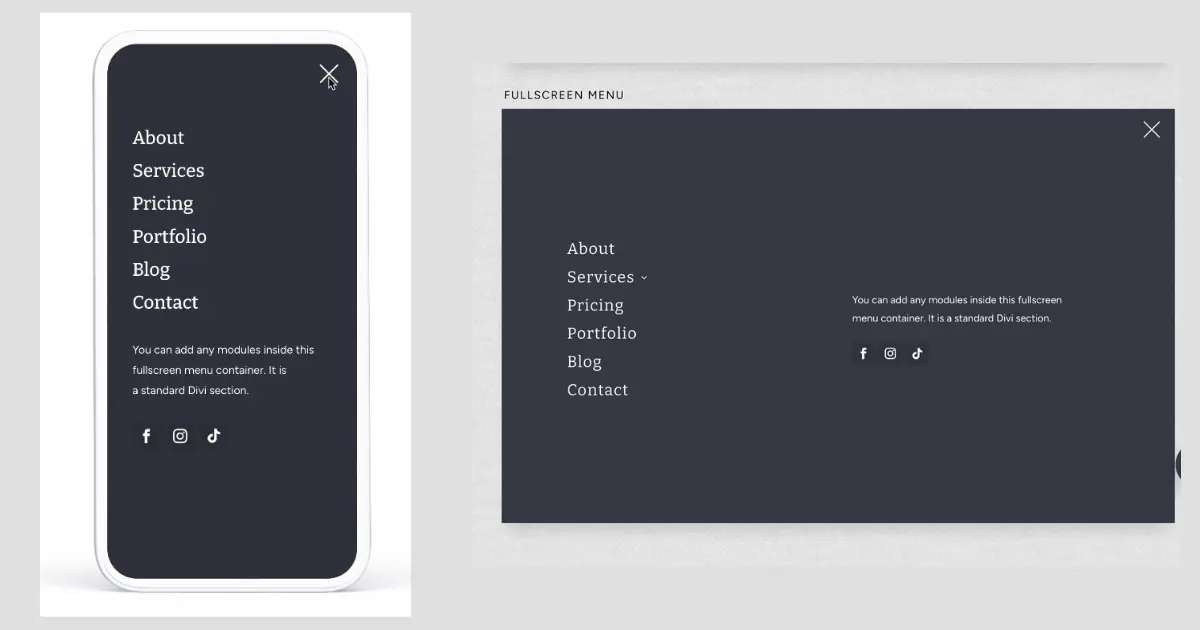
Tired of the same old default Divi mobile menu? Canvas includes a fullscreen mobile menu overlay, triggered by a stylish animated hamburger icon. This section is built entirely in the Divi Theme Builder and allows for full customization meaning you can add text, buttons, forms, or images directly inside your mobile menu for a unique and intuitive user experience.
Regular Updates That Keep Improving the Kit
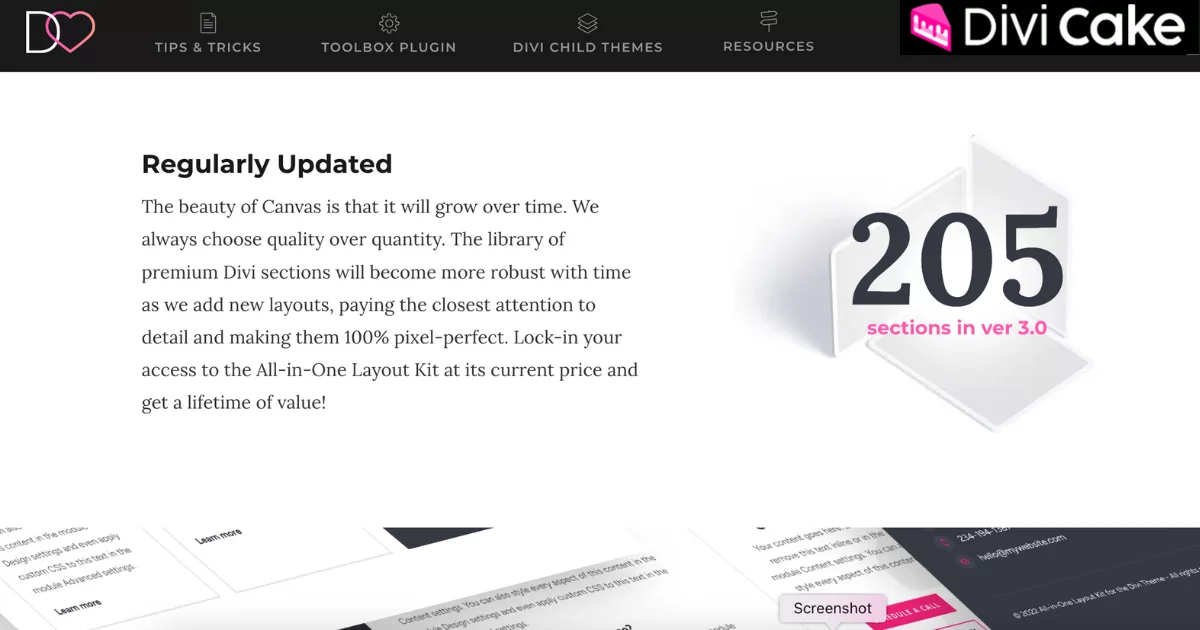
One of the most important things to note about Canvas is that it’s not a static product. Divi Lover continuously adds new sections and updates the kit to keep it modern and in line with best practices. Each update is carefully crafted to improve performance, design, and user experience.
With over 205+ sections already available in version 3.0, this kit is growing into one of the most robust Divi resources on the market.
What Customers Are Saying
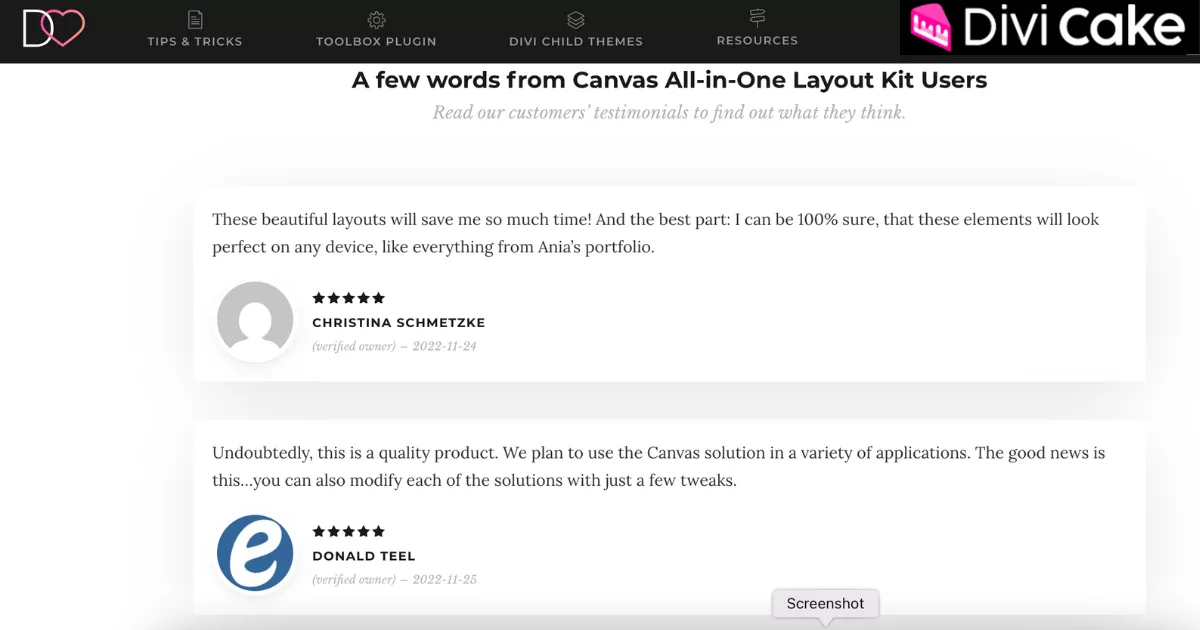
Canvas has received glowing reviews from verified buyers, earning a 5.00/5 star rating. Users praise its simplicity, flexibility, and time-saving features. Many report that the layout kit significantly reduces their development time while improving the design quality of their Divi websites.
Canvas Layout Kit Pricing and Unlimited Use
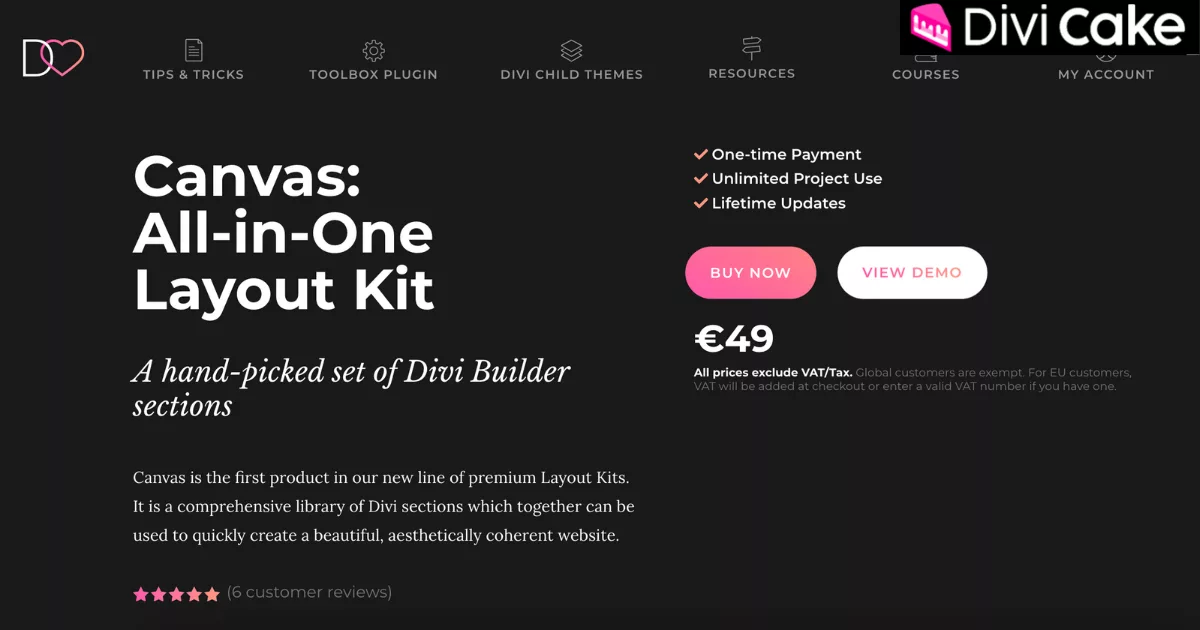
The Canvas All-in-One Layout Kit is available for a one-time payment, and when you look at what’s included, it offers excellent value for both beginners and professionals. You don’t need to worry about monthly fees or recurring charges once you buy it, it’s yours forever.
- Unlimited project use: You can use the kit on as many websites as you want whether they’re for your own business or for your clients.
- Lifetime updates: You’ll continue to receive every new section, update, or improvement added to Canvas at no extra cost.
- One-time payment only: Just pay once, and there are no subscriptions or hidden fees to worry about.
- No subscriptions or renewals: Unlike other layout services, Canvas doesn’t lock you into ongoing payments making it budget-friendly and stress-free.
Conclusion: Is Canvas Worth the Investment?
If you’re a Divi user looking for a clean, flexible, and beautifully designed layout solution, the Canvas All-in-One Layout Kit is absolutely worth considering. It offers a full collection of premium Divi sections that can help you build a complete website without starting from scratch or struggling with design mismatches.
What makes Canvas really stand out is its one-time payment model with no recurring fees, along with lifetime updates and unlimited usage across projects. Whether you’re a freelance designer, a developer managing multiple clients, or someone building your own site, Canvas gives you real long-term value.
The easy import options, consistent design style, and strong customer support make it an ideal choice for beginners and professionals alike. It saves time, improves the quality of your website, and gives you full creative control with zero coding required.
So, if you want a dependable, polished, and future-proof layout kit for your Divi website, Canvas is a smart investment that delivers more than what it costs.
Get Canvas Now and Start Building Faster
Are you ready to supercharge your Divi workflow and create stunning website designs with ease? The Canva All-in-One Layout Kit is your ultimate design companion – packed with premium templates and layouts to help you build beautiful pages in record time. Only €49 for Lifetime Access – no recurring fees!
- Buy Canva Layout Kit Now and take your designs to the next level.
- Check Out the Live Demo of the Canva All-in-One Kit – see everything you’ll get in action!
Submit a comment
Comments are read before they appear. Your email is not published.
Thanks. Your comment is waiting for review and will appear here once it is approved.