
25+ Best Free Divi Plugins, Addons & Extensions for WordPress in 2026
We may earn a commission from affiliate links in this post. Disclosure policy
Divi already gives you a powerful visual builder, global design controls, Theme Builder templates, and plenty of native modules. But sometimes you need one small extra feature: a better carousel, a popup, more icons, filterable content, custom footers, reusable shortcodes, social feeds, or extra Divi modules.
That is where free Divi plugins can help.
The right Divi plugin can save hours of custom coding and make your website easier to design, manage, and improve. Some plugins add new Divi modules. Some add useful Divi extensions. Others improve forms, menus, galleries, blog layouts, WooCommerce sections, and marketing features.
In this updated 2026 guide, we have collected the best free Divi plugins, Divi addons, and Divi Builder extensions worth testing on your WordPress website.
Divi also has a large ecosystem of official and third-party modules, extensions, and layouts through the Divi Marketplace, so free plugins are a great starting point before moving into premium tools.
plugin, and Divi modules.
Best Free Divi Plugins Compared
Choosing the right Divi plugin depends on what you want to improve on your website. Some free Divi plugins add new modules, while others help with popups, carousels, galleries, forms, icons, blog layouts, filters, or reusable Divi Library items.
Here is a quick comparison of the best free Divi plugins, addons, and extensions for WordPress in 2026.
| Plugin | Best For | Free Version | Main Feature | Best Use Case |
|---|---|---|---|---|
| Divi Torque Lite | Divi addons and modules | Yes | 20+ free Divi modules | Adding multiple modules in one plugin |
| Supreme Modules Lite | Divi modules | Yes | Creative Divi modules | Landing pages and service sections |
| Popups for Divi | Divi popup plugin | Yes | Turn Divi sections into popups | Lead magnets, offers, announcements |
| Divi Carousel Lite | Divi carousel plugin | Yes | Carousel module | Logos, images, testimonials, partners |
| Carousel for Divi | Divi carousel layouts | Yes | Content carousel options | Homepage sections and visual content |
| Divi Animated Gallery | Divi gallery plugin | Yes | Animated image galleries | Portfolios and creative websites |
| Article Cards Extension | Divi blog plugin | Yes | Better blog card layouts | Blogs, magazines, and resource hubs |
| WP and Divi Icons | Divi icon plugin | Yes | Extra icon options | Service boxes, blurbs, feature lists |
| Simple Divi Shortcode | Divi shortcode plugin | Yes | Shortcodes for Divi Library items | Reusable CTAs and saved layouts |
| Filter for Divi | Divi filter plugin | Yes | Filter Divi modules | Portfolios, galleries, shops, blogs |
| Before + After Images for Divi | Image comparison plugin | Yes | Before/after slider | Case studies and visual transformations |
| Surbma Divi Extras | Divi tweaks | Yes | Lightweight Divi improvements | Small Divi fixes and enhancements |
| Payment Button for PayPal | Simple payments | Yes | PayPal payment shortcodes | Donations, payments, and small shops |
| Smash Balloon Social Photo Feed | Social feeds | Yes | Instagram feed display | Visual brands and social proof |
| Divi Contact Form Helper | Divi contact form plugin | Premium | Advanced Divi forms | Lead generation and business forms |
| Divi Blog Extras | Divi blog layouts | Premium | Advanced blog layouts | Content-heavy websites |
| Divi Booster | Divi customization | Premium | Extra Divi settings | Agencies and advanced users |
| DiviFlash | Divi extensions | Premium | Large module collection | Advanced website design |
| Divi Carousel Pro | Advanced carousel plugin | Premium | More carousel controls | Product, team, and testimonial sliders |
Before Installing Any Free Divi Plugin
Free plugins can be useful, but they should still be tested carefully. Before adding a new Divi plugin to a live website:
- Test it on a staging website first.
- Check when the plugin was last updated.
- Review WordPress compatibility and active installs.
- Test desktop, tablet, and mobile layouts.
- Check page speed before and after activation.
- Avoid installing multiple plugins that do the same job.
- Confirm whether the plugin supports Divi 5 or still relies on legacy Divi 4 behavior.
For Divi 5 websites, Elegant Themes recommends using the Divi 5 Migrator compatibility scan from Divi → Divi 5 Migrator before migration or major updates.
1. Divi Torque Lite
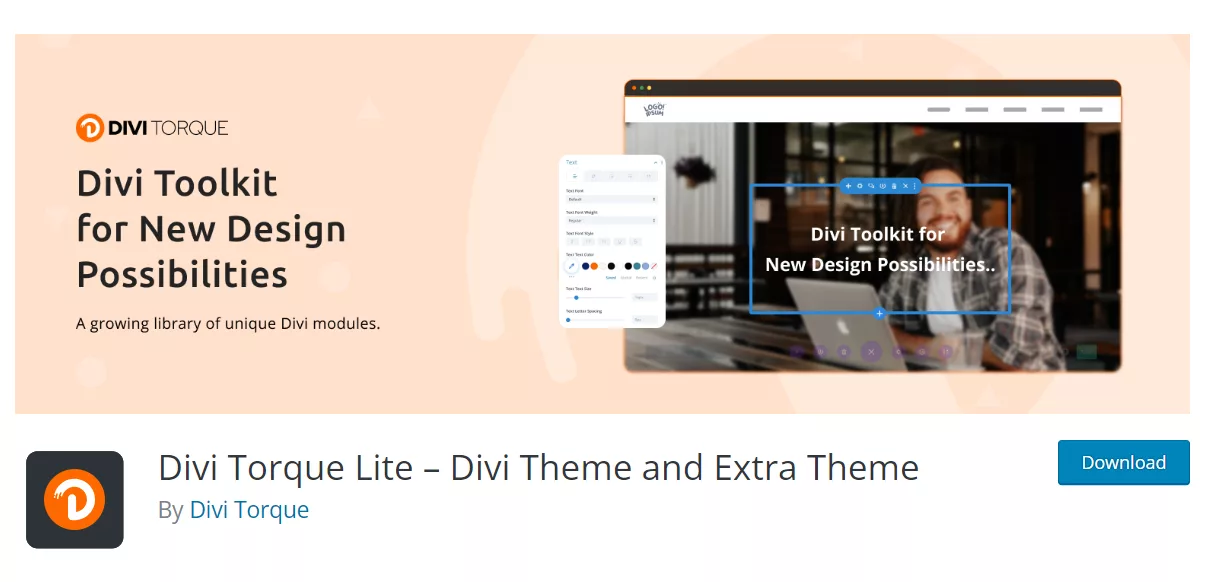
Divi Torque Lite is one of the strongest free Divi plugins for users who want more creative modules inside the Divi Builder.
It adds extra Divi modules and extensions for content, marketing, layouts, and visual effects. This makes it useful for agencies, freelancers, bloggers, business websites, and anyone who wants more flexibility without writing custom code.
Key features:
- 20+ free Divi modules
- Icon Box module
- Contact Form 7 Styler
- Logo Carousel
- Video Modal
- Flip Card
- Review Box
- Animated Text
- Business Hours
- Gradient Heading
- Useful for service pages, landing pages, and portfolio sections
Divi Torque Lite is a smart choice when you need multiple free Divi modules in one plugin instead of installing several smaller Divi add-ons. The WordPress.org listing describes it as a Divi plugin with 20+ free modules and extensions.
For advanced features, you can also check Divi Torque Pro.
2. Supreme Modules Lite
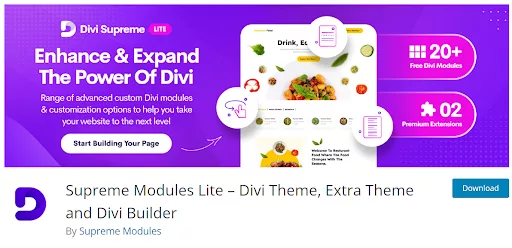
Supreme Modules Lite is another excellent free Divi addon plugin. It adds creative modules that help you design more engaging pages inside Divi.
This plugin is especially helpful when you want better text effects, flip boxes, dividers, icon lists, price lists, and business sections.
Key features:
- Gradient Text module
- Flipbox module
- Text Divider module
- Icon List module
- Business Hours module
- Price List module
- Useful design options for landing pages
- Works well for service, agency, restaurant, and business websites
Supreme Modules Lite is best for Divi users who want lightweight visual upgrades without moving away from the Divi Builder. Its official plugin page lists modules such as Gradient Text, Flipbox, Text Divider, Price List, Business Hours, and Icon List.
For more advanced modules, check Divi Supreme Pro.
3. Popups for Divi
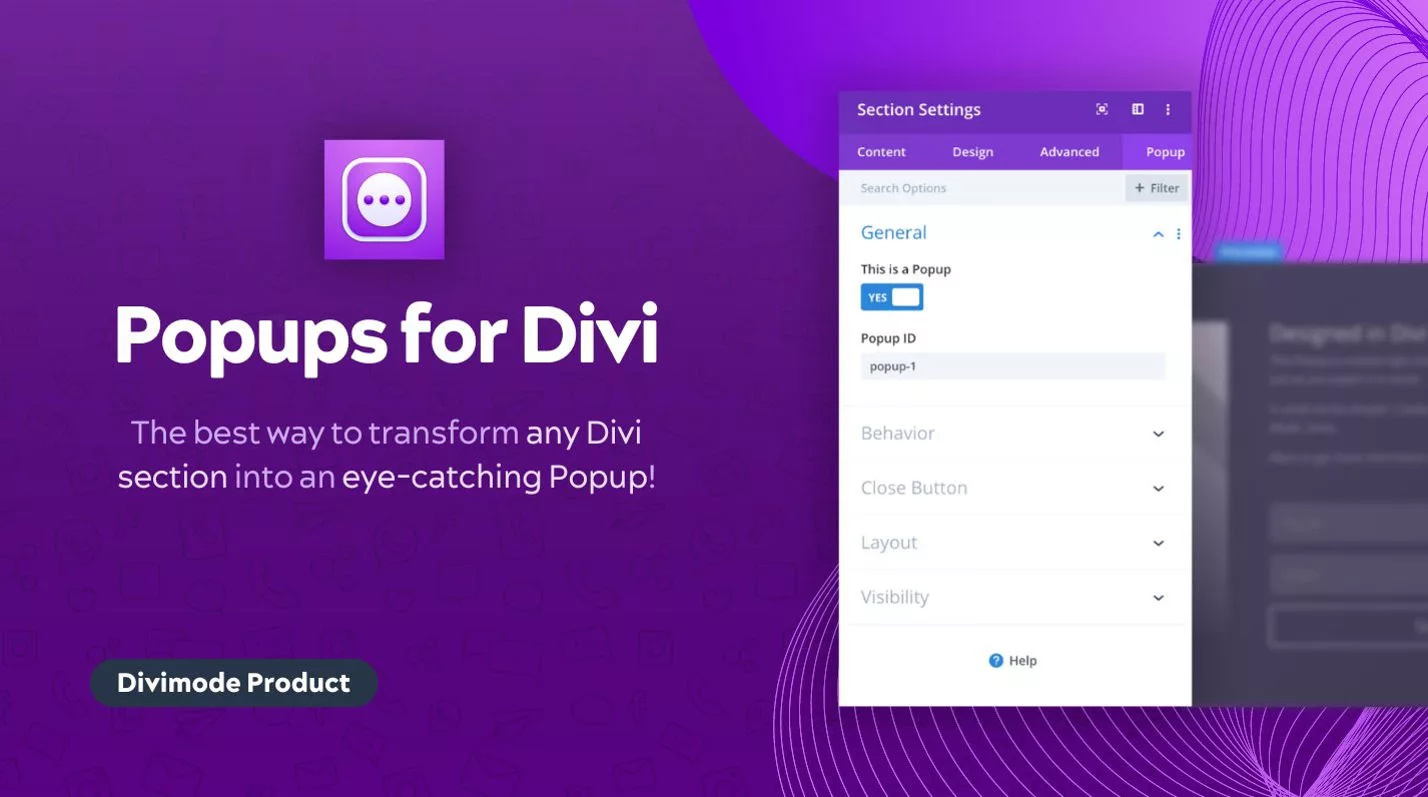
Popups for Divi is one of the most useful free Divi plugins for marketing websites. It allows you to turn Divi sections, rows, or modules into popups.
This is helpful for lead magnets, newsletter forms, announcements, discount offers, contact prompts, and campaign CTAs.
Key features:
- Create popups using Divi layouts
- Trigger popups from buttons and links
- Good for email opt-ins
- Useful for promotions and announcements
- Works with Divi design controls
- Great for landing pages and lead generation
Use this plugin when you want a simple popup without adding a heavy marketing suite.
4. Divi Carousel Lite
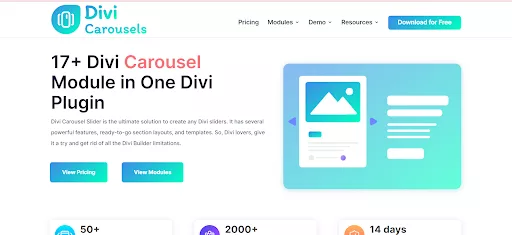
Divi Carousel Lite is a good choice when you need a free Divi carousel module for images, logos, partners, products, or testimonials.
Carousels are useful when you need to show multiple items in a compact space without making the page too long.
Key features:
- Image carousel support
- Logo carousel support
- Responsive carousel layouts
- Mobile-friendly swipe behavior
- Useful for client logos and partner sections
- Good for portfolios, testimonials, and product highlights
A carousel plugin should always be tested for performance. Use it only where it improves the page experience.
5. Carousel for Divi
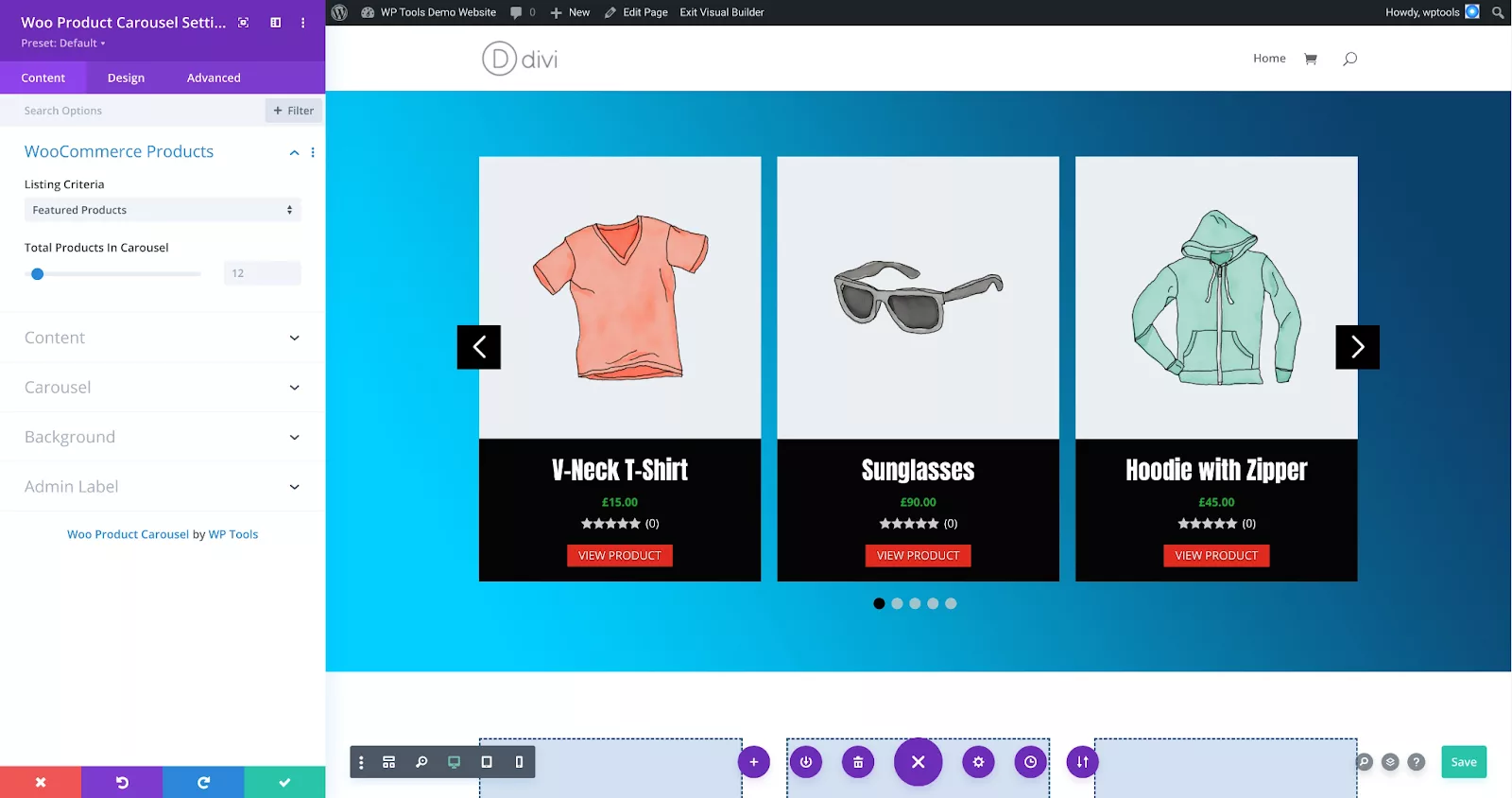
Carousel for Divi is another useful option for adding carousel functionality to Divi.
It is suitable for users who want a simple way to display multiple pieces of content in one section.
Key features:
- Adds carousel functionality to Divi
- Useful for images, posts, logos, and content blocks
- Helps reduce page length
- Works well for homepage sections
- Good for agencies, SaaS pages, and service websites
This is a good plugin to test when your design needs sliders or carousels but you do not want to build custom code.
6. Divi Animated Gallery
Divi Animated Gallery helps you create more engaging image galleries inside Divi.
It is useful for photographers, designers, portfolio websites, agencies, restaurants, event websites, and any visual brand that needs better image presentation.
Key features:
- Animated gallery layouts
- Better image presentation
- Useful for portfolios
- Good for project showcases
- Helps make image sections more interactive
- Suitable for creative websites
Use this plugin when the default Divi gallery module feels too basic.
7. Article Cards Extension
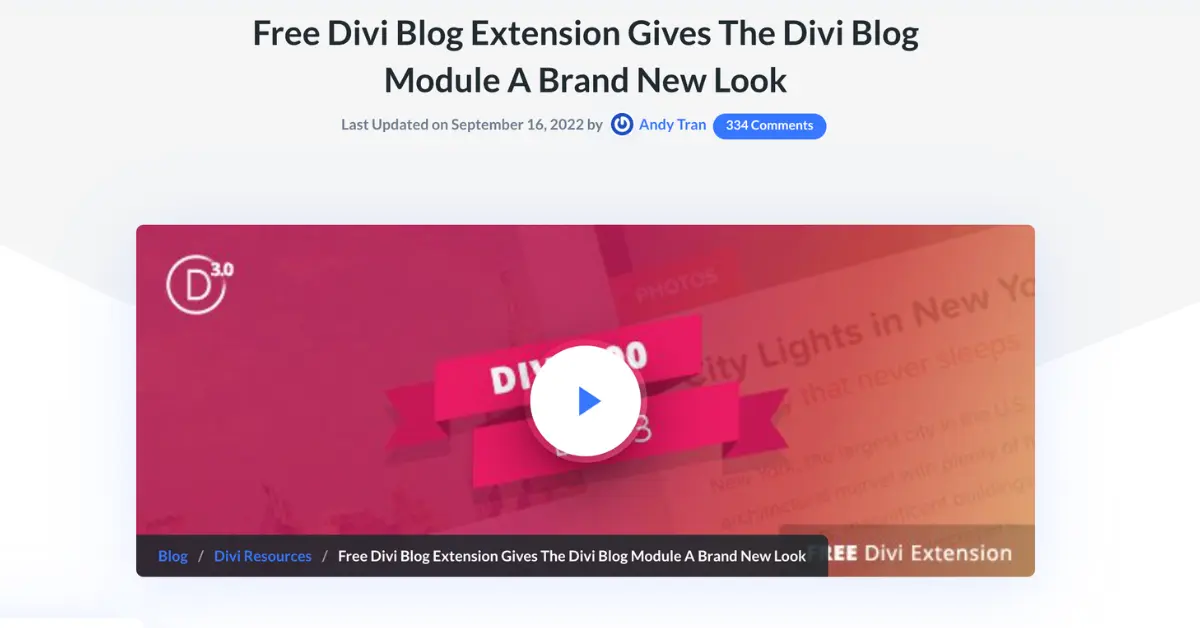
Article Cards Extension is useful for improving how blog posts appear on a Divi website.
Instead of showing basic blog grids, you can create more visual article card layouts that look cleaner and more modern.
Key features:
- Better blog card styling
- Useful for magazine-style websites
- Helps improve blog archive design
- Good for featured posts
- Makes content easier to scan
- Useful for blogs, tutorials, and resource hubs
This is a strong fit for Divi blogs that publish regular content and want better engagement from archive pages.
8. Payment Button for PayPal
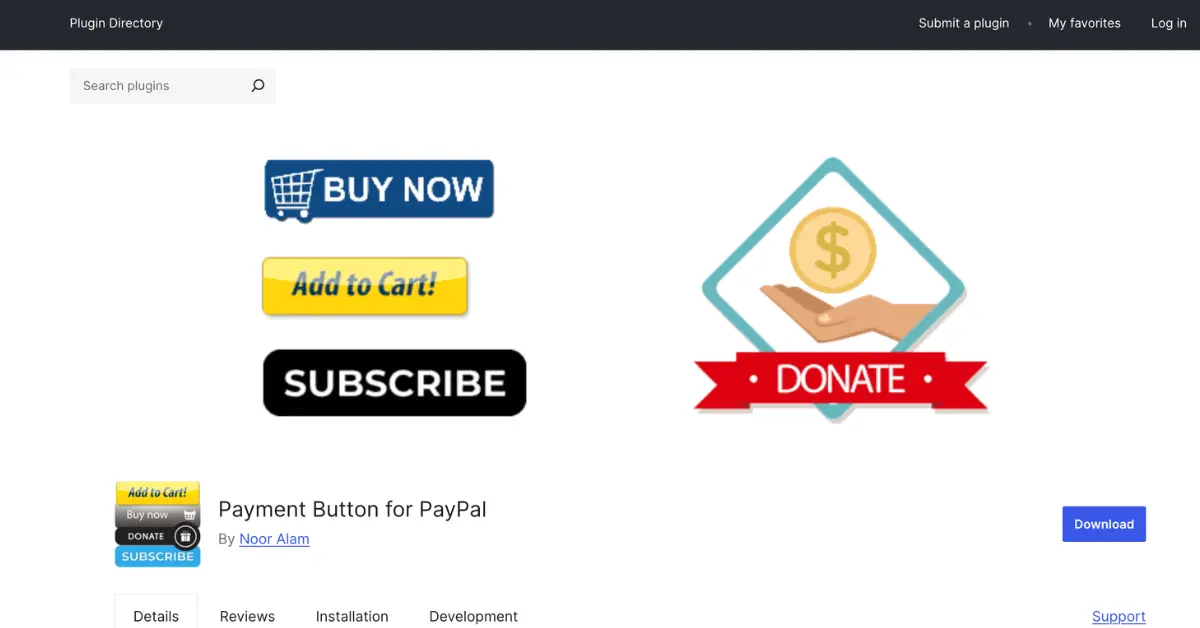
Payment Button for PayPal is not a Divi-only plugin, but it works well with Divi websites when you need a simple payment button.
It can create PayPal Buy Now, Add to Cart, Donation, or Subscription buttons using shortcodes.
Key features:
- PayPal Buy Now buttons
- Donation buttons
- Add to Cart buttons
- Subscription payment buttons
- Shortcode-based setup
- Useful for small stores, donations, and service payments
This is a good option for simple payment needs before moving into a full WooCommerce setup.
9. WP and Divi Icons
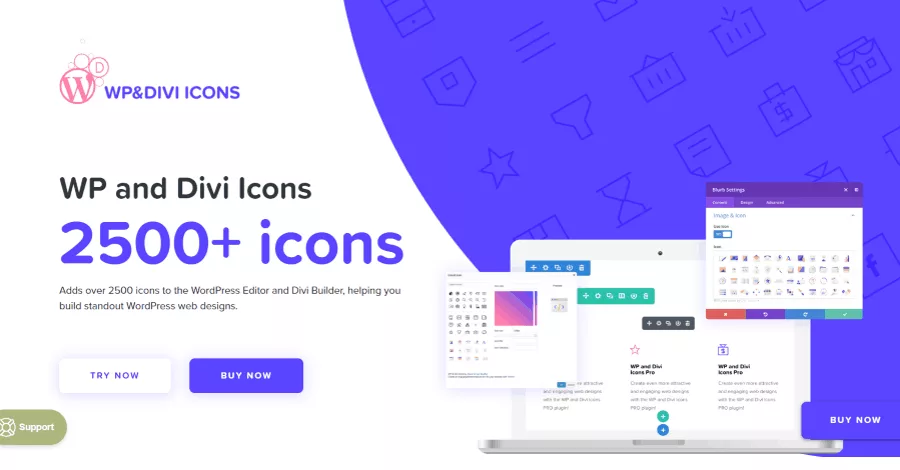
WP and Divi Icons give you more icon options for Divi designs.
Icons are small, but they can improve service boxes, blurbs, pricing tables, feature lists, buttons, and navigation sections.
Key features:
- Adds more icons to Divi
- Useful for service sections
- Good for feature boxes and blurbs
- Helps create more visual layouts
- Saves time searching for custom SVGs
- Useful for business and agency websites
This is a simple but practical Divi plugin for improving visual design.
10. Divi Icons Pro
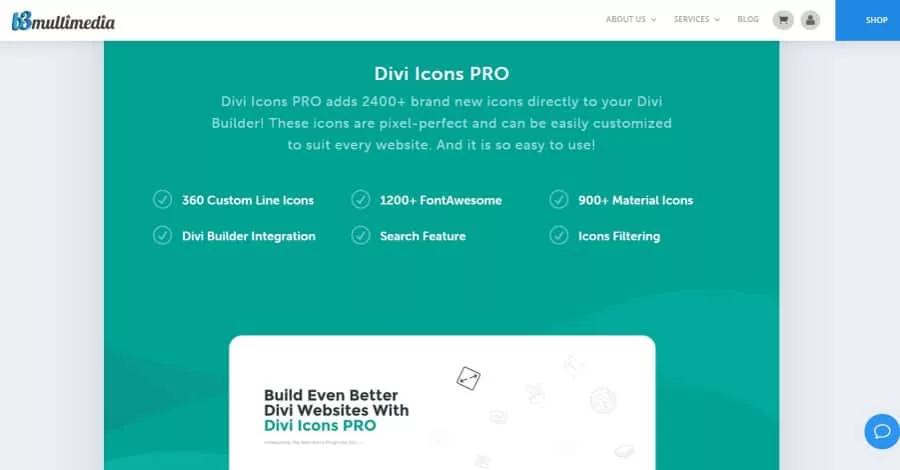
Divi Icons Pro is another icon-focused tool for Divi users.
It is useful when your site needs a larger icon library and more design variety than the default Divi icon set.
Key features:
- Expanded icon options
- Useful for Divi blurbs
- Good for landing page feature sections
- Helps maintain consistent icon styling
- Useful for service and SaaS websites
- Saves design time
Use this when icons are an important part of your site’s visual style.
11. Smash Balloon Social Photo Feed
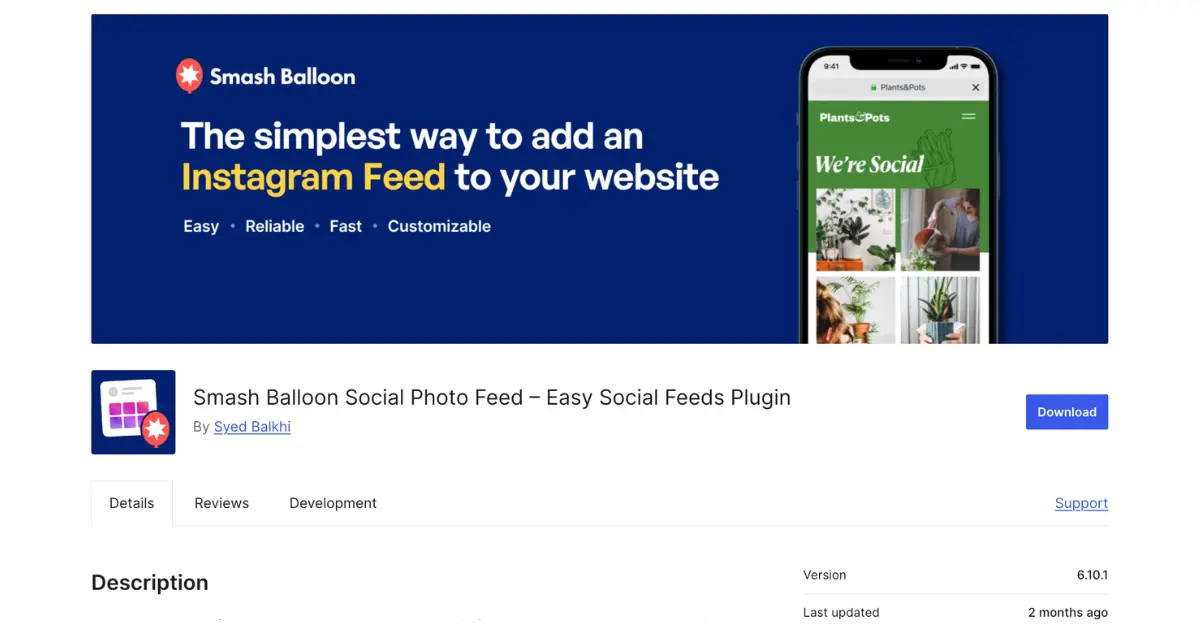
Smash Balloon Social Photo Feed is not Divi-specific, but it is a popular WordPress plugin for displaying Instagram feeds.
For Divi users, it can be useful on homepage sections, footer sections, portfolio pages, restaurant websites, fashion sites, fitness brands, and local business websites.
Key features:
- Display Instagram feeds
- Useful for visual brands
- Works with shortcodes
- Good for homepage and footer sections
- Helpful for restaurants, stores, creators, and agencies
- Keeps social proof visible on your website
Use it when your Instagram content supports your brand and helps visitors trust your business.
12. Footer Plugin for Divi
Footer Plugin for Divi helps you build more flexible footer areas using Divi modules and Divi Library items.
This can be useful when you want a custom footer on all pages, including WooCommerce pages.
Key features:
- Use Divi Library layouts in footers
- Create custom footer designs
- Useful for sitewide footer templates
- Good for WooCommerce websites
- Helps replace basic footer widgets
- Saves time on repeated footer design work
Important note: check the plugin’s current WordPress status before installing. Some older Divi plugins may no longer be actively maintained.
13. Surbma Divi Extras
Surbma Divi Extras is a lightweight plugin that adds useful small improvements to Divi.
It is not designed to be a huge module pack. Instead, it focuses on small fixes and enhancements.
Key features:
- Lightweight Divi tweaks
- Minified CSS
- Text logo option
- Useful Divi modifications
- Good for small improvements
- Simple setup
Its WordPress.org listing describes it as a lightweight plugin that fixes and adds useful modifications to Divi while keeping CSS minified.
14. Simple Divi Shortcode
Simple Divi Shortcode is useful when you want to reuse Divi Library sections, rows, modules, or layouts inside other areas of your website.
This can save a lot of time when building repeatable content blocks.
Key features:
- Generate shortcodes for Divi Library items
- Reuse sections and modules
- Insert layouts into different areas
- Useful for repeatable CTAs
- Good for global content blocks
- Works with Divi, Extra, or Divi Builder
The official listing notes that it requires Divi, Extra, or the Divi Builder plugin.
15. Filter for Divi
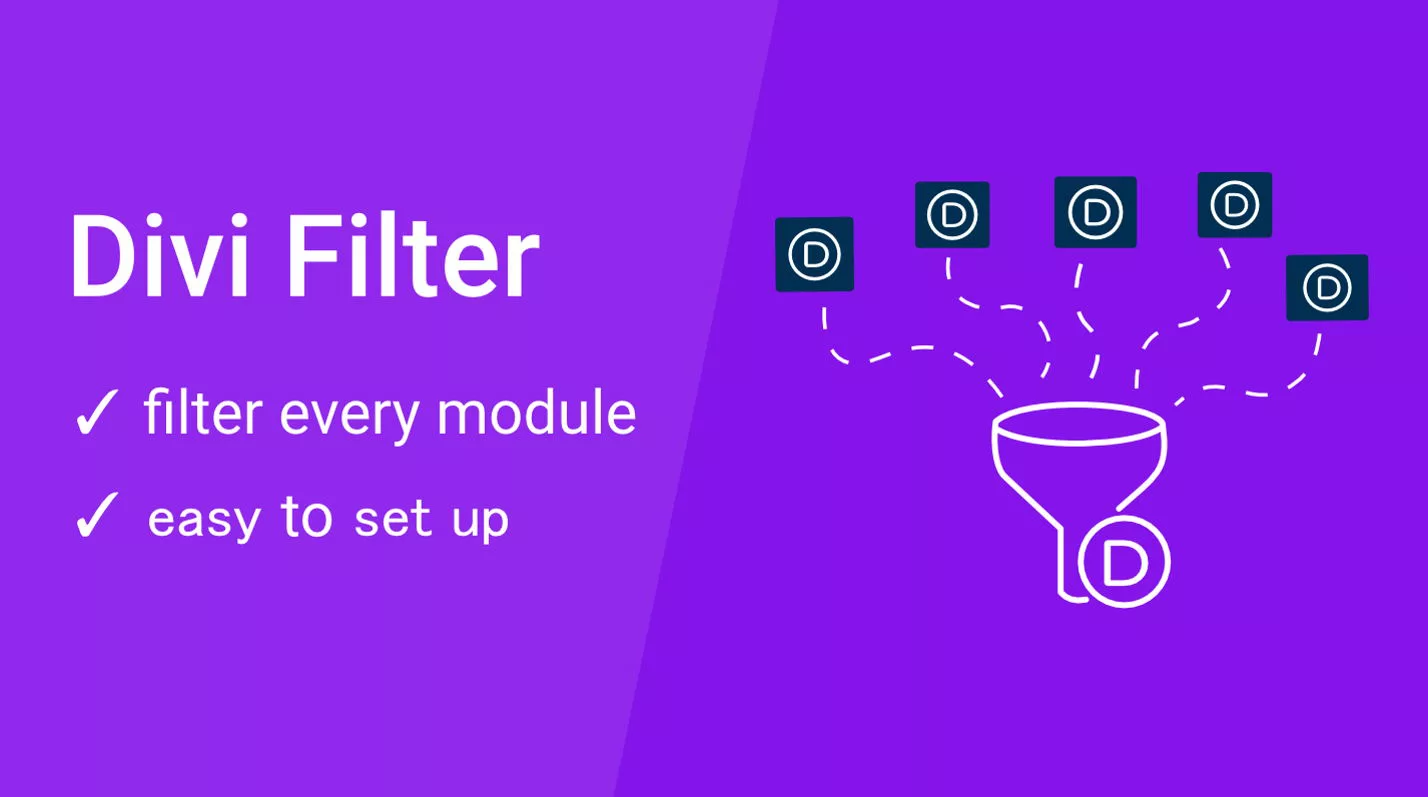
Filter for Divi helps you add filtering to Divi modules.
This is useful for portfolios, galleries, product categories, blog sections, case studies, directories, and any page where visitors need to narrow content quickly.
Key features:
- Filter Divi modules
- Useful for galleries and portfolios
- Good for blog and shop sections
- Helps improve content navigation
- Simple class-based setup
- Useful for larger websites
Elegant Themes’ Marketplace listing describes Filter for Divi as a plugin that lets you filter modules by adding classes.
16. Divi Tweaker
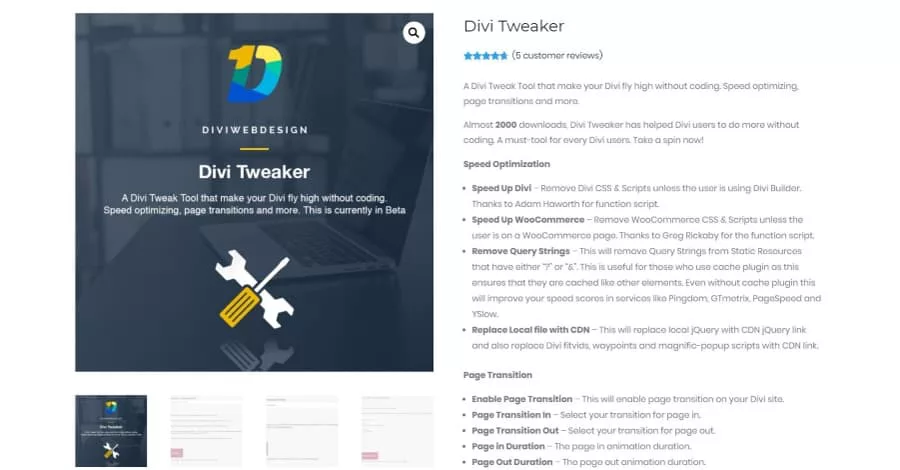
Divi Tweaker adds small settings and tweaks that can improve how Divi behaves.
It is useful for users who want extra control without adding custom snippets manually.
Key features:
- Divi speed and optimization tweaks
- Page transition options
- Preloader options
- Builder label customization
- Extra design tweaks
- Useful for developers and advanced Divi users
This plugin is best for users who are comfortable testing settings carefully.
17. Before + After Images for Divi
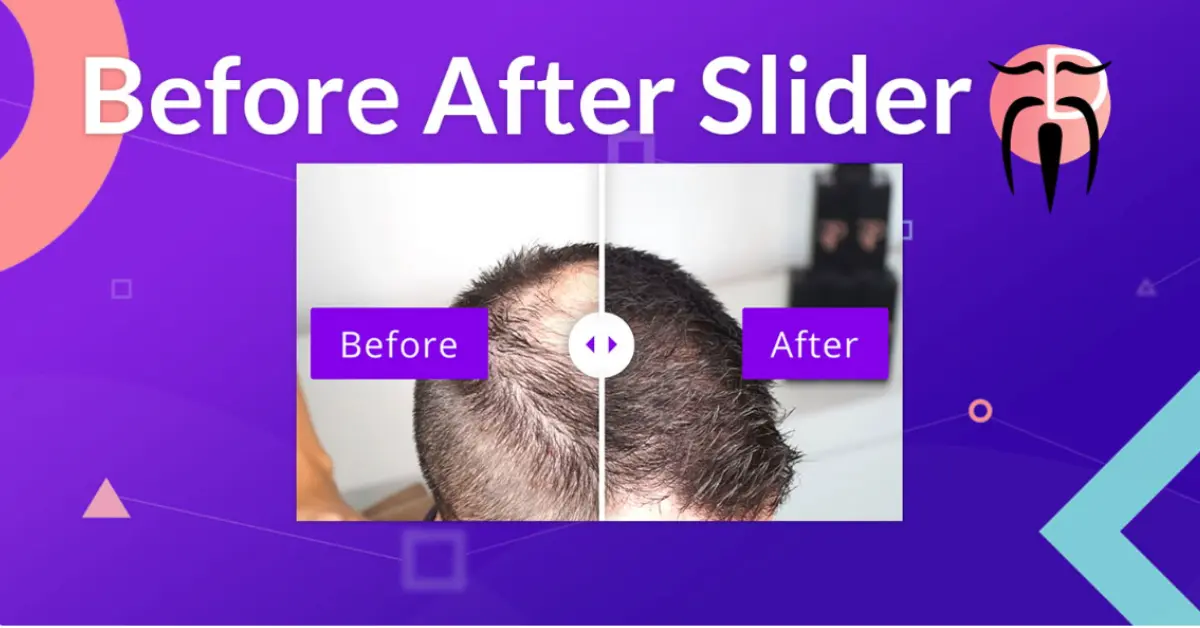
Before + After Images for Divi is useful for comparison sliders.
This works especially well for designers, photographers, renovation companies, beauty clinics, fitness coaches, dentists, cleaning companies, landscapers, and case study pages.
Key features:
- Before and after image sliders
- Great for transformation results
- Useful for case studies
- Works well for visual proof
- Mobile-friendly comparison sections
- Good for service websites
Use this plugin when your business results are easier to show visually than explain in text.
18. Divi Contact Form Helper
Divi Contact Form Helper is a premium bonus, but it deserves a mention because “Divi contact form helper plugin” and “Divi forms” are strong search terms.
The default Divi Contact Form module is good for basic forms, but many websites need more control.
Key features:
- Improve Divi contact forms
- Add better form features
- Useful for lead generation
- Good for business websites
- Helps improve form usability
- Strong option for users who rely on Divi forms
Use this when contact forms are important to your website’s conversions.
19. Divi Blog Extras
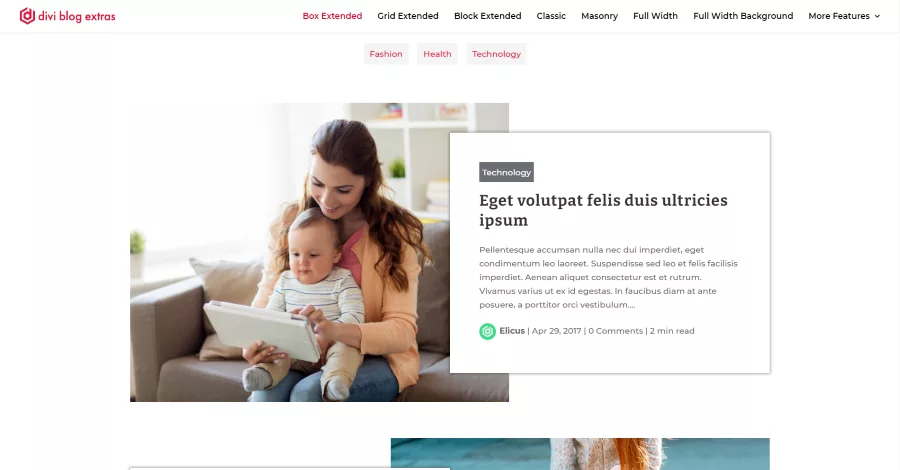
Divi Blog Extras is a strong option for Divi websites that publish lots of blog content.
It is especially useful for tutorials, news websites, review sites, agency blogs, and resource hubs.
Key features:
- Better blog layouts
- More archive design options
- Useful for category pages
- Good for featured post sections
- Helps improve content presentation
- Great for content-heavy websites
This is a good upgrade path when your blog design needs more flexibility than the native Divi Blog module.
20. Divi Booster
Divi Booster is a popular Divi enhancement plugin for users who want extra settings and tweaks.
It is not free, but it is worth including as a premium recommendation for readers who want to go beyond basic free Divi addons.
Key features:
- Extra Divi customization options
- Useful layout tweaks
- Header, menu, footer, and module settings
- Saves custom CSS time
- Good for agencies and freelancers
- Helpful for faster Divi customization
Mentioning a premium option here creates a natural affiliate opportunity without making the article feel forced.
21. DiviFlash
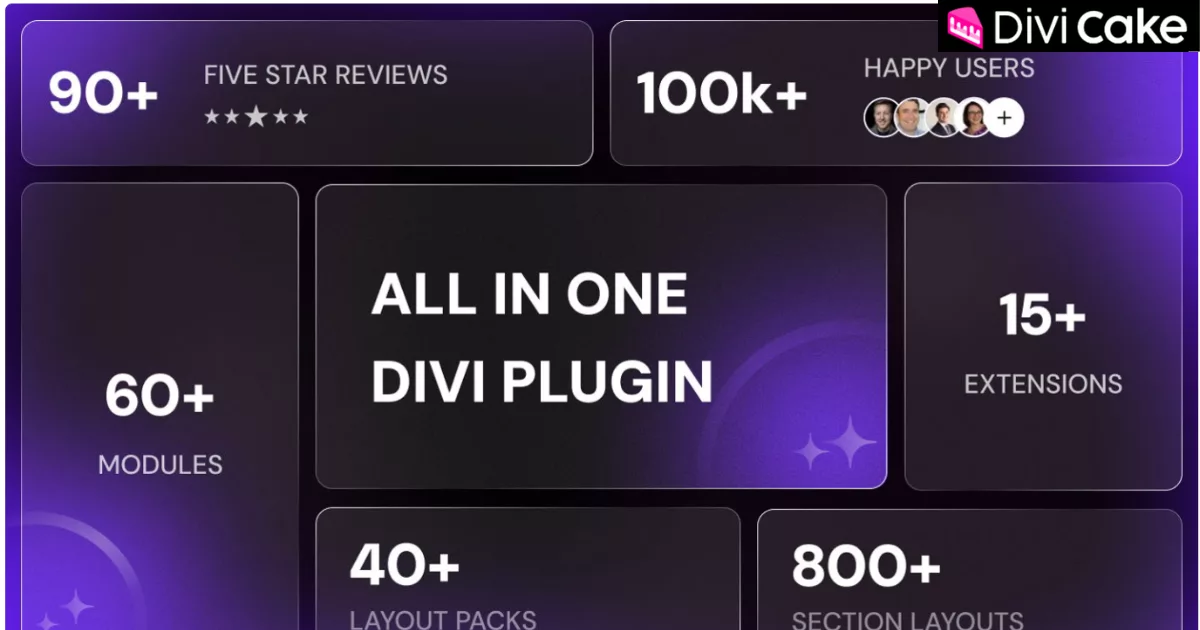
DiviFlash is another powerful Divi addon plugin for users who need many advanced modules.
It is more suitable for users who want a serious design toolkit rather than one small feature.
Key features:
- Large Divi module collection
- Good for advanced landing pages
- Useful for creative sections
- Helps build complex layouts faster
- Strong for agencies and designers
- Good premium upgrade path
Use it as a recommended upgrade for readers who outgrow free Divi plugins.
22. Divi Marketplace Extensions
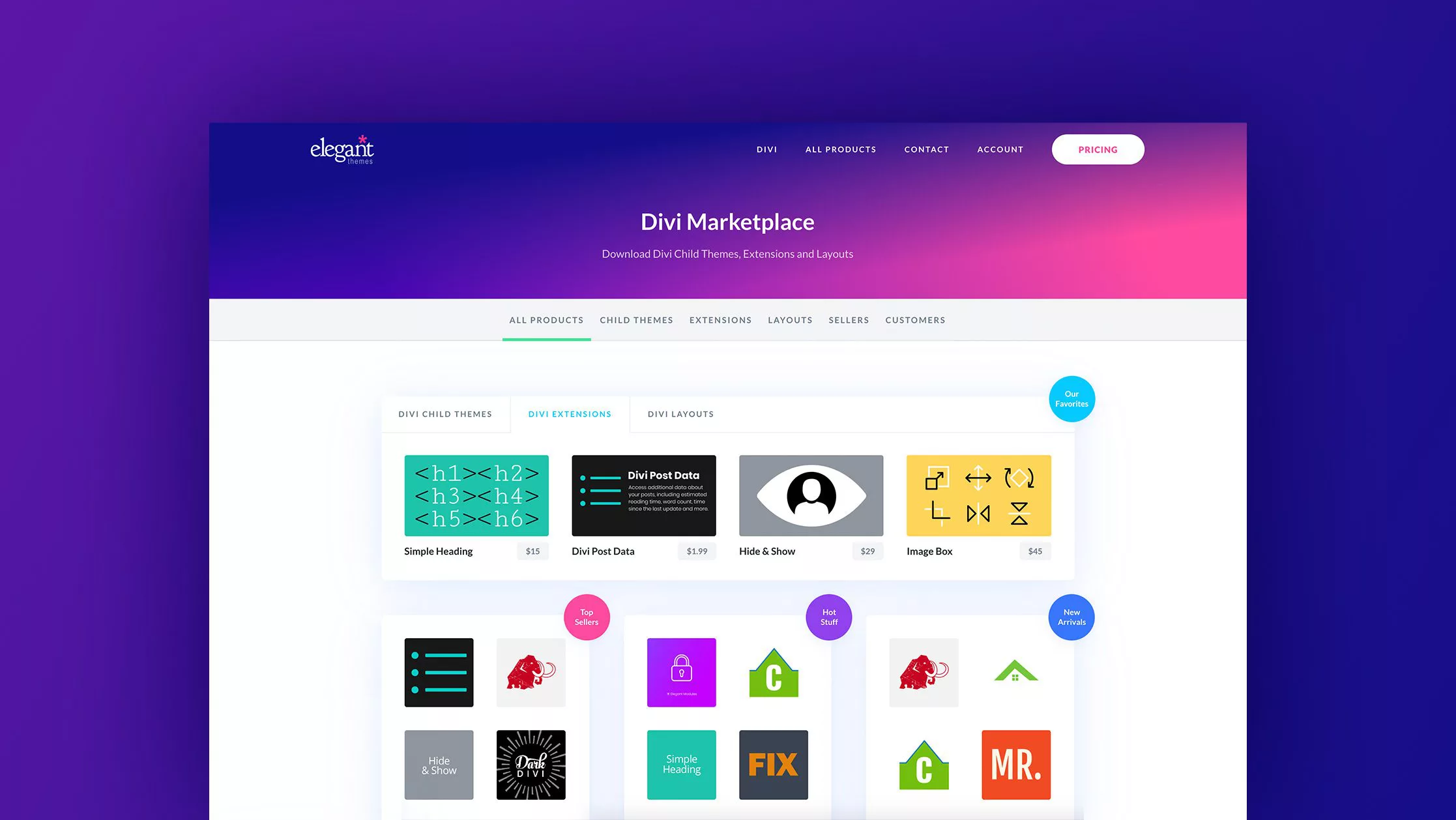
Divi Marketplace is a good place to find Divi extensions, layouts, modules, and child themes.
This is useful for readers who want official marketplace products after testing free plugins.
Key features:
- Divi extensions
- Divi child themes
- Divi layouts
- Third-party Divi products
- Good for premium upgrades
- Useful for agencies and business owners
This internal affiliate link fits naturally in the article because readers searching for Divi plugins are also likely to compare free and premium Divi extensions.
23. Divi Extensions Collection
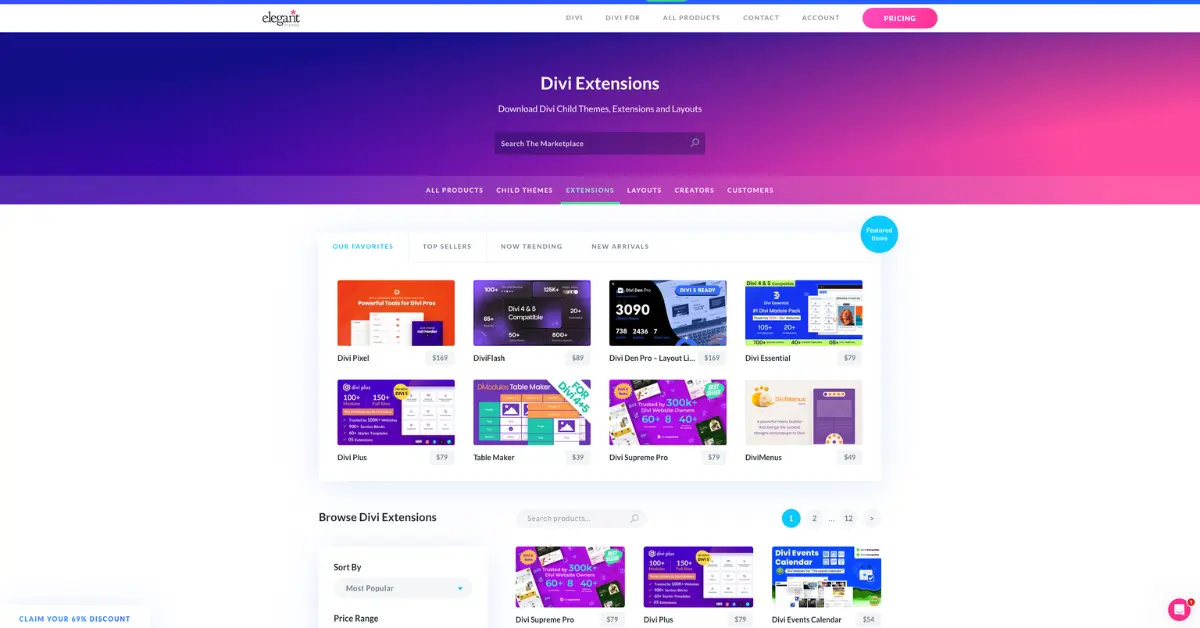
Divi Plugins and Extensions is a strong internal/affiliate link to include near the middle or end of the article.
It gives readers a next step after they finish reviewing the free plugin list.
Key features:
- Browse more Divi extensions
- Compare Divi plugins
- Find premium Divi addons
- Useful for advanced features
- Good for agencies and freelancers
- Natural commercial link placement
This link is a good CTA after the free plugin recommendations.
24. Divi Carousel Pro
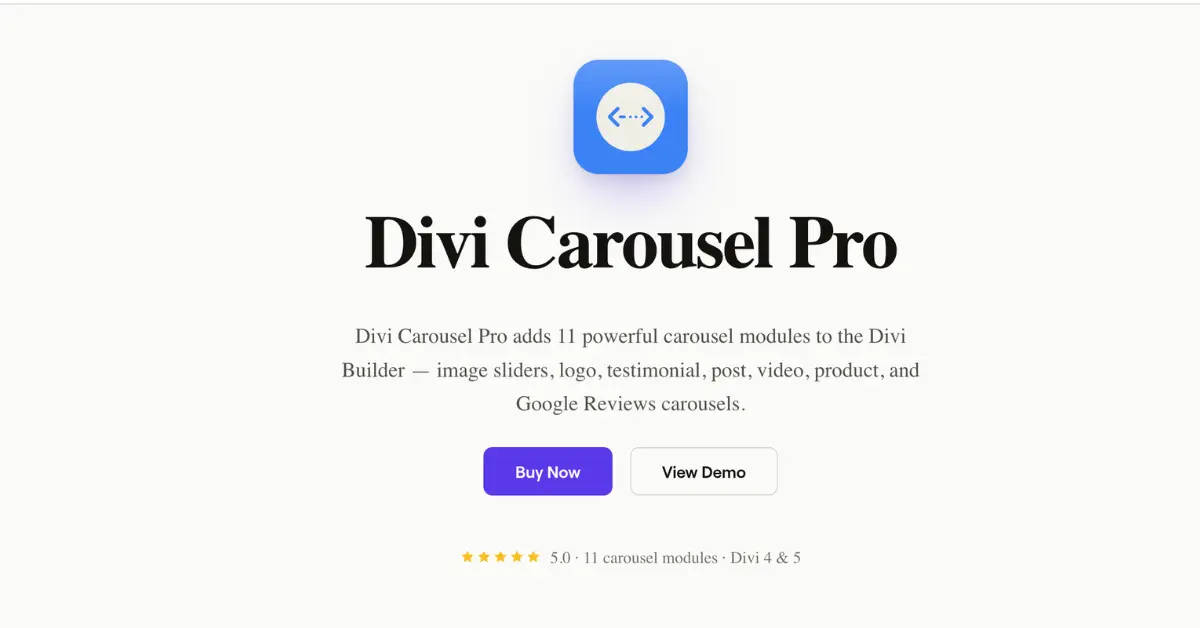
Divi Carousel Pro is a premium upgrade for users who need more advanced carousel options.
Free carousel plugins are useful, but larger websites often need more control over content carousels, product carousels, team sliders, and testimonial sliders.
Key features:
- Advanced carousel layouts
- Useful for WooCommerce sections
- Team carousel options
- Testimonial carousel options
- Better styling control
- Good for professional websites
This is a natural affiliate recommendation after mentioning free Divi carousel plugins.
25. Max Mega Menu for Divi Menu Accessibility
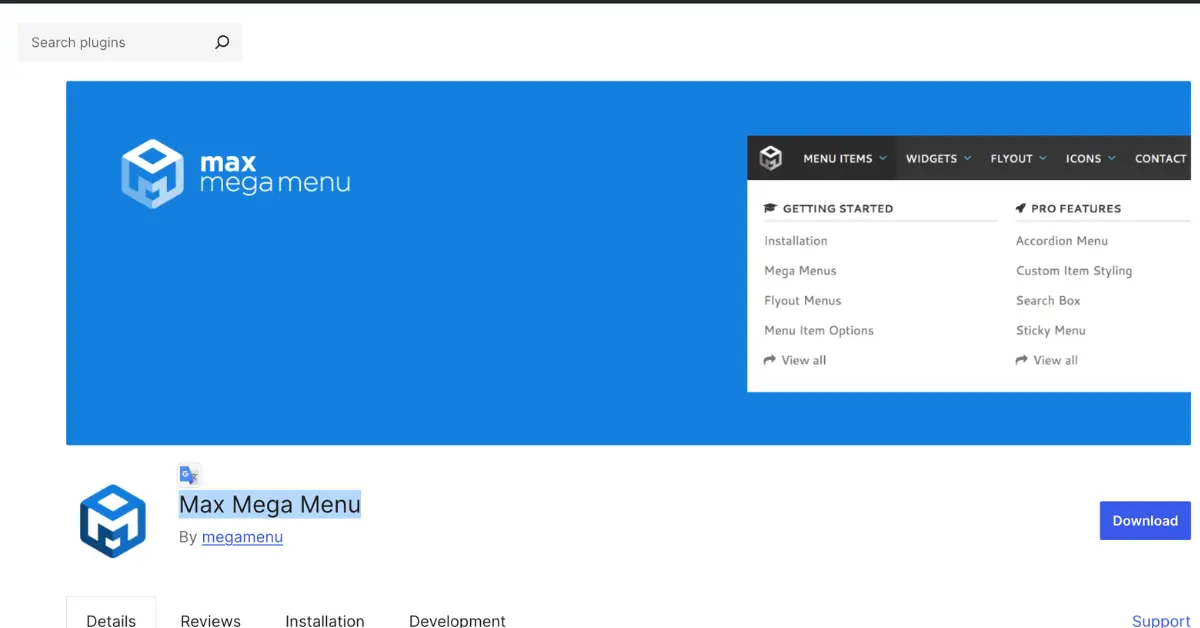
Max Mega Menu is not a Divi-only plugin, but it is worth testing when your menu needs stronger keyboard navigation and accessibility behavior.
This is useful because some users search for a plugin to fix Divi menu accessibility tabbing or improve how menus behave with keyboard focus.
Key features:
- Better menu control
- Keyboard navigation improvements
- Useful for large menus
- Mega menu support
- Helpful for accessibility testing
- Works with many WordPress themes
Always test menu plugins carefully with Divi headers, mobile menus, and Theme Builder templates before publishing.
Bonus: Should You Use Free or Premium Divi Plugins?
Free Divi plugins are perfect when you need one specific feature. For example, a free Divi carousel module, a popup, a shortcode tool, a filter plugin, or a small icon upgrade may be enough.
Premium Divi plugins make more sense when you need:
- Long-term support
- Better documentation
- More design settings
- WooCommerce support
- More modules in one plugin
- Divi 5 compatibility updates
- Client-ready reliability
- Advanced forms, filters, menus, or dynamic content
A good approach is to start with one free plugin, test it properly, then upgrade only when the free version cannot handle the job.
Best Free Divi Plugins by Website Type
For business websites
Use Divi Torque Lite, Supreme Modules Lite, Popups for Divi, and Divi Contact Form Helper.
For portfolio websites
Use Divi Animated Gallery, Before After Slider, and Divi Carousel Lite.
For blogs and content websites
Use Article Cards Extension, Divi Blog Extras, and Simple Divi Shortcode.
For online stores
Use Payment Button for PayPal, Divi Carousel Pro, and Divi Cart Pro.
For agencies and freelancers
Use Divi Torque Lite, DiviFlash, Divi Booster, and Divi Plugins and Extensions.
How Many Divi Plugins Should You Install?
Install only the plugins you actually need.
A Divi website with too many plugins can become harder to maintain. It may also create conflicts, slow down the builder, or make future Divi 5 migration more complicated.
A clean setup is usually better:
- One general Divi addon plugin
- One form or popup plugin
- One carousel/gallery plugin
- One blog or layout plugin
- One optimization or helper plugin
For most websites, 3 to 6 carefully chosen plugins are better than 15 random ones.
Final Thoughts
The best free Divi plugins are the ones that solve a clear problem without making your website heavier or harder to manage.
For most users, Divi Torque Lite and Supreme Modules Lite are great starting points because they add multiple free Divi modules in one place. For marketing, Popups for Divi is a smart choice. For visual websites, Divi Carousel Lite, Divi Animated Gallery, and Before After Slider are worth testing.
Need more advanced features? Browse more Divi plugins and extensions or explore the Divi Marketplace for premium Divi addons, modules, layouts, and tools.
FAQs About Free Divi Plugins
What are the best free Divi plugins?
Some of the best free Divi plugins include Divi Torque Lite, Supreme Modules Lite, Popups for Divi, Divi Carousel Lite, Simple Divi Shortcode, Surbma Divi Extras, and Filter for Divi.
Are free Divi plugins safe to use?
Free Divi plugins can be safe, but you should check the update history, reviews, WordPress compatibility, and Divi compatibility before using them on a live website.
Do free Divi plugins work with Divi 5?
Some free Divi plugins support Divi 5, while others may still rely on Divi 4 compatibility behavior. Always test plugins on staging and run the Divi 5 compatibility scan before migration.
What is the difference between Divi plugins, Divi addons, and Divi extensions?
These terms are often used together. A Divi plugin usually adds functionality to WordPress or Divi. A Divi addon often adds new modules or design options. A Divi extension usually adds deeper Divi-specific features.
What is the best free Divi carousel plugin?
Divi Carousel Lite is a good option for adding carousel layouts to Divi. It works well for image carousels, logo carousels, partner sections, and visual content blocks.
What is the best Divi plugin for forms?
For basic forms, the native Divi Contact Form module may be enough. For more advanced form features, Divi Contact Form Helper is a strong premium option.
Can I use regular WordPress plugins with Divi?
Yes. Many regular WordPress plugins work with Divi. For example, PayPal payment buttons, Instagram feeds, SEO plugins, caching plugins, and menu plugins can be used with Divi, but they should always be tested for compatibility.
Do Divi plugins slow down websites?
Some plugins can slow down a website, especially if they load extra scripts and styles on every page. Choose lightweight plugins, remove unused plugins, and test performance after installation.
1 comment
Submit a comment
Comments are read before they appear. Your email is not published.
Thanks. Your comment is waiting for review and will appear here once it is approved.
All divi tools
Thanks for putting this together — super helpful list!
I’ve also created a couple of free Divi-friendly plugins myself. If anyone wants to check them out, here’s divi free plugins page: https://alldivitools.com/free-plugins/