
Basics of Divi Responsive Design
Divi responsive design starts with the three breakpoint tabs. Set type scales, stack columns, hide clutter on phones, and test against real device widths.
Divi 5 tutorials, layouts and fixes from the team that builds Divi sites every week.
Divi responsive design starts with the three breakpoint tabs. Set type scales, stack columns, hide clutter on phones, and test against real device widths.

Divi speed test tools that cost nothing, what each one measures, and how to read waterfall charts and Core Web Vitals before you change a single setting.
Default notifications arrive as a wall of text. Build a custom Divi contact form message pattern so every email lands with clean, readable, labelled fields.

Isolate Divi plugin conflicts with a site health check and staged deactivation, read the console for the failing script, then choose a patch or a swap.

Cut Divi contact form spam with the built in basic captcha, reCAPTCHA or Turnstile, a honeypot field, and server side filters that never annoy real visitors.

Pasting PHP into the wrong file breaks sites. Add PHP code to a Divi website safely with a child theme functions file, a snippets plugin or the right hook.

Add Divi breadcrumbs with a plugin or a theme builder module, style them to match your navigation, then mark them up so Google shows the trail in results.
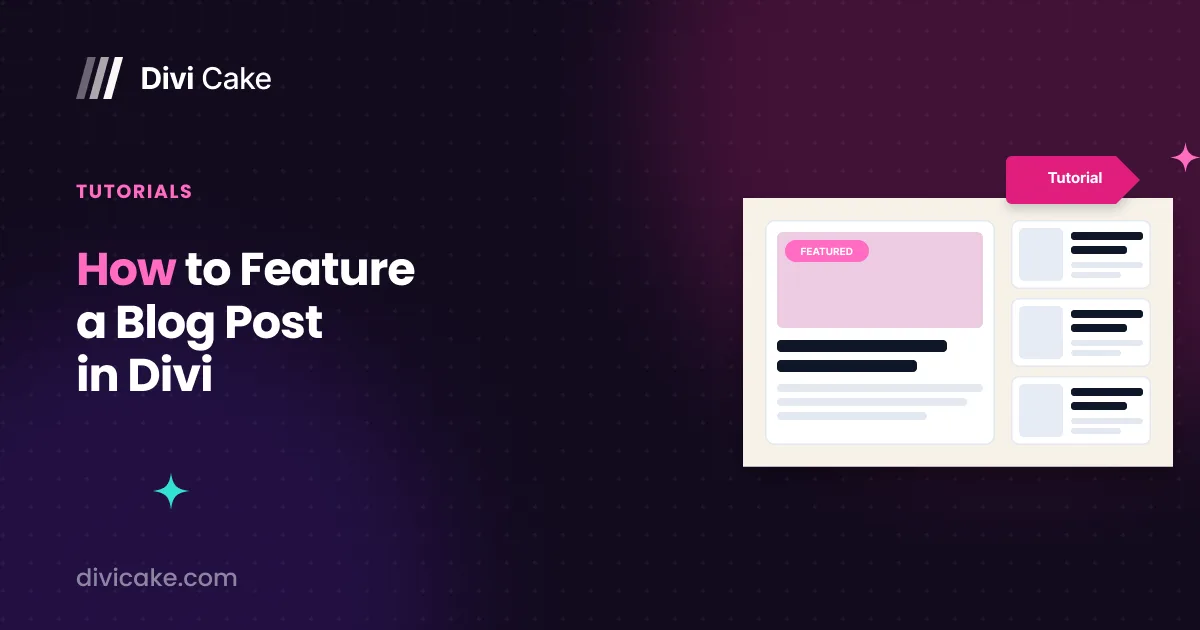
Many readers often ask us about the process behind creating our blog page, particularly how we feature certain posts. To address these questions, I’ve decided

Make the Divi header on scroll expand from a boxed width to full width using sticky styles in the Theme Builder, with no custom code beyond one class name.